Redesign Your Mood Board
in Seconds
Un generador de mood boards con IA te ayuda a definir la dirección de tu espacio antes de lanzarte a una remodelación completa o comprar muebles que te arrepientas dos semanas después. En vez de perderte entre cientos de guardados en Pinterest sin orden ni rumbo, combinas tus colores, materiales, texturas y estilos de muebles favoritos en un tablero visual coherente que te muestra al instante si tus ideas funcionan juntas. Úsalo para aterrizar tus ideas dispersas, compartirlo con tu pareja y que estén alineados, o para explicar a un maestro de obra con un visual claro en lugar de frases vagas como “Modern pero cálido”. Toma segundos en lugar de horas de curaduría manual. Junta colores, texturas y estilos de muebles en un solo lugar para que todos estén en la misma página antes de comprar.
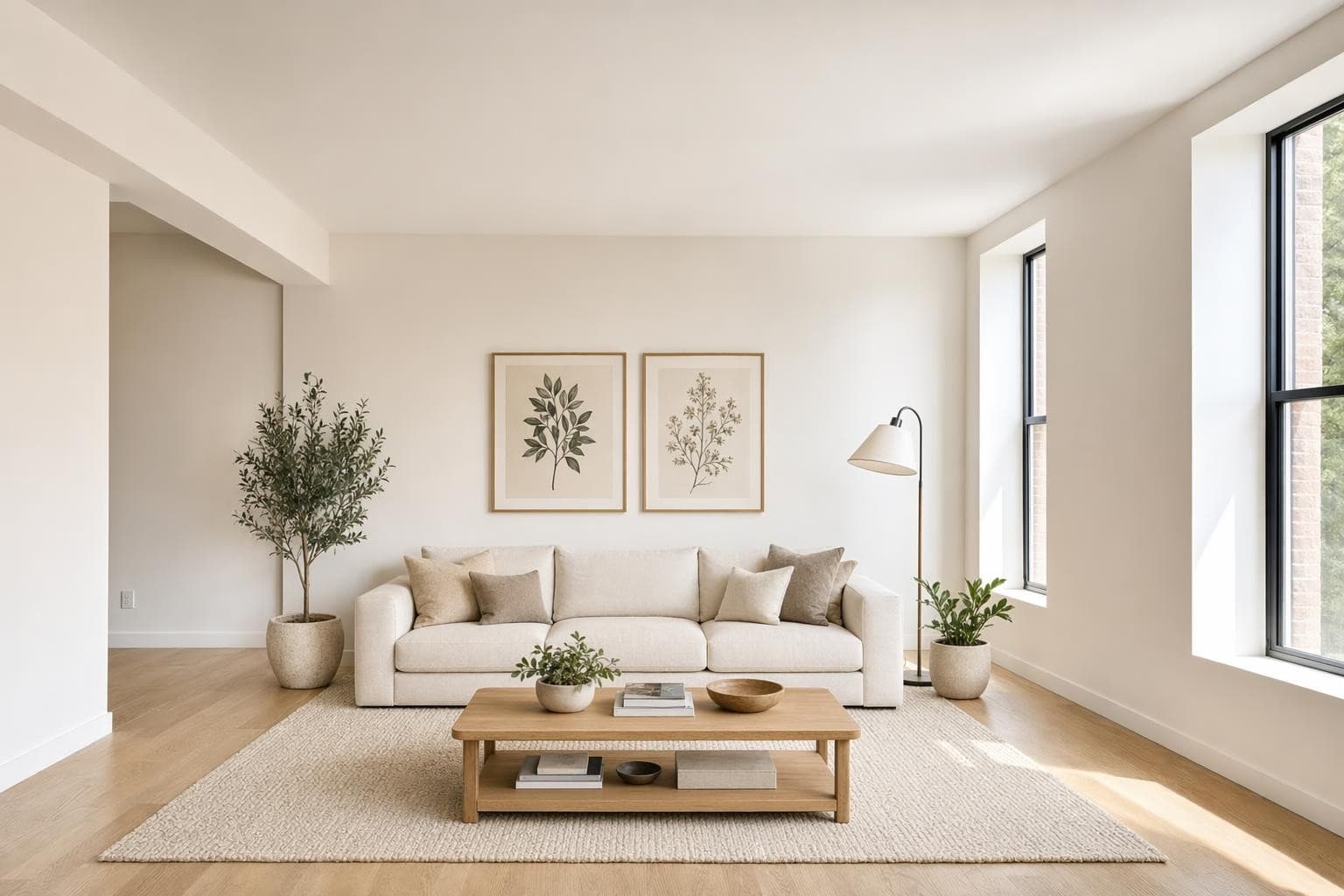
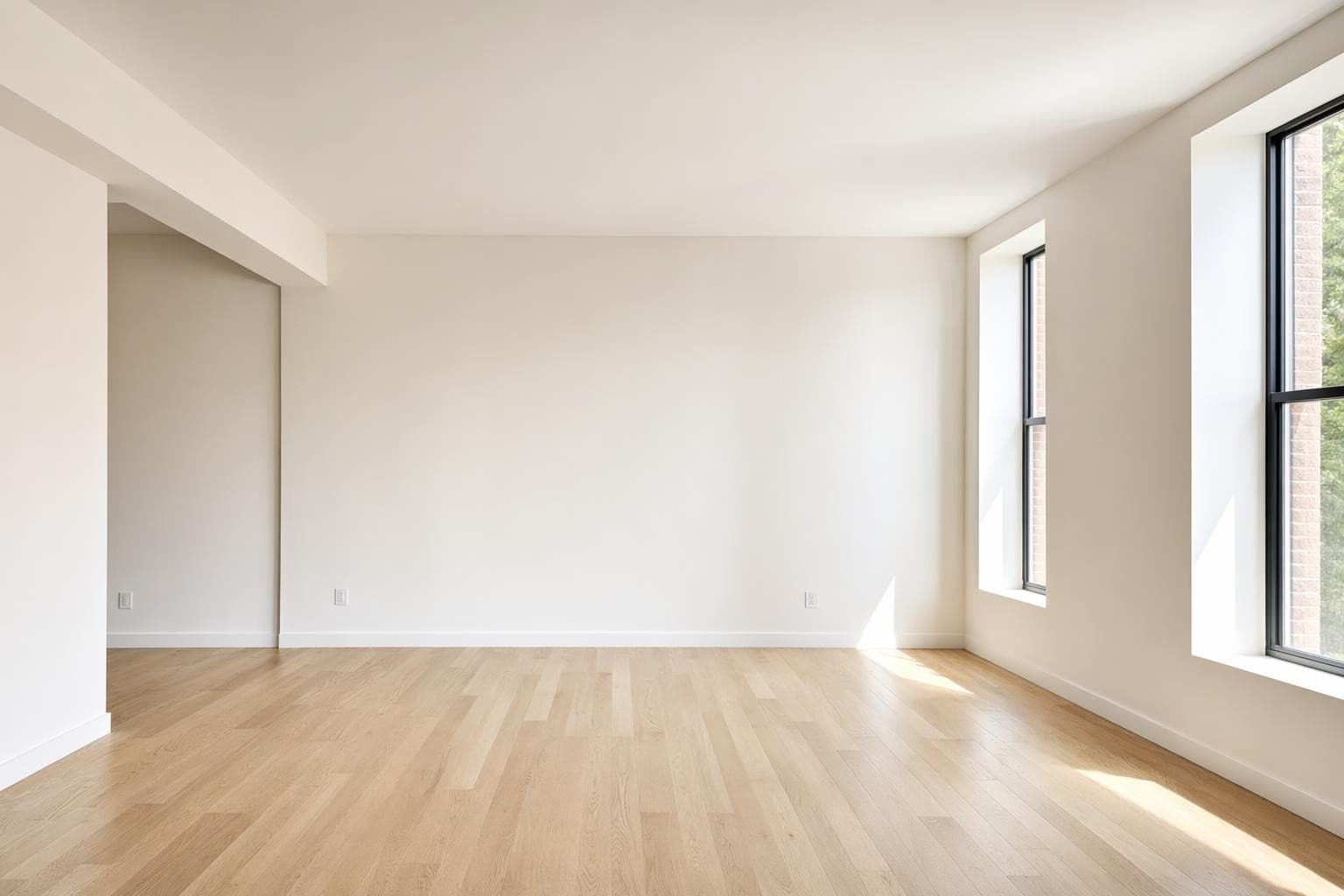
Creado para profesionales que se mueven rápido
Mood Board Design Styles
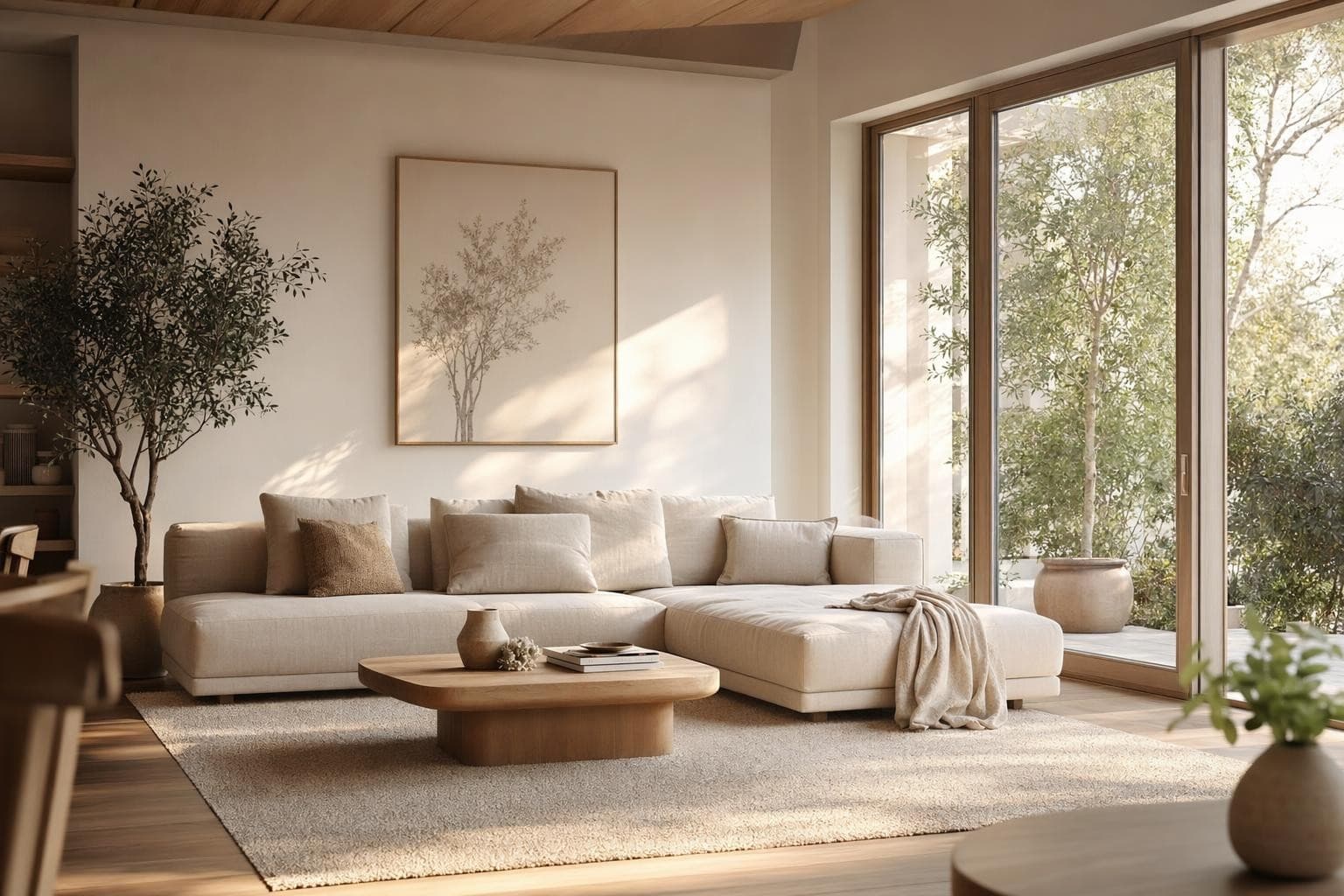
Paleta de color
Enfócate en tu esquema de color. Mira de un vistazo cómo conviven los tonos.
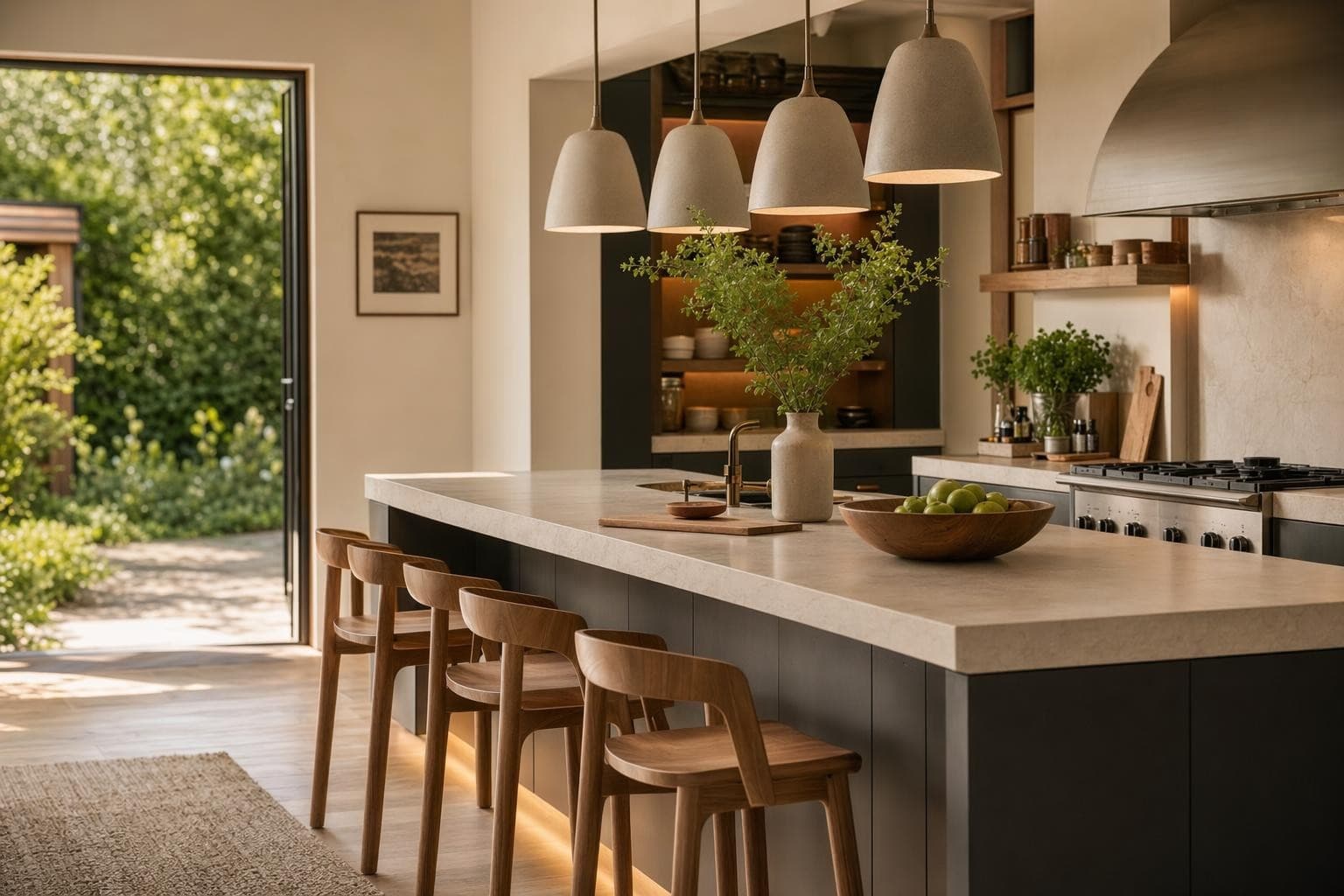
Material Board
Madera, piedra, tela, metal. Ve tus materiales juntos antes de comprometerte.
Concepto de habitación completa
Muebles, colores y acabados en una sola visión coherente.
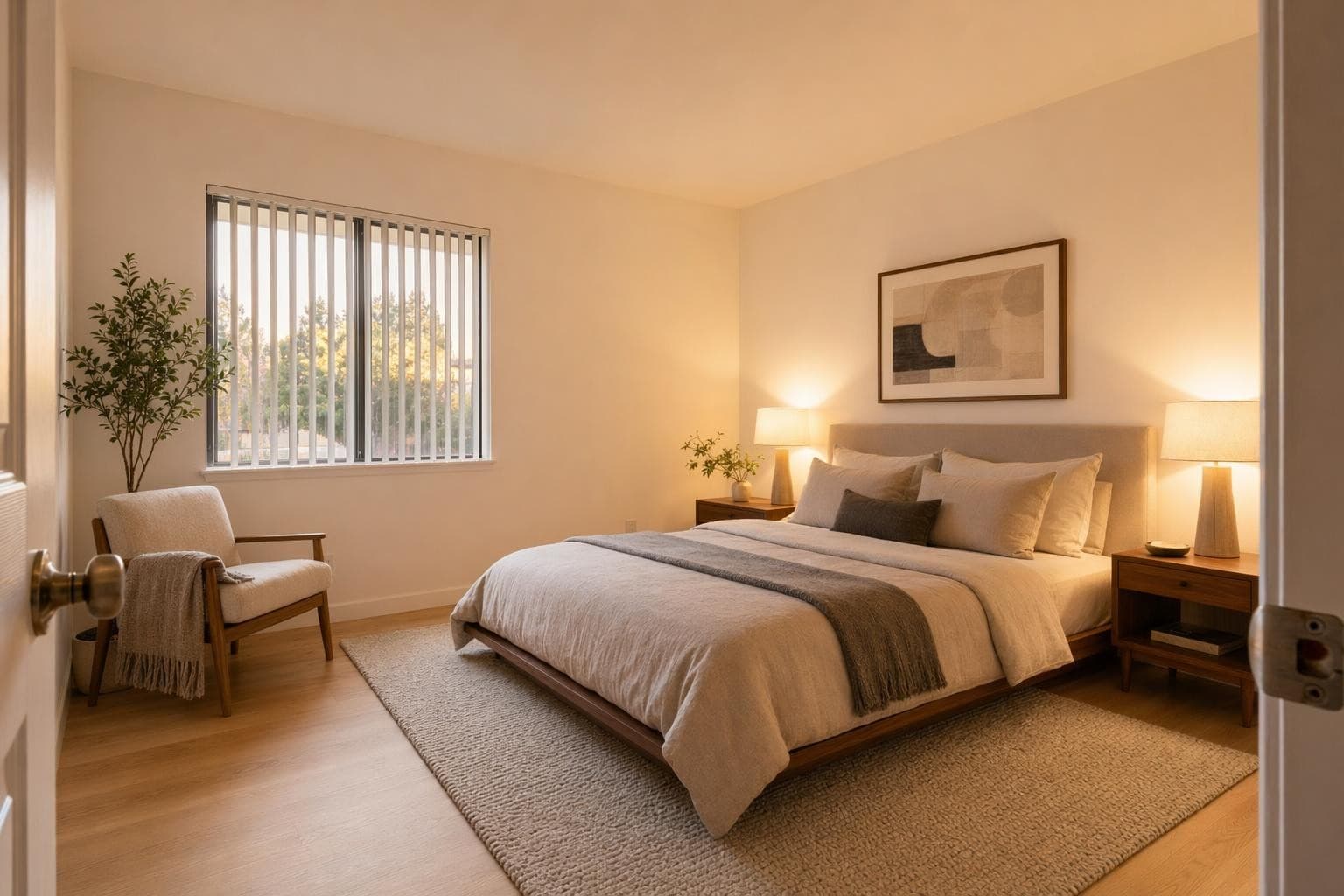
Referencia de estilo
Captura un vibe con imágenes de referencia. Aterriza la sensación que buscas.
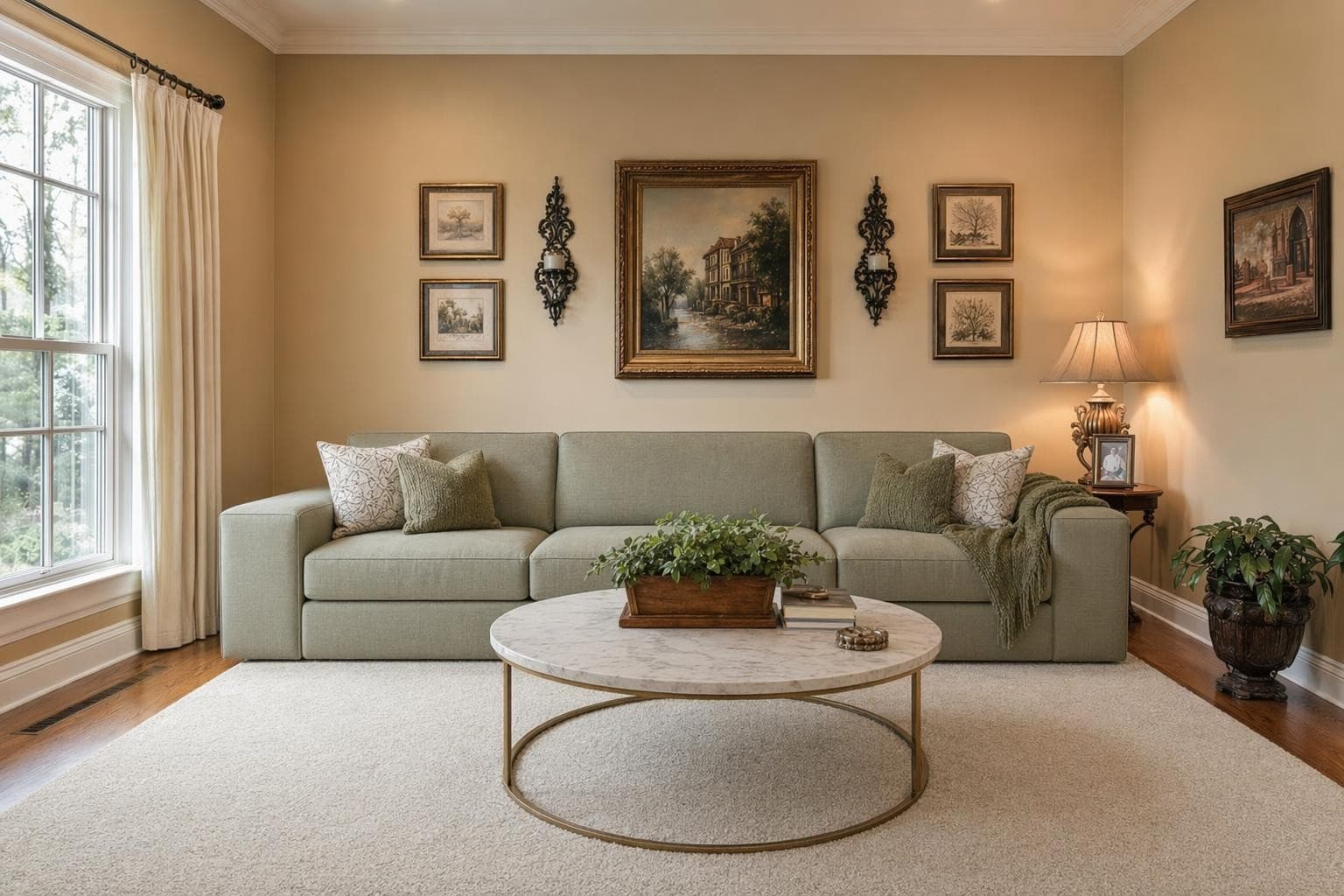
Plan de renovación
Antes y después. Traza qué cambia y qué se queda.
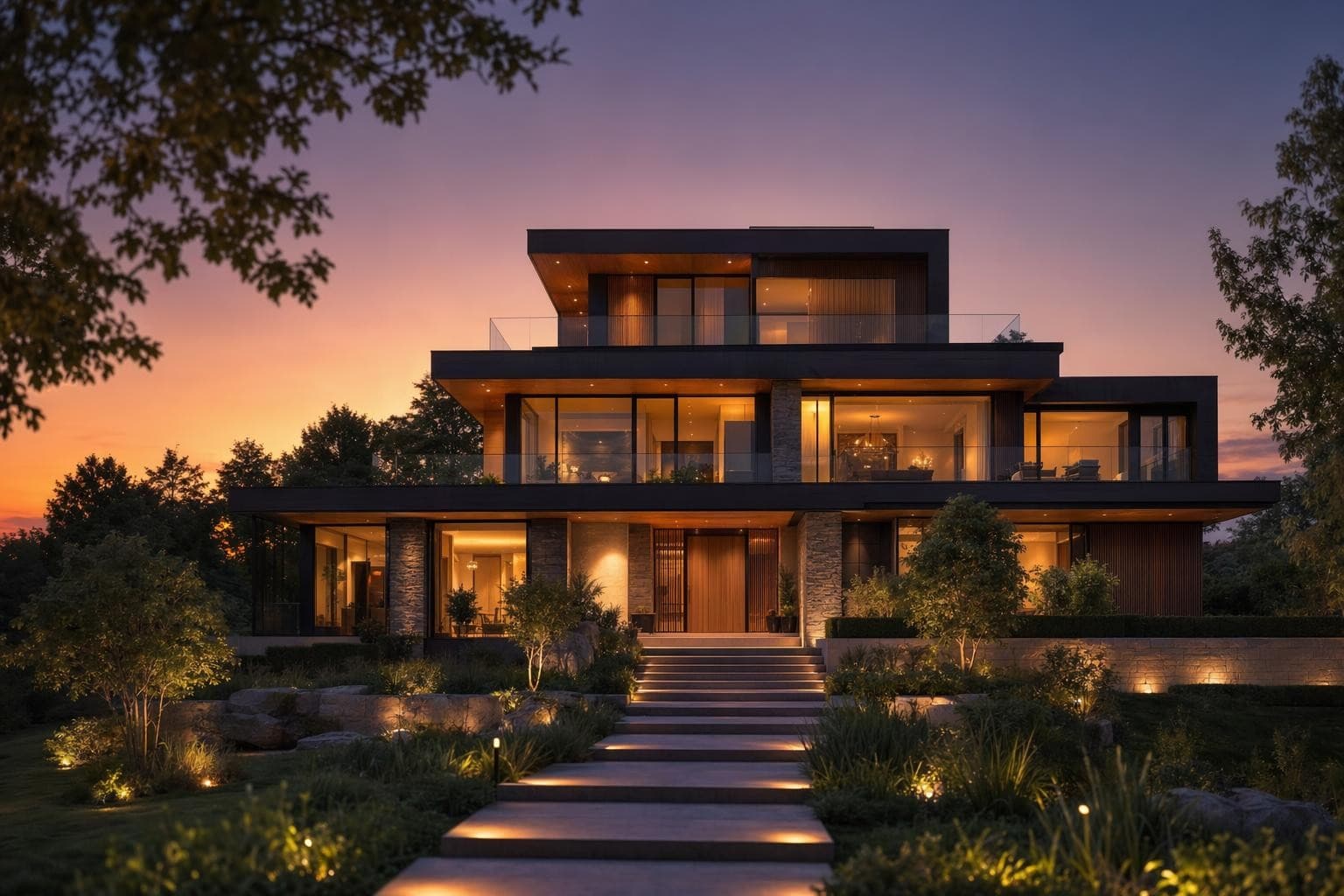
Presentación para cliente
Tableros profesionales para presentar a clientes. Muestra la dirección con claridad.
Why AI for Mood Board Design?
Mira toda tu visión en un solo lugar
Scrolling through Pinterest saves with no organization doesn't give you clarity. A mood board forces you to curate. Put your colors, materials, and furniture references on one board and you'll instantly see if they work together or clash.
Comunica tu estilo sin palabras
Telling someone 'I want something modern but warm' means different things to everyone. A mood board eliminates confusion. Share it with your partner, contractor, or designer and everyone's looking at the same vision.
De idea a tablero en segundos
Traditional mood boards take hours to compile. Find images, cut samples, arrange them. The AI generates cohesive boards from your input in seconds. Try multiple directions and compare them side by side before you commit.
De la idea a un render impresionante en 3 pasos simples
Subir
Sube una foto o plano de tu espacio.
Elegir y personalizar
Elige un estilo, define tus objetivos, y deja que la IA haga su magia.

Render y ajustes
Obtén resultados increíbles en segundos. Descargar, compartir o ajustar.
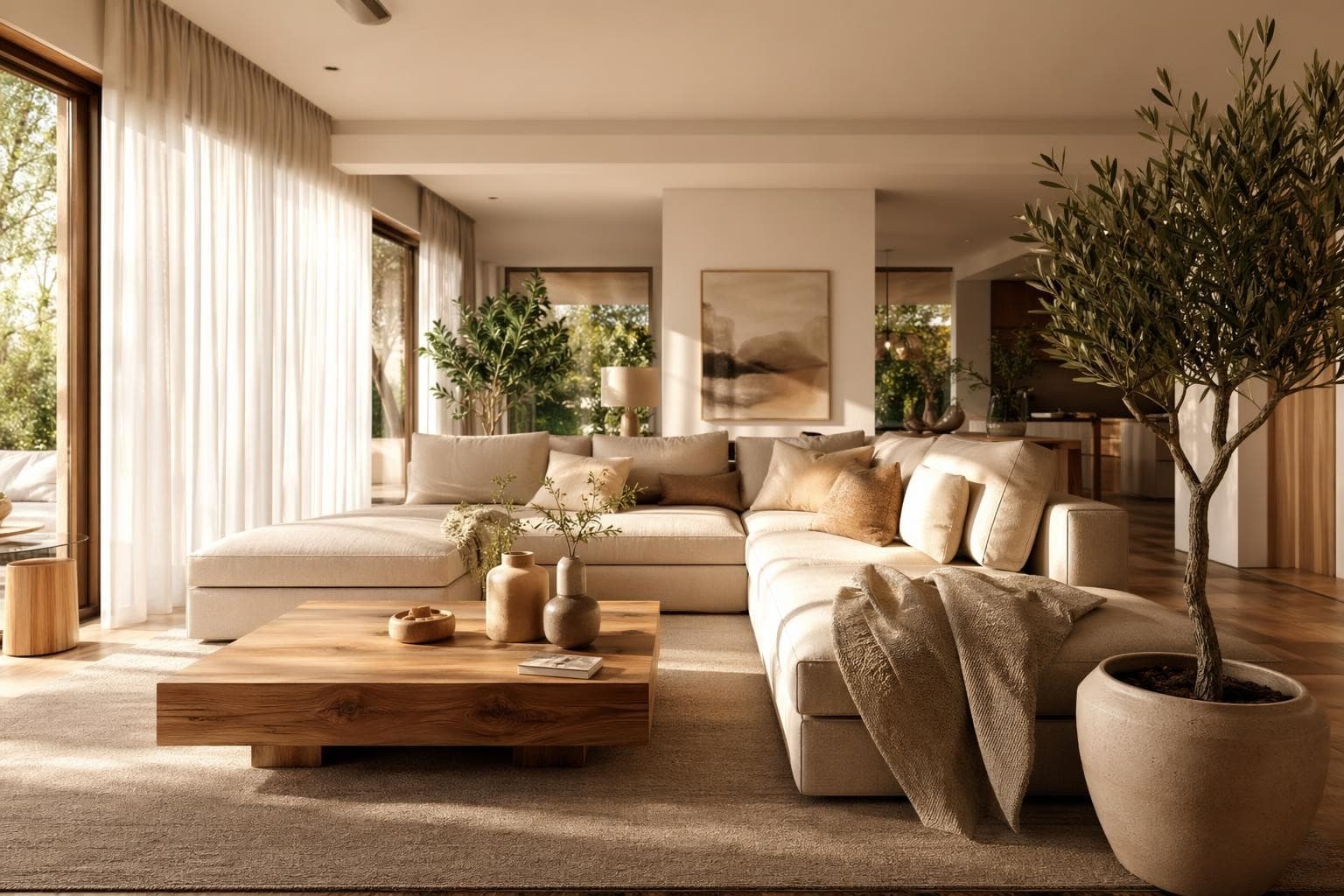
Mood Board Design Tips
Empieza con una sensación, no con un nombre de estilo
Don't start your mood board by typing 'Scandinavian' and grabbing the first 10 images that come up. Start with how you want the room to feel when you walk in. Calm? Energizing? Cozy? Sophisticated? Playful? The feeling guides better decisions than a style label ever can. You might find that your ideal room combines elements from three different named styles, and that's completely fine. The mood board is where you figure that out without committing to any purchases. Let the feeling lead and the style will follow naturally.
Limita tu paleta a máximo cinco colores
A good room has a dominant color (60% of the room, usually walls and large furniture), a secondary color (30%, like accent chairs, rugs, and curtains), and an accent color (10%, think throw pillows, art, and small decor). Add a neutral for grounding and a metallic finish for hardware and fixtures, and you've got five total. Any more than five and the room feels chaotic and unfocused. Your mood board should reflect these same proportions visually. If everything on your board is a different color with equal weight, you don't have a clear direction yet.
Incluye muestras de textura, no solo fotos de cuartos
A mood board full of wide-angle room photos doesn't tell you much about the actual materials you'll be living with daily. Include close-up textures: the specific grain pattern of the wood floor, the weave of the upholstery fabric, the veining pattern in the marble, the brushed finish on the cabinet hardware. These tactile details are what make a room feel cohesive and considered in person versus looking like a random furniture showroom. Two rooms can look similar in wide shots but feel completely different because of their material quality. Zoom in on the details.
Haz un board por habitación, no uno para toda la casa
Each room in your home has different functional needs, different natural lighting conditions, and potentially different style expressions. A kitchen mood board and a bedroom mood board will have very different elements because those rooms serve different purposes in your life. Don't try to capture your whole home's direction on one board. But do keep a 'common thread' element that appears on every board, maybe a shared metal finish like brass, or a consistent wood tone, that connects rooms and makes the house feel intentional and cohesive as you move between spaces.
Usa tu mood board para decidir qué renderizar después
Once your mood board feels right and cohesive, use it as a brief for your full room renders on StableRender. The board tells you exactly what style, colors, and materials to look for in your full room redesign renders. It's the planning step that makes every subsequent render more useful and targeted because you already know what direction you're heading. Without a mood board, you'll spend credits experimenting randomly and hoping something clicks. With one, every render is purposeful and gets you closer to a decision you feel confident about.
Frequently asked questions
Everything you need to know about Stable Render.
Still have questions?
Our team is here to help you get the most out of Stable Render.
Describe con palabras sencillas el estilo, colores o la sensación que quieres para tu espacio. La IA arma un tablero visual con colores coordinados, materiales, estilos de muebles y texturas que encajan con lo que pediste. Puedes afinarlo ajustando la descripción o regenerar con entradas distintas hasta que refleje tu visión. Cada generación tarda unos 10 segundos.
New to Stable Render? Start free and explore all features.
No credit card required • Free credits to get you started
¿Listo para dar vida a tus diseños?
Únete a miles de dueños de casa, diseñadores y agentes que ahorran tiempo, impresionan a sus clientes y hacen crecer su negocio con Stable Render.