Redesign Your Virtual Staging
in Seconds
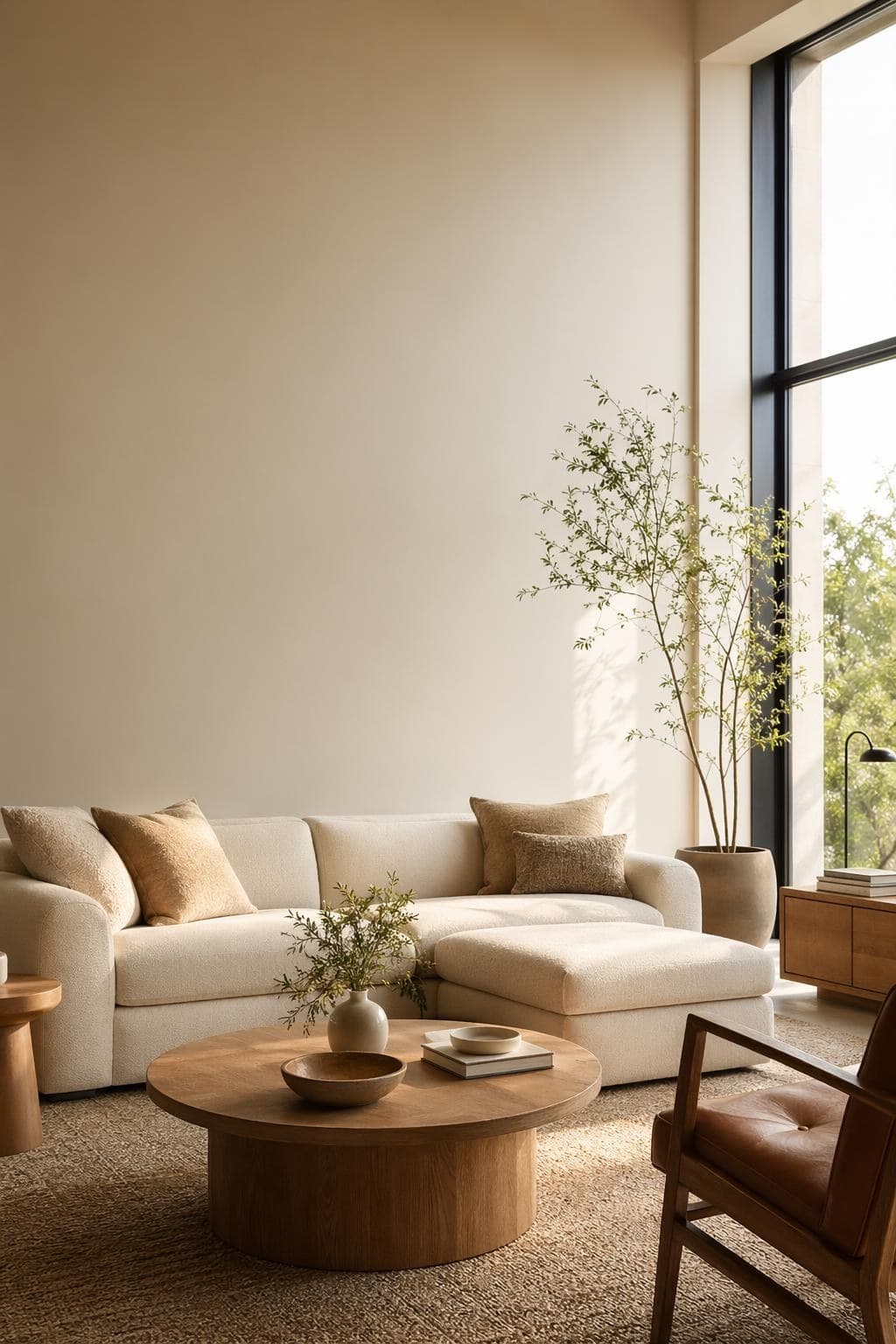
StableRender es una app de virtual staging hecha para agentes inmobiliarios que necesitan fotos de listings amuebladas sin pagar los $2,000 de un staging físico. Sube una foto de un cuarto vacío, elige un estilo de muebles que conecte con tu buyer persona y recibe una imagen fotorealista en unos 10 segundos. Sin coordinar mudanzas, sin esperar camiones, sin chocar con open houses ni horarios de vendedores. Amuebla todo un listing en tu hora de comida y publícalo en el MLS en la tarde. Funciona con salas, recámaras, cocinas, comedores, oficinas y cualquier espacio interior que el comprador necesite imaginar. Tus primeras 3 fotos amuebladas son gratis, sin tarjeta. Prueba la calidad en tu próximo listing antes de invertir. Agentes, house flippers y administradores de propiedades lo usan para llenar cuartos vacíos con muebles acordes al precio del listing y al perfil del comprador.
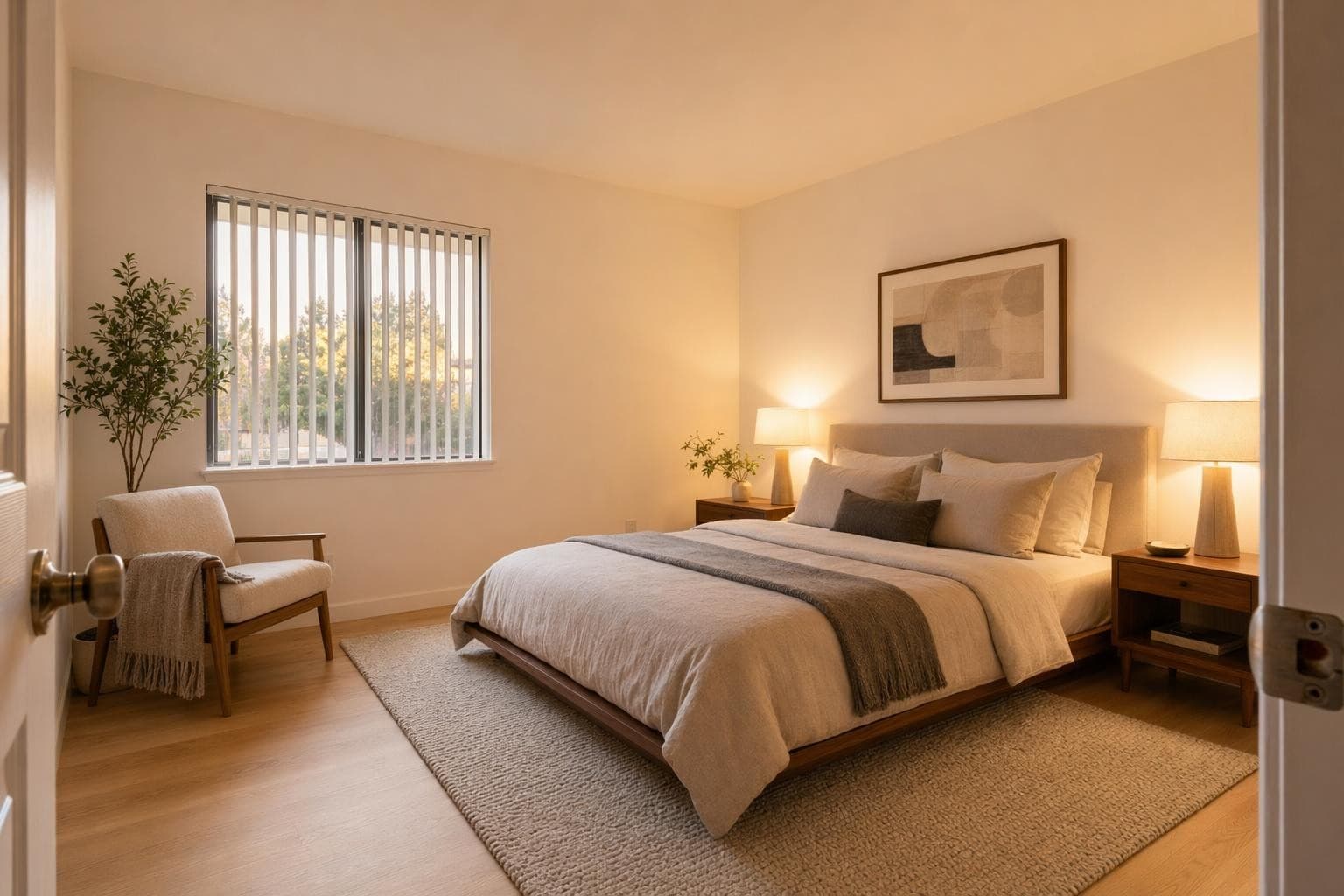
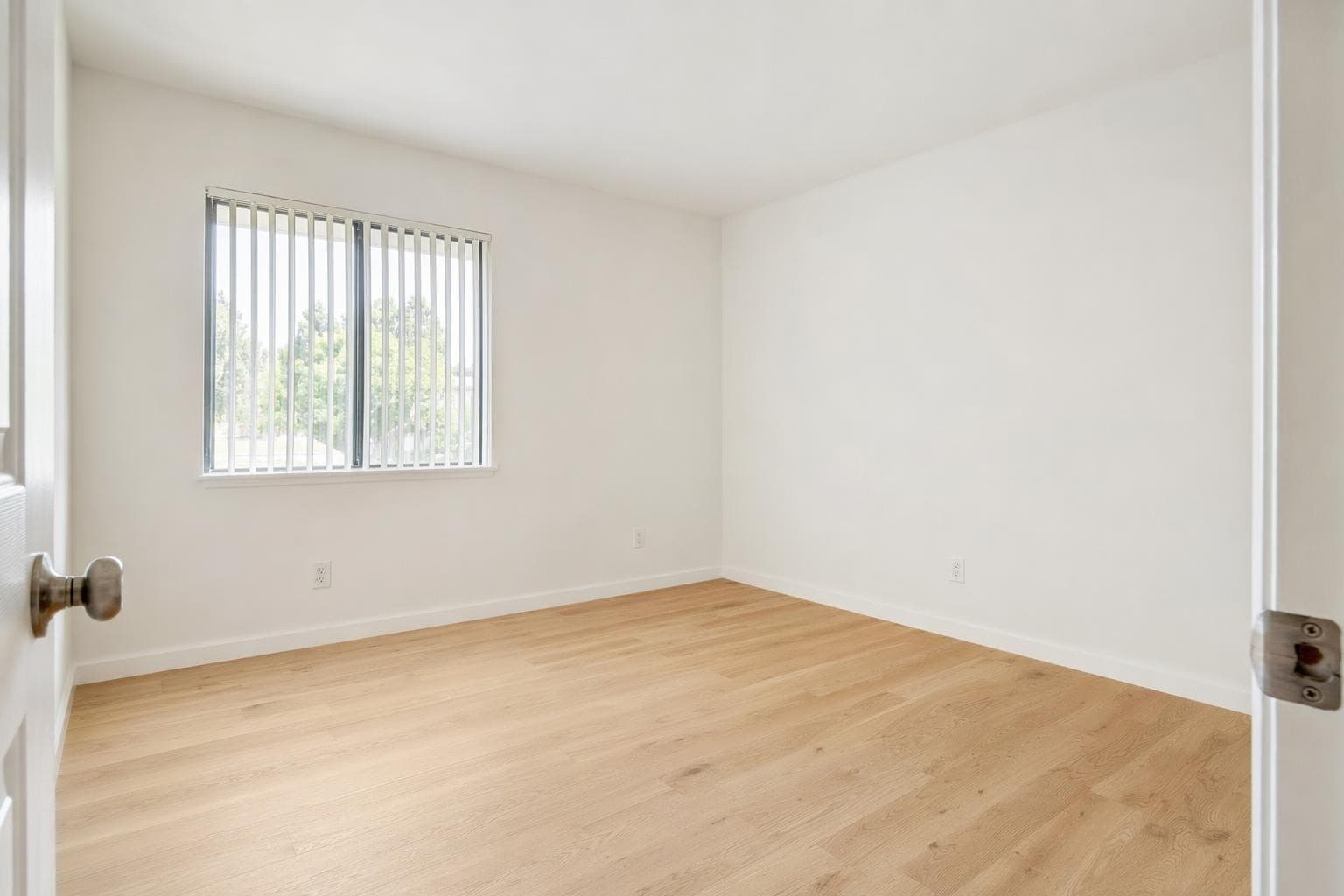
Creado para profesionales que se mueven rápido
Virtual Staging Design Styles
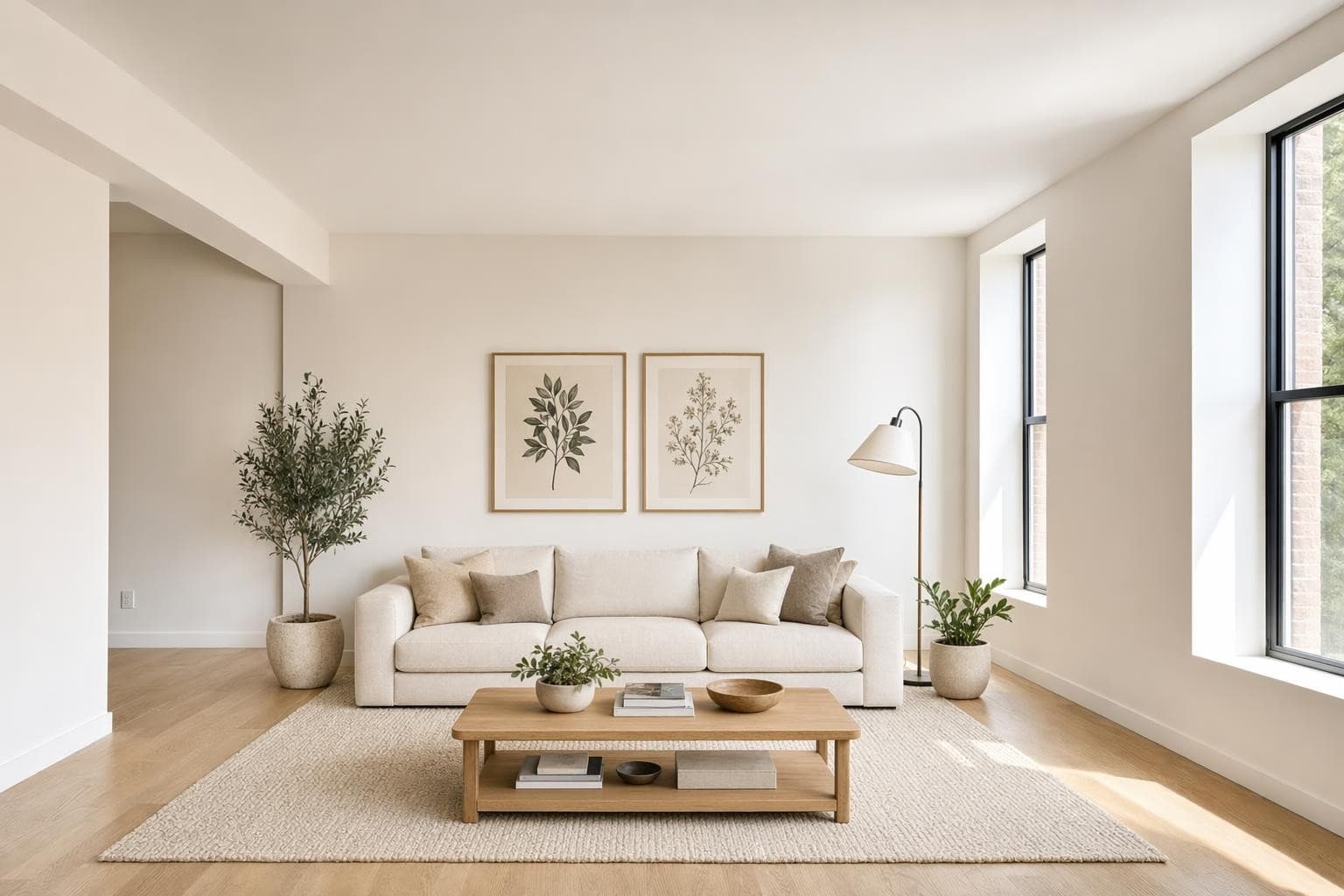
Modern
Líneas limpias, paleta neutra. Atrae al público más amplio.
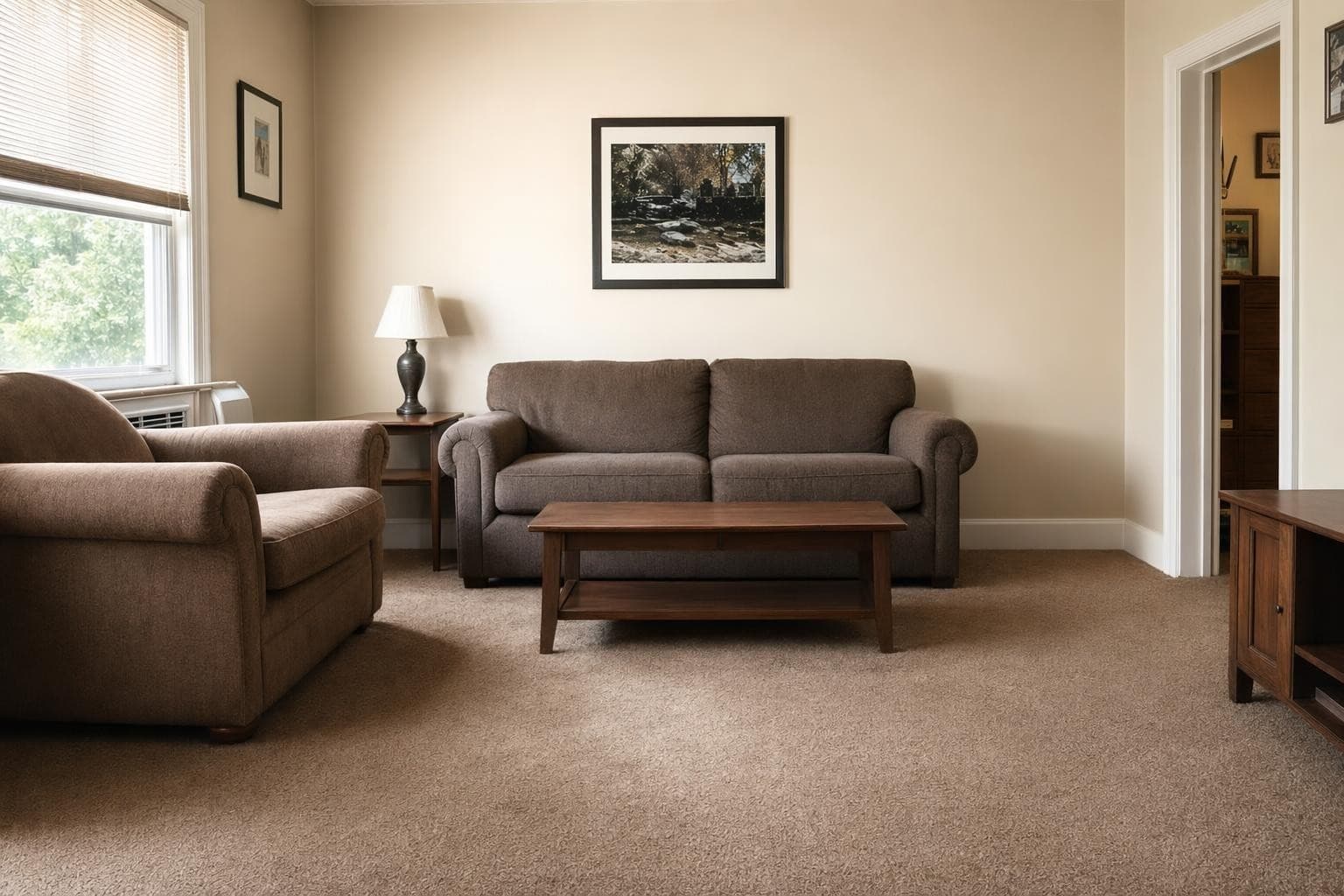
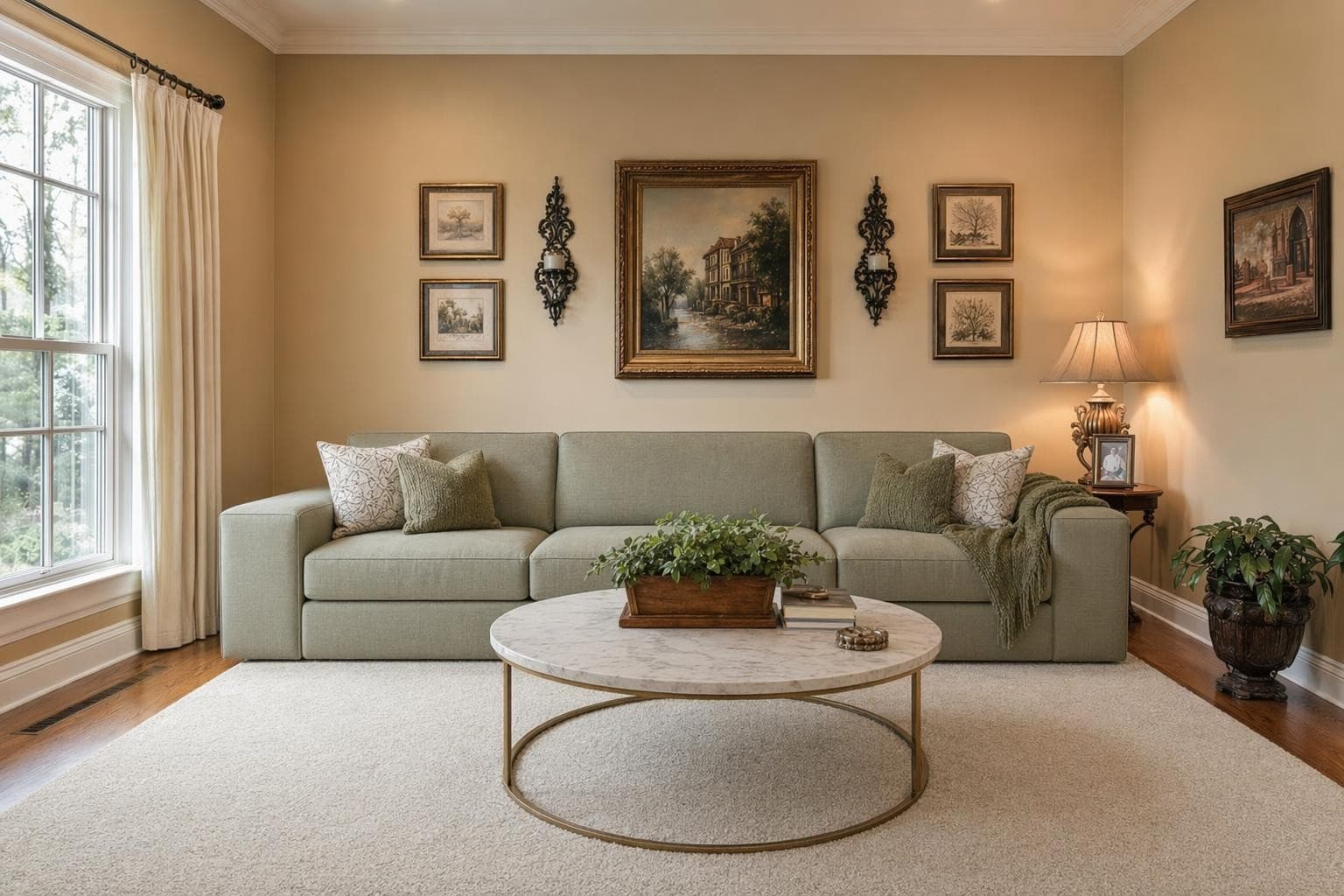
Tradicional
Piezas clásicas, tonos cálidos, comodidad familiar. Apuesta segura para casas suburbanas.
Luxury
Muebles de diseñador, materiales premium. Ideal para listings de alto nivel.
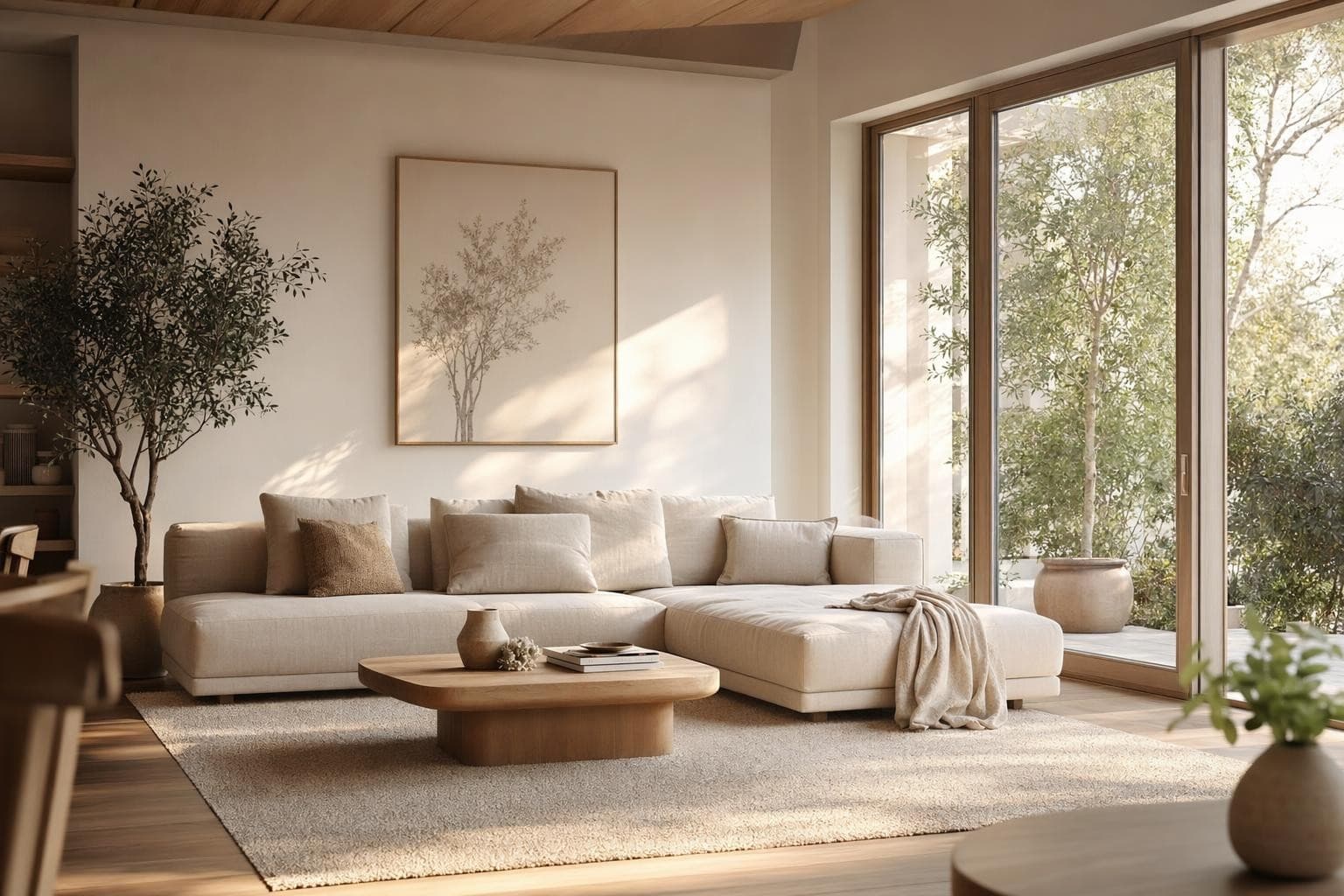
Transitional
Lo mejor de ambos mundos. Formas Modern con calidez tradicional.
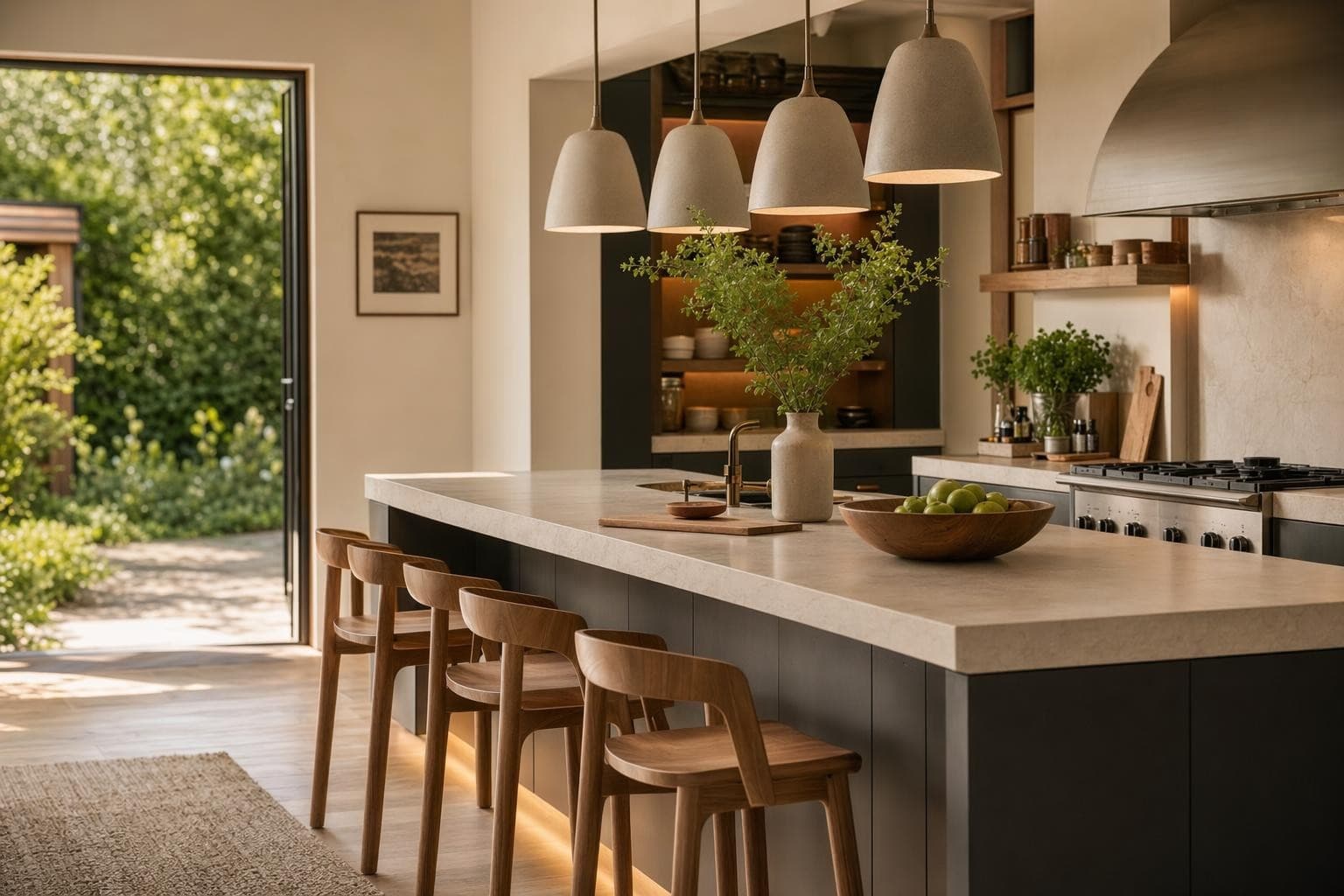
Coastal
Ligero, fresco, relajado. Perfecto para listings cerca de la playa.
Farmhouse
Rústico y cálido, materiales naturales. Genial para zonas rurales y suburbanas.
Why AI for Virtual Staging Design?
Publica el mismo día que tomas las fotos
Traditional staging takes days to coordinate. Virtual staging takes 10 seconds per photo. Shoot the empty house in the morning, stage the photos over lunch, and have the listing live by afternoon. Speed wins in competitive markets.
Amuebla cada listing sin estrés de presupuesto
At $0.30 per photo, you can stage every room of every listing you take. No more choosing which listings 'deserve' staging. Your $500 condo listing gets the same professional staging as your $2M home. Equal treatment, fractional cost.
Las casas staged se venden 73% más rápido
NAR data shows staged homes spend 73% less time on market. Buyers can't visualize empty rooms. They need to see furniture to understand scale and imagine living there. Virtual staging gives them that for a fraction of traditional costs.
De la idea a un render impresionante en 3 pasos simples
Subir
Sube una foto o plano de tu espacio.
Elegir y personalizar
Elige un estilo, define tus objetivos, y deja que la IA haga su magia.

Render y ajustes
Obtén resultados increíbles en segundos. Descargar, compartir o ajustar.
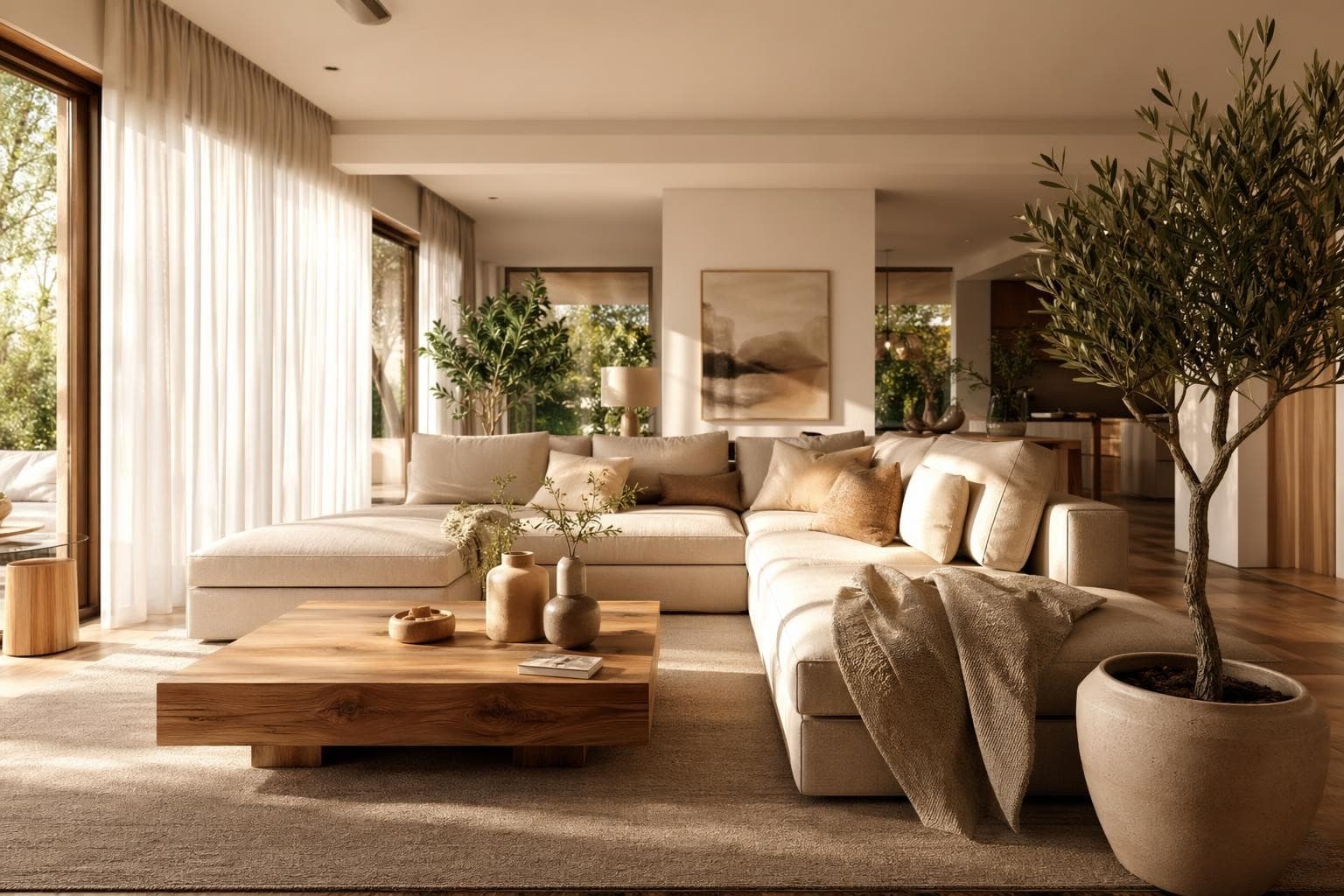
Virtual Staging Design Tips
Toma cuartos vacíos con gran angular y buena luz
The quality of your staged photo depends heavily on the quality of your input photo. Shoot with a wide-angle lens (most phone cameras have one built in now). Stand in a corner and capture as much of the room as possible, including the floor and ceiling edges. Shoot during the day with all lights on and curtains open for maximum brightness. Bright, well-lit photos give the AI more visual information to work with and produce better-looking, more realistic staged results. Dark or blurry input photos produce dark or blurry staging that won't look professional on MLS. The whole process takes less than a minute from upload to finished render, and you can try multiple styles on the same photo.
Ajusta el estilo al perfil de tu comprador
A young professional buying a downtown loft expects completely different staging than a family buying a suburban Colonial. Modern and minimal with clean lines for urban properties appeals to millennials. Warm transitional with comfortable furniture for family homes appeals to parents. Luxury contemporary for high-end condos appeals to affluent buyers. Coastal for beach community listings. The right style helps the right buyer immediately see themselves living in the home. Wrong styling creates disconnect and confusion. Think about who's actually going to buy this specific home, then stage accordingly.
Stagea los hero shots, no cada ángulo
You don't need to stage all 40 photos in your listing. Stage the 5 to 8 hero shots that appear first in the listing carousel and in search result thumbnails. These are usually the main living room angle, kitchen, primary bedroom, and one or two other key rooms that sell the lifestyle. Additional angles of the same room from different corners don't need staging since buyers already get the idea from the main shot. Focus your effort and credits on the photos that show up in search results and the listing's opening carousel where first impressions happen.
Incluye siempre una foto sin staging por cuarto
Best practice for virtual staging in real estate: include both the staged version and the original empty photo in your listing for each room. Label the staged ones clearly with 'virtually staged' in the caption. This builds trust with buyers who want to see the actual current condition of the property. Most MLS systems require this disclosure anyway. Having both versions side by side actually works in your favor because buyers can see the potential while knowing exactly what they're getting on move-in day. Transparency builds trust and avoids complaints.
Úsalo también para mostrar potencial de renovación
Virtual staging isn't only for empty rooms. Stage a dated kitchen to show what it could look like after a $15K update. Render an overgrown exterior with professional landscaping. Show a dark unfinished basement as a bright finished family room. Buyers consistently struggle to see past what's currently in front of them, and they'll walk away from a great house because of cosmetic issues. Showing the 'after' alongside the current state helps them see value where they'd otherwise pass. It's especially powerful for fixer-uppers and investor properties where the current condition undersells the potential.
Frequently asked questions
Everything you need to know about Stable Render.
Still have questions?
Our team is here to help you get the most out of Stable Render.
Aproximadamente 10 segundos por foto. Sube el cuarto vacío, elige un estilo y descarga. Puedes amueblar un listing de 5 recámaras en menos de 5 minutos sin levantarte del escritorio.
New to Stable Render? Start free and explore all features.
No credit card required • Free credits to get you started
¿Listo para dar vida a tus diseños?
Únete a miles de dueños de casa, diseñadores y agentes que ahorran tiempo, impresionan a sus clientes y hacen crecer su negocio con Stable Render.