Redesign Your Interior
in Seconds
Looking for AI interior design free to try with zero risk? Upload any room photo to StableRender and get a photorealistic redesign in about 10 seconds. No credit card required, no free trial that secretly charges you $49 seven days later. You get 3 free renders to test it on your own space before you decide anything at all. Works with kitchens, bathrooms, bedrooms, living rooms, offices, nurseries, or any interior space you want to restyle. Pick from 100+ design styles and see what your room could look like with completely different furniture, colors, and materials. Most people use their free renders on the room that bugs them most to see if a new style could actually fix it. Find out in 10 seconds what used to require a $500 design consultation. You can test out modern, Scandinavian, farmhouse, and dozens of other looks without committing to anything.
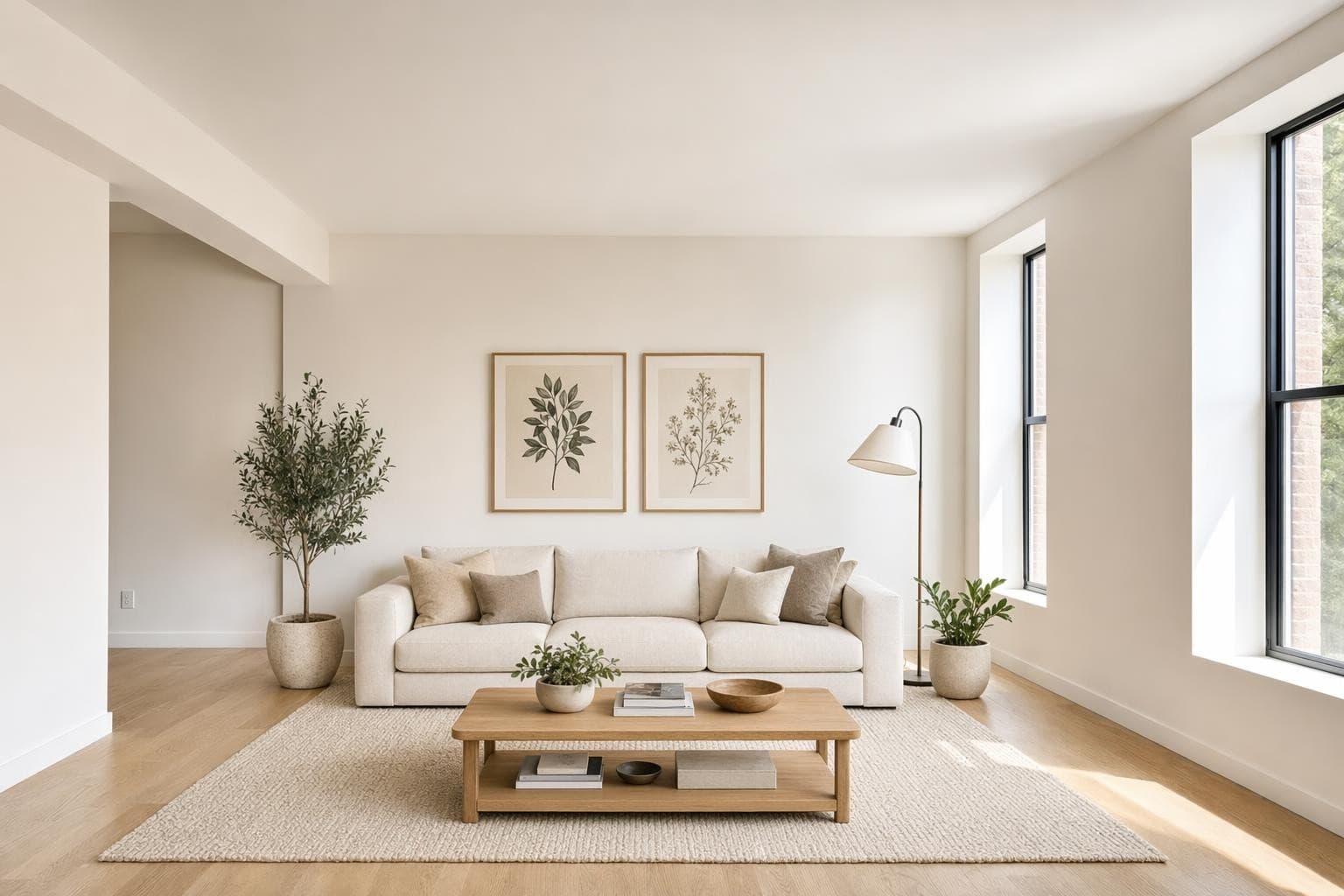
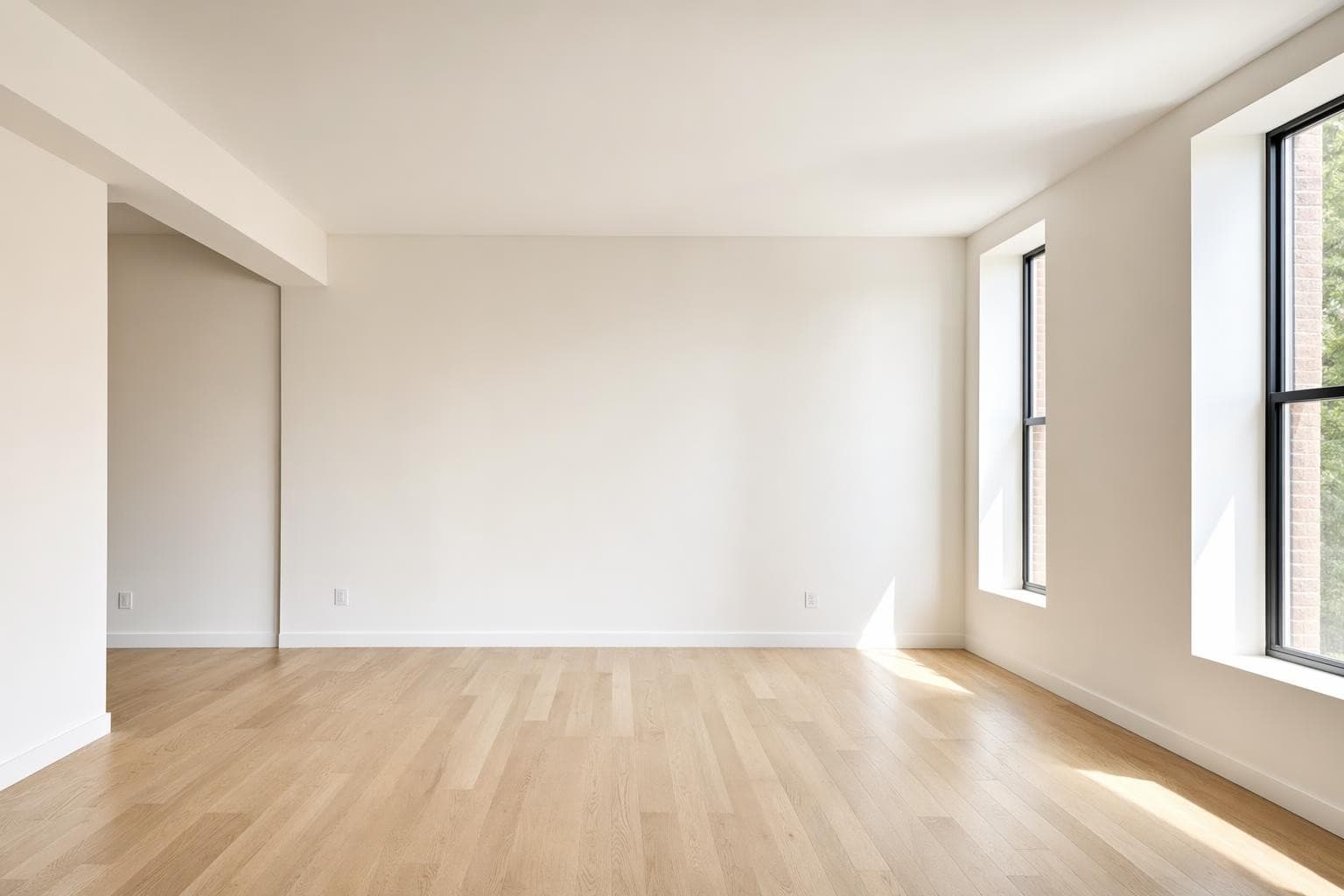
Built for professionals who move fast
Interior Design Styles
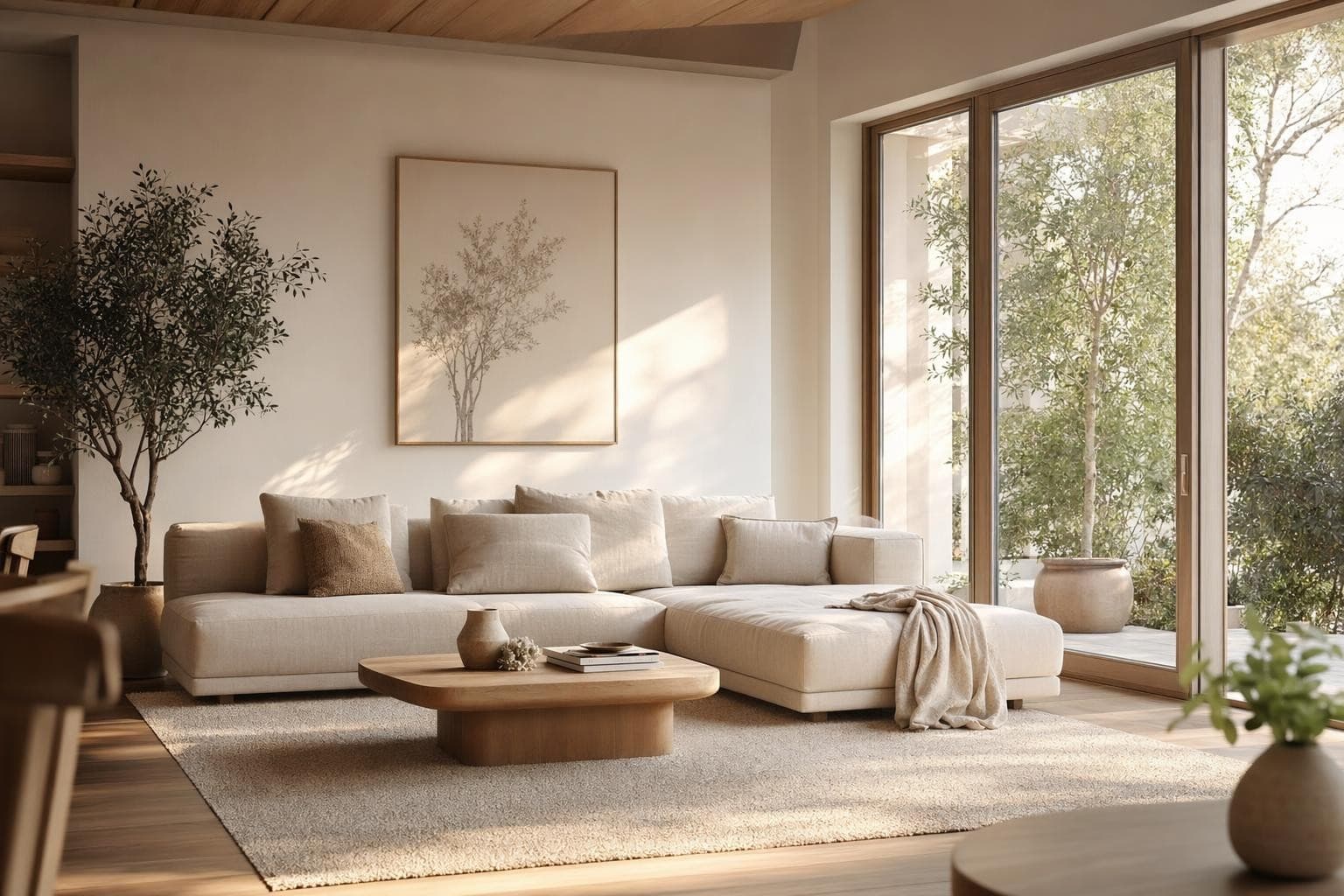
Modern
Clean lines, neutral tones, minimal clutter. Current without being trendy.
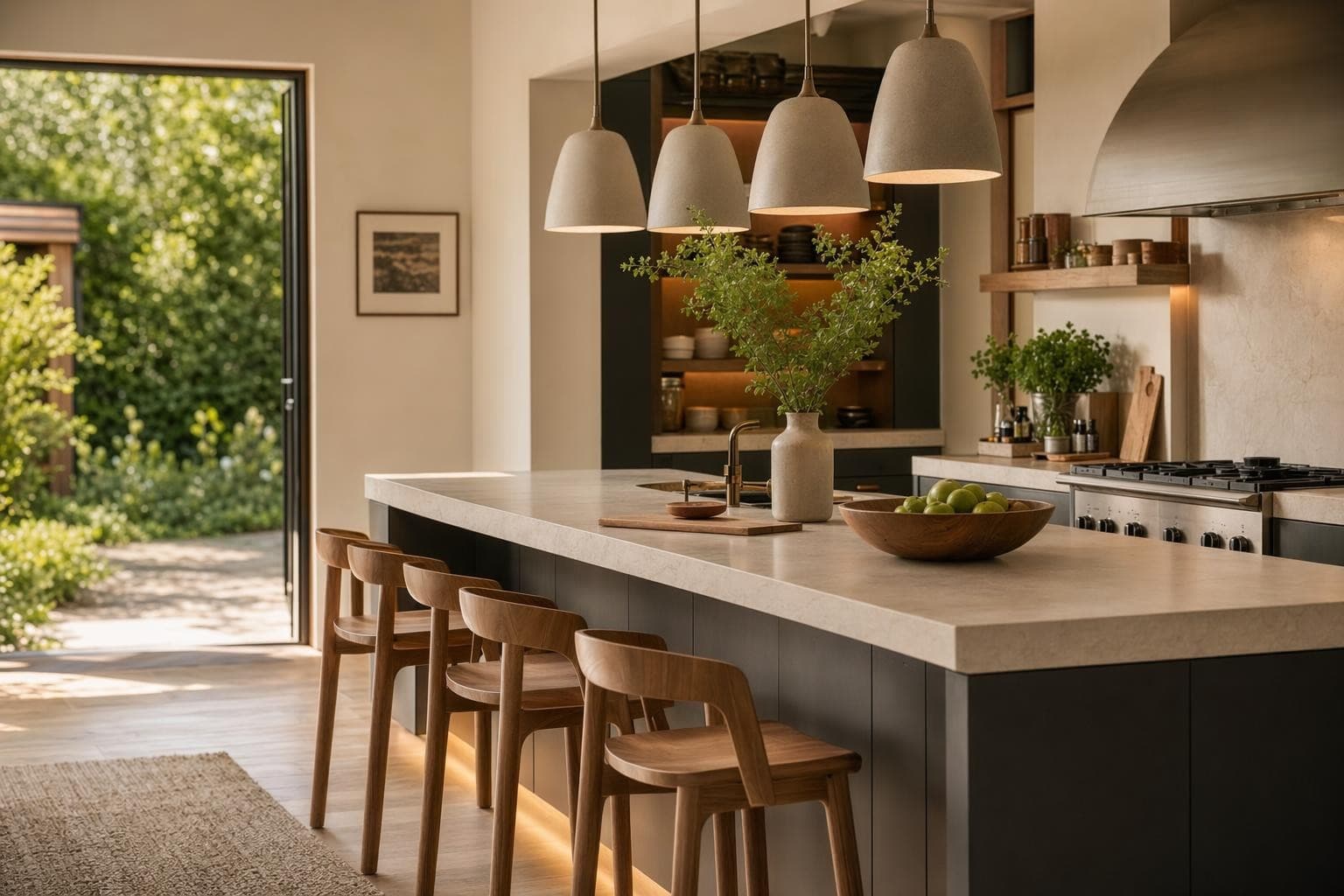
Scandinavian
Light wood, white walls, functional simplicity. Bright and calming.
Boho
Mixed textures, earth tones, plants and woven materials. Warm and personal.
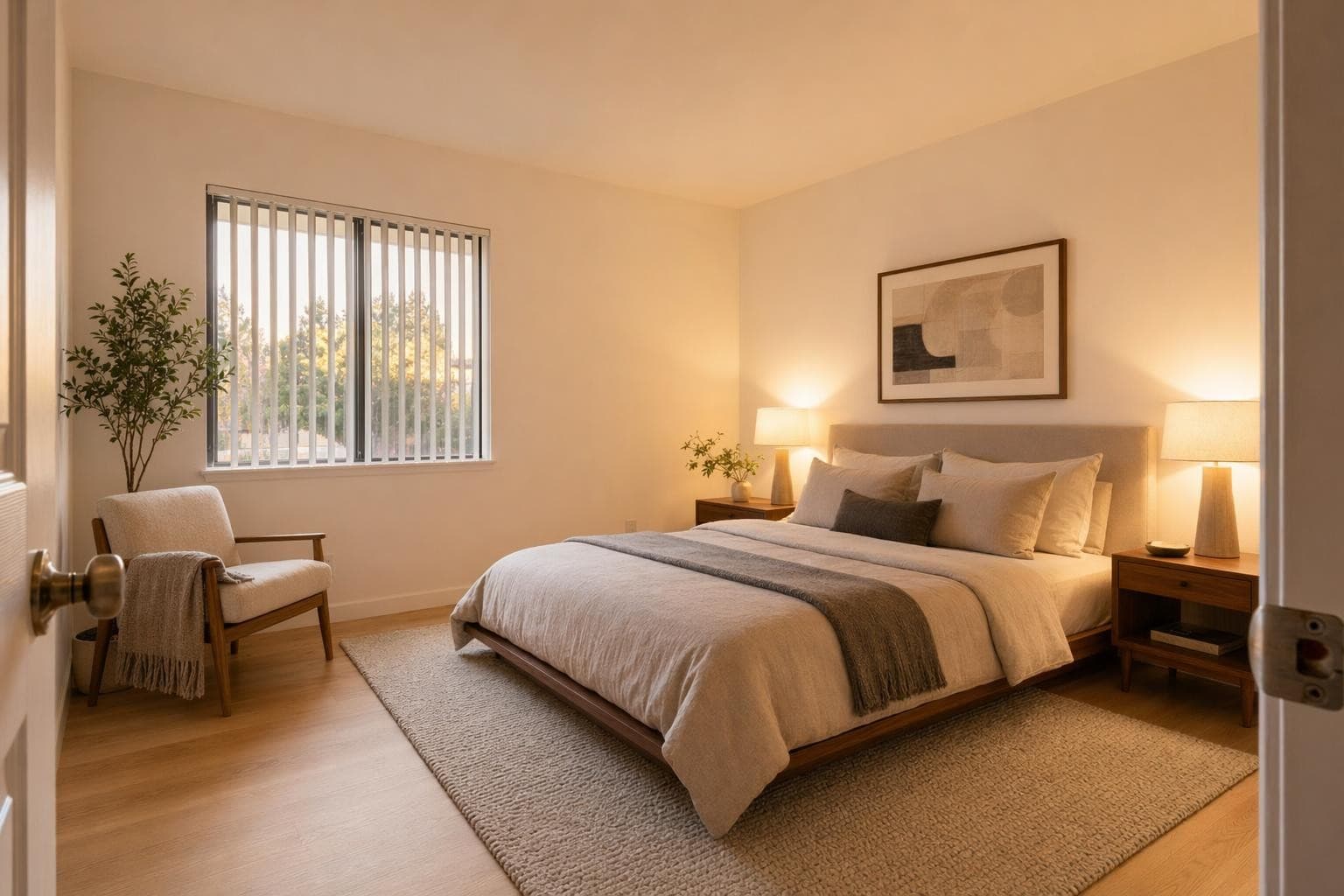
Minimalist
Only what you need. Open space, simple forms, monochrome palette.
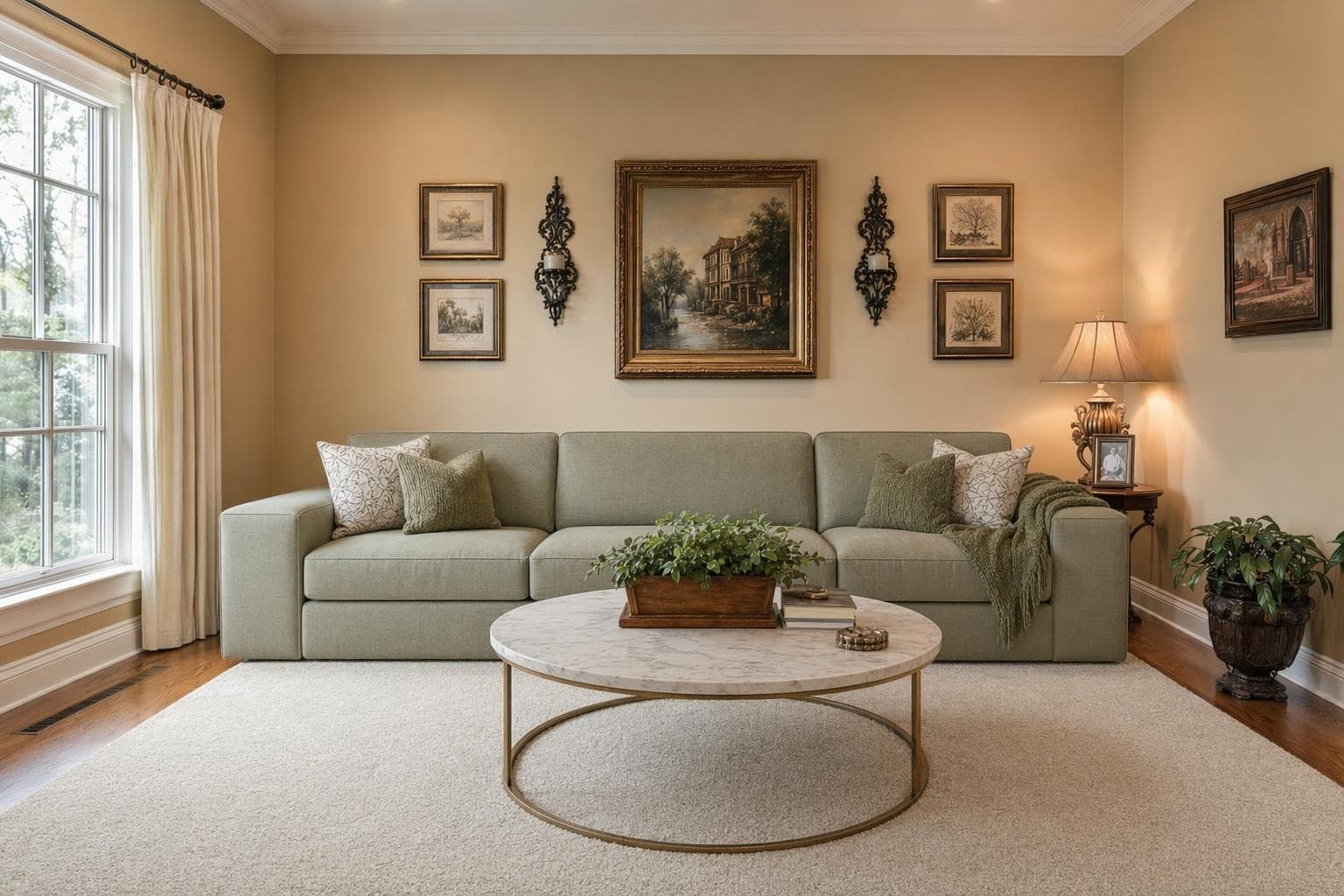
Traditional
Rich wood, classic patterns, comfortable upholstery. Timeless and warm.
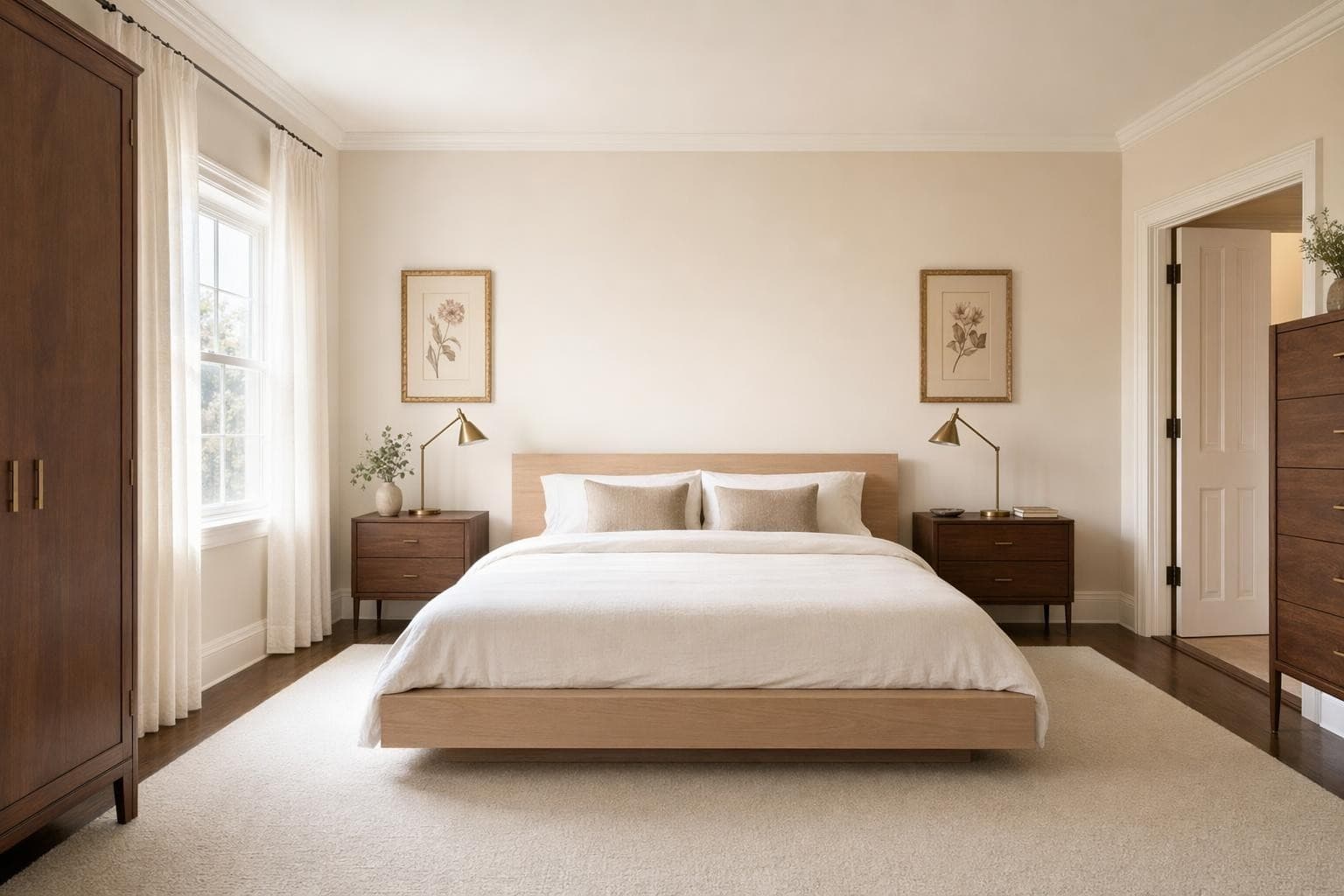
Mid-Century Modern
Organic shapes, tapered legs, bold accent colors. 1960s charm updated.
Why AI for Interior Design?
Free to start, no credit card
Sign up and get 3 free renders immediately. No trial period. No card on file. No strings. Use them on any room you want. If you love it, credits start at $9 for 30 more. If not, you've lost nothing.
Works with any room, any style
Kitchen, bathroom, bedroom, living room, office, nursery. Upload a photo of any interior space and redesign it in 100+ styles. The AI adapts to your room's shape, lighting, and proportions.
Results in 10 seconds, not 10 days
Traditional interior design consultations take weeks and cost hundreds just for a concept board. Get a photorealistic render of your room in a new style in about 10 seconds. Don't like it? Try another style immediately.
From idea to stunning render in 3 simple steps
Upload
Upload a photo or floor plan of your space.
Choose & Customize
Pick a style, set your goals, and let AI work its magic.

Render & Refine
Get stunning results in seconds. Download, share, or tweak.
Interior Design Tips
Start with the room that bugs you most
You have 3 free renders. Don't waste them on a room you already like. Pick the room that makes you cringe every time you walk in. The one you apologize for when guests come over, or the one you avoid spending time in because it just feels wrong. That's where seeing the potential will have the biggest emotional impact. Upload it, try a style you've always liked but weren't sure would work, and see if it's actually possible in your space. You might be surprised how different it can look with just a style change.
Take your photo from the corner for the best render
The AI works best when it can see the full room context. Stand in a corner and angle your phone to capture as much of the space as possible. Include the floor, at least two walls, and the ceiling if you can. Straight-on photos of a single wall give less context for the AI to work with, so it has to guess what the rest of the room looks like. The more of the room that's visible in your photo, the more complete and realistic your render will look. A wide-angle shot from a corner typically captures 60 to 70% of the room, which is ideal.
Try a style you'd never pick on your own
Most people render their room in the style they already think they want. That's fine for validation, but your free renders are also a chance to experiment with zero risk. Try something unexpected. If you always go for neutral minimalism, render your room in boho or maximalist. If you lean traditional, try Japandi or industrial. You might discover a direction you never considered that actually fits your space better than what you had in mind. It costs you one render to find out, and discovery is worth more than confirmation.
Use renders to find the one element that needs to change
Sometimes you don't need to redesign the whole room. You just need to figure out what single thing is throwing everything off. Render your room in a style you like, then compare it carefully to your current space. What's different? Maybe it's just the lighting temperature. Or the rug is the wrong scale. Or the wall color is fighting your furniture. Use the render as a diagnostic tool to identify the one or two changes that would make the biggest difference. Often a $200 fix is all that's standing between you and a room you actually enjoy.
Good natural light in your photo gives better results
The AI reads your photo to understand the room's shape, proportions, and existing features. A dark, blurry photo taken at night with harsh flash gives the AI less information to work with, resulting in less accurate room dimensions and generic furniture placement. Take your photo during the day with curtains open and all lights turned on. You don't need professional lighting gear, just natural daylight and a steady hand. The clearer your original photo, the more detailed and accurate your render will be. Overcast days actually work great because the light is even without harsh shadows.
Frequently asked questions
Everything you need to know about Stable Render.
Still have questions?
Our team is here to help you get the most out of Stable Render.
Yes, genuinely free. You get 3 free renders when you create an account. No credit card required at signup. No free trial that silently auto-charges you $49 after 7 days. The 3 renders are yours to use on any room in any style with absolutely no strings attached and no catch.
New to Stable Render? Start free and explore all features.
No credit card required • Free credits to get you started
Ready to bring your designs to life?
Join thousands of homeowners, designers, and realtors who save time, impress clients, and grow their business with Stable Render.