Redesign Your Kitchen
in Seconds
AI kitchen design takes the guesswork out of your renovation. Upload a photo of your current kitchen and pick a style you like. StableRender turns it into a photorealistic render in about 10 seconds flat. You can try different layouts, cabinet colors, countertop materials, and backsplash options before you spend a single dollar on actual renovations. Most kitchen remodels cost $15K to $40K, so seeing the result first saves you from expensive regret that you're stuck with for the next decade. Compare five different looks in the time it takes to drink your morning coffee. Your first 3 renders are completely free, no credit card needed. Test it on your own kitchen today and see what's actually possible in your space.
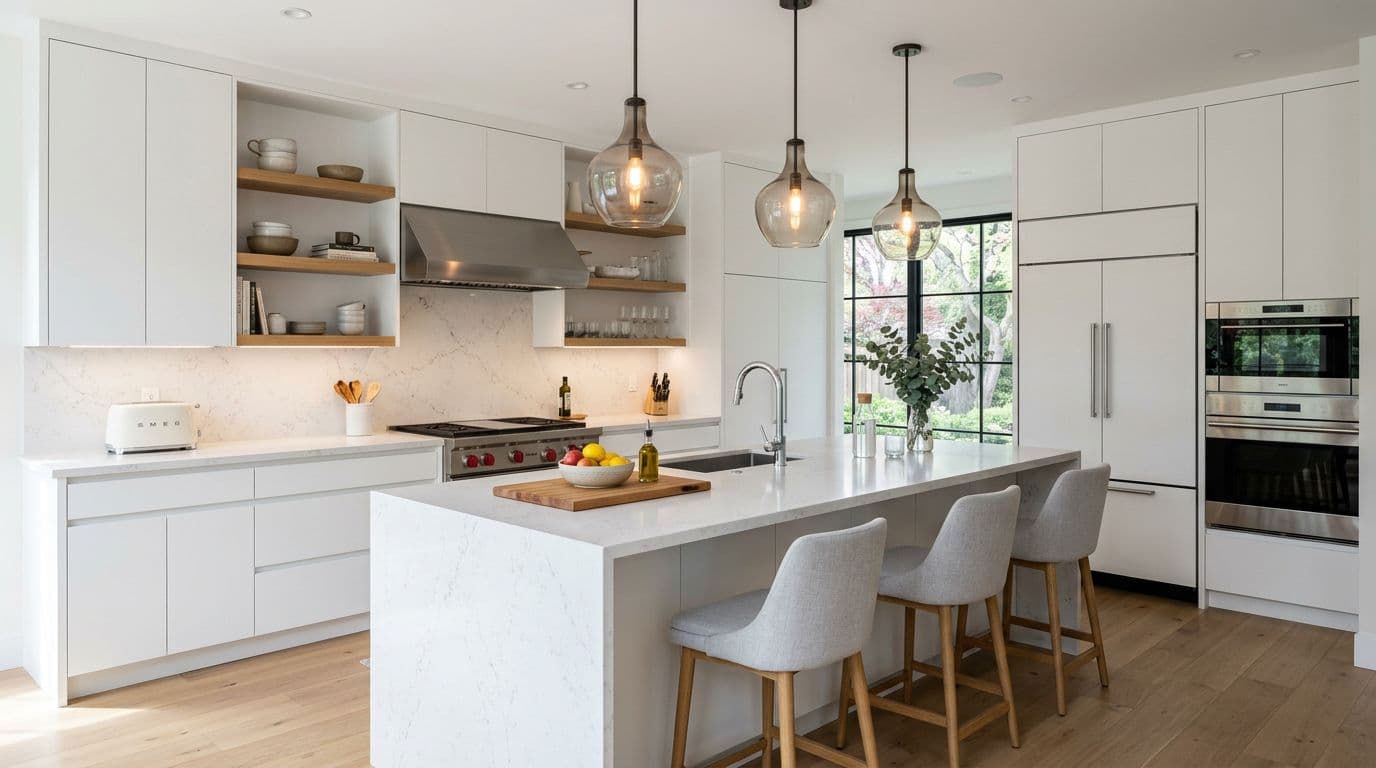
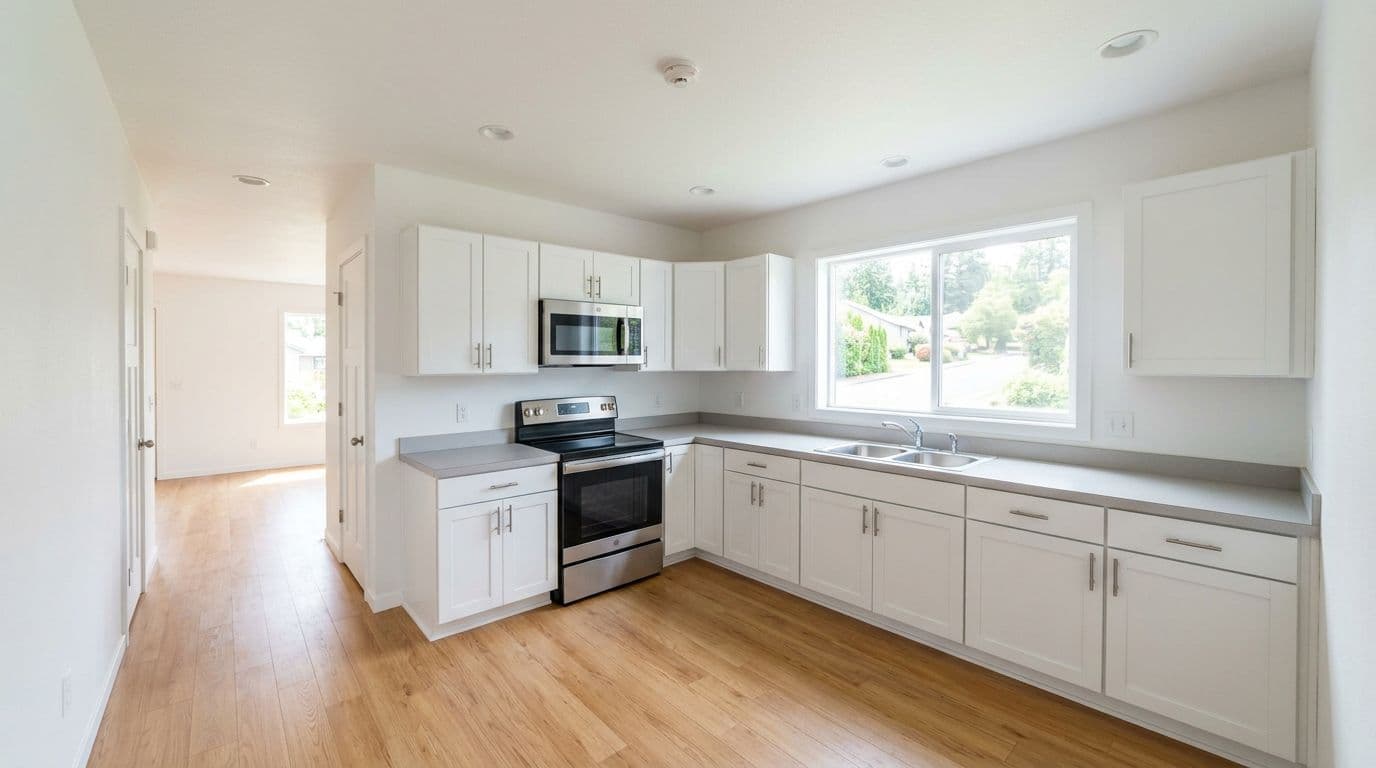
Built for professionals who move fast
Kitchen Design Styles
Modern
Clean lines, flat-panel cabinets, and integrated appliances. Neutral colors with bold accents.
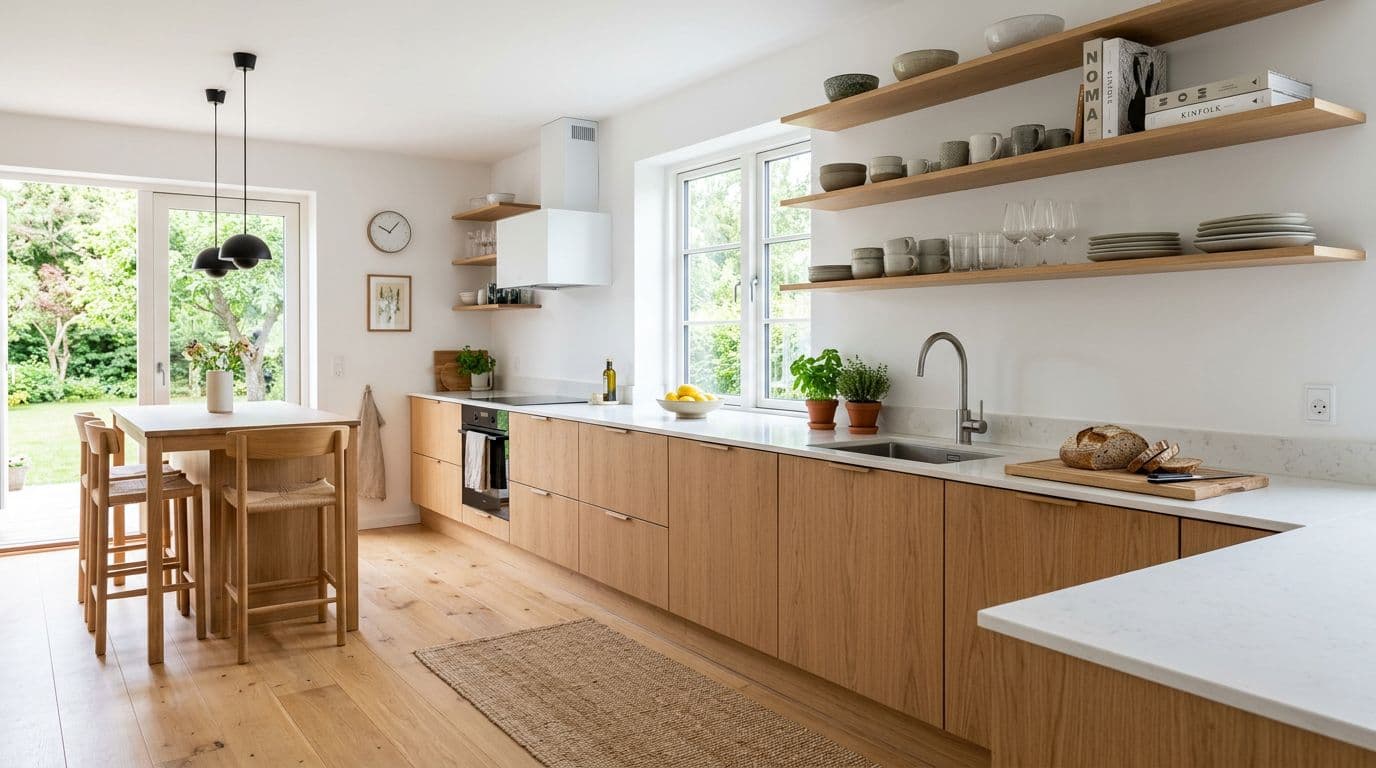
Scandinavian
Light wood tones, white walls, and natural textures. Simple and bright.
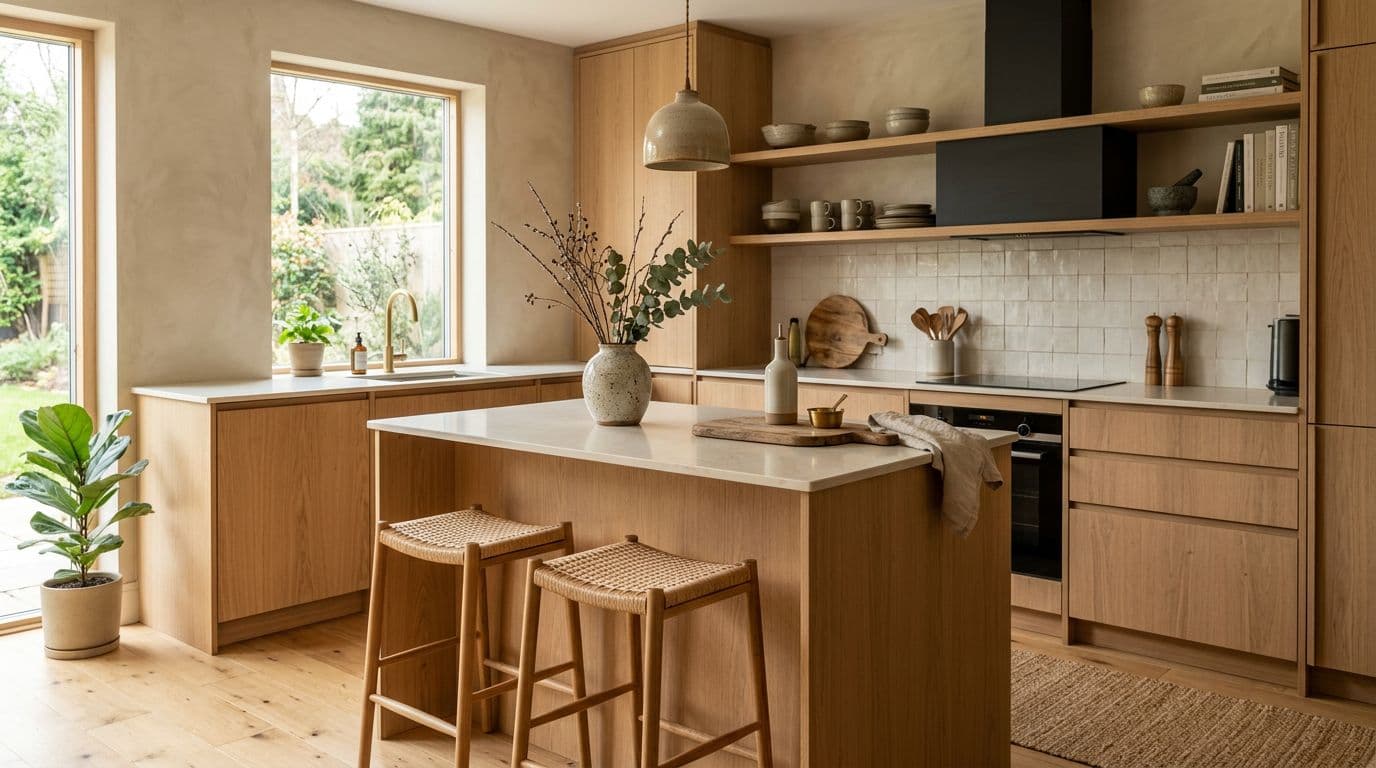
Japandi
Japanese minimalism meets Scandinavian comfort. Muted tones, natural materials, clean forms.
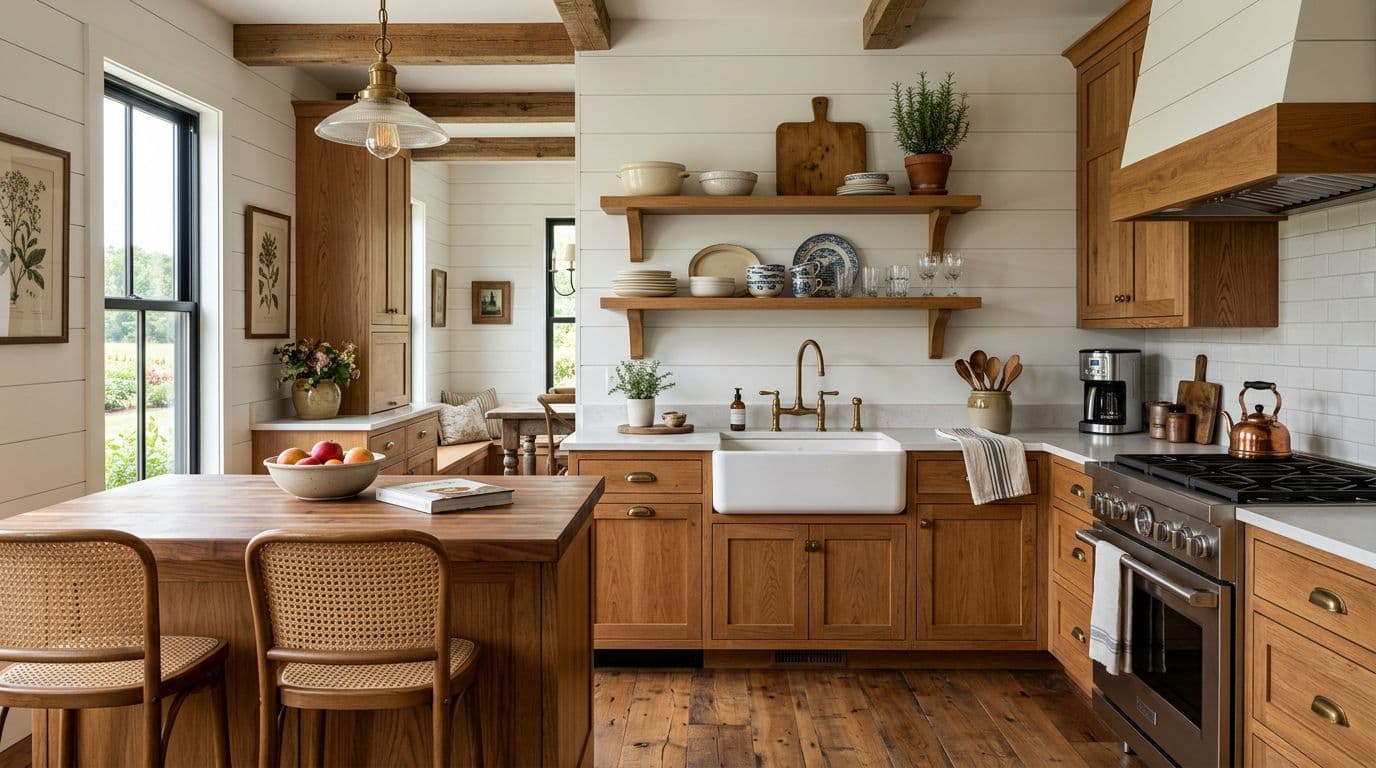
Farmhouse
Warm wood, open shelving, apron sinks. Cozy and lived-in without feeling cluttered.
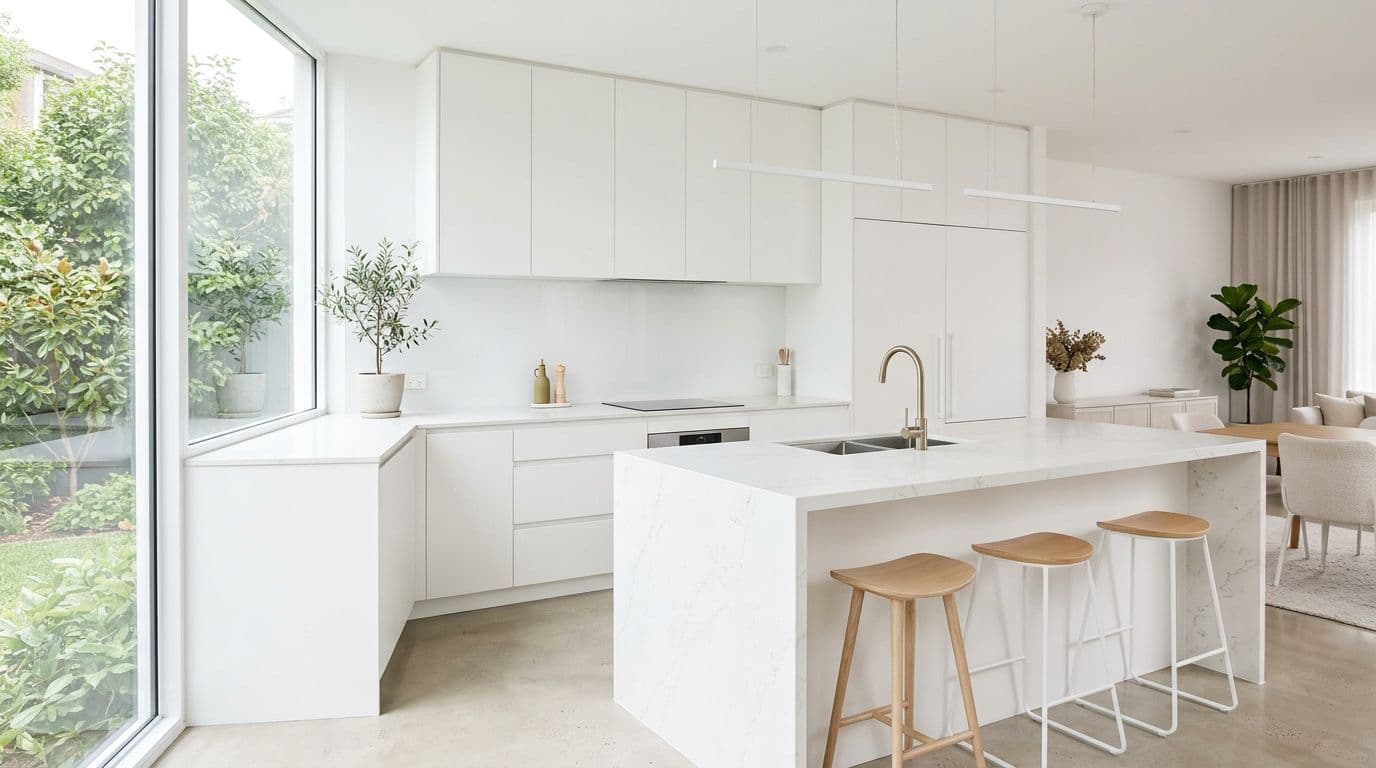
Minimalist
Everything has a place. Handle-less cabinets, hidden storage, and lots of breathing room.
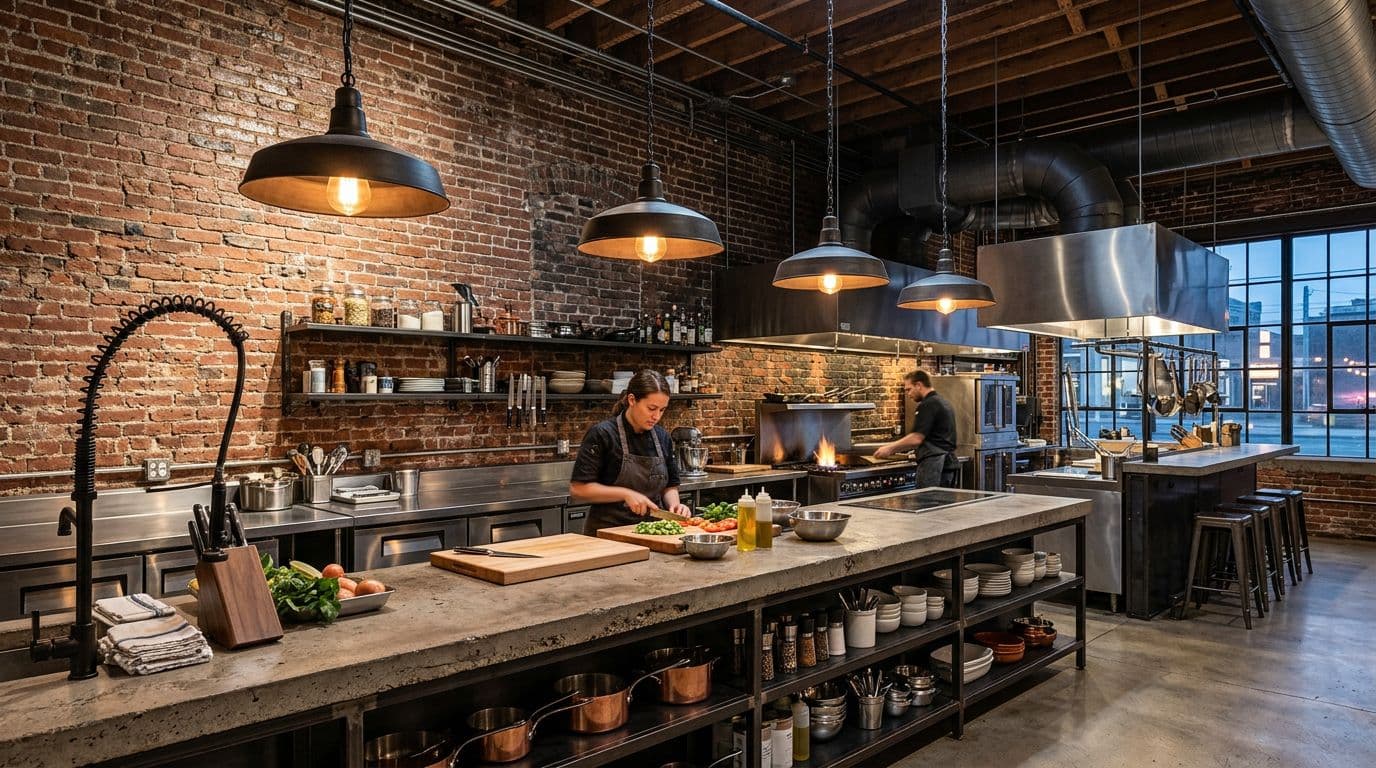
Industrial
Exposed brick, metal fixtures, concrete counters. Rough textures that feel intentional.
Why AI for Kitchen Design?
Skip the $2K staging bill
Professional kitchen renders used to cost thousands and take weeks. Now you get the same quality in seconds for the cost of a coffee. Test 10 different looks before you commit to one.
100+ styles, one upload
Upload your kitchen photo once and try every style from modern to farmhouse. No need to describe what you want to a designer. Just pick and render. If you don't like it, try another.
Decide faster, renovate smarter
Most kitchen renovations take 6 weeks of planning before a single tile gets laid. See your finished kitchen in 10 seconds. Show your partner. Show your contractor. Then decide.
From idea to stunning render in 3 simple steps
Upload
Upload a photo or floor plan of your space.
Choose & Customize
Pick a style, set your goals, and let AI work its magic.

Render & Refine
Get stunning results in seconds. Download, share, or tweak.
Kitchen Design Tips
Your kitchen layout matters more than your countertop
Most people pick finishes first. That's backwards. Start with the work triangle: the path between your sink, stove, and fridge. If those three are too far apart, you'll walk miles making dinner. Too close, and two people can't cook without bumping elbows. A good rule is keeping each side of the triangle between 4 and 9 feet. The National Kitchen & Bath Association recommends a total triangle perimeter under 26 feet. Upload your kitchen photo to StableRender and try different layouts before you commit to anything. Getting the bones right matters more than picking between quartz and granite.
Layer your lighting or regret it later
One overhead light in the kitchen is a recipe for shadows on your cutting board. You need three types: task lighting under cabinets so you can actually see what you're chopping, ambient lighting for the overall mood, and accent lights to show off your backsplash or open shelving. Under-cabinet LED strips cost about $30 to $80 and make a massive difference in how usable your counters are after sunset. Pendant lights over an island add both style and function. Try it in a render first to see how different lighting setups change the feel of your space.
White kitchens aren't boring if you add texture
People think white kitchens all look the same. They don't, if you mix up the textures. Pair glossy white cabinets with a rough stone backsplash. Add warm wood floating shelves. Put in a matte concrete countertop. The color stays neutral but your kitchen gets depth and personality. You can also play with different whites: warm cream tones against cool bright whites create subtle contrast without adding color. Render a few texture combinations to find what clicks before you order materials.
Open shelving looks great in photos but think twice
Open shelves photograph beautifully. But they also collect grease, dust, and clutter. If you cook a lot, every plate and mug is on display all the time. The sweet spot is mixing both: a few open shelves for your nice pieces, closed cabinets for everything else. Most designers recommend limiting open shelving to 20% of your total storage. That gives you the Instagram look without the maintenance headache. Try rendering your kitchen with different shelf configurations before you drill any holes in those cabinets.
Don't forget the backsplash height
A 4-inch backsplash looks cheap. Taking your backsplash all the way to the upper cabinets or ceiling makes the whole kitchen look more expensive and intentional. It also protects your walls from cooking splatter, which matters more than most people realize after a year of frying onions. Full-height backsplash adds about $800 to $1,500 in material cost versus a short one, but it's one of those small changes that makes a kitchen feel like it was designed by a pro. The visual impact per dollar is hard to beat.
Frequently asked questions
Everything you need to know about Stable Render.
Still have questions?
Our team is here to help you get the most out of Stable Render.
AI kitchen design uses artificial intelligence to generate photorealistic renders of your kitchen in different styles. You upload a photo of your current kitchen, pick a design style like modern or farmhouse, and get a render showing what your kitchen could look like with that style applied to your exact space. It takes about 10 seconds per render and costs a fraction of hiring a designer for mockups. You can try as many styles as you want.
New to Stable Render? Start free and explore all features.
No credit card required • Free credits to get you started
Ready to bring your designs to life?
Join thousands of homeowners, designers, and realtors who save time, impress clients, and grow their business with Stable Render.