Redesign Your Interiores
in Seconds
¿Buscas AI interior design gratis sin riesgo? Sube la foto de cualquier cuarto a StableRender y obtén un rediseño fotorealista en unos 10 segundos. Sin tarjeta. Sin prueba “gratis” que te cobra 49 USD a los 7 días. Tienes 3 renders gratis para probar en tu propio espacio antes de decidir. Funciona con cocinas, baños, recámaras, salas, oficinas, cuartos de bebé o cualquier interior que quieras renovar. Elige entre 100+ estilos y mira cómo se vería tu cuarto con muebles, colores y materiales totalmente distintos. La mayoría usa sus renders gratis en ese cuarto que más le molesta para ver si otro estilo lo salva. Lo que antes era una consulta de diseño de 500 USD, ahora lo ves en 10 segundos. Prueba Modern, Scandinavian, farmhouse y decenas de looks sin comprometerte.
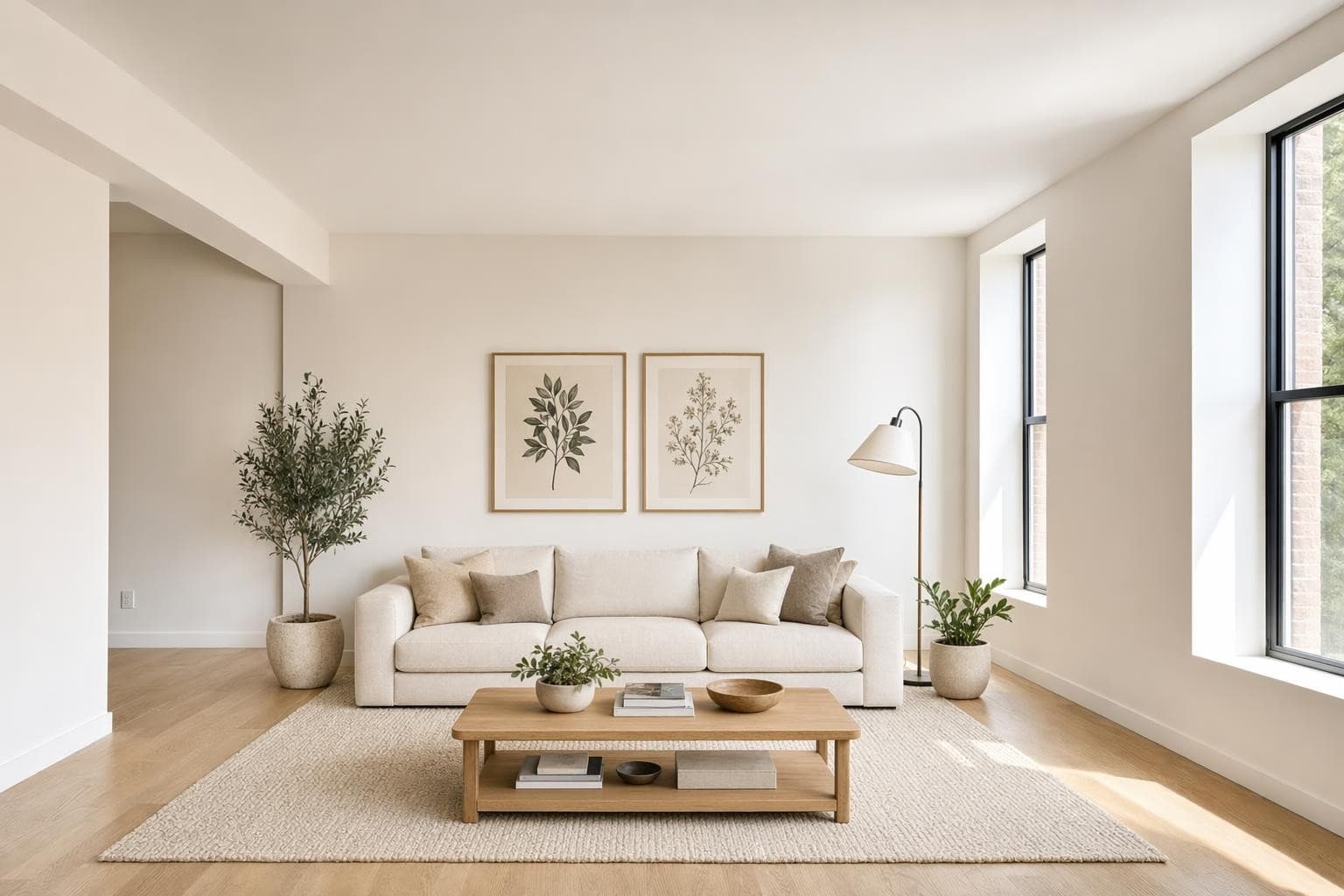
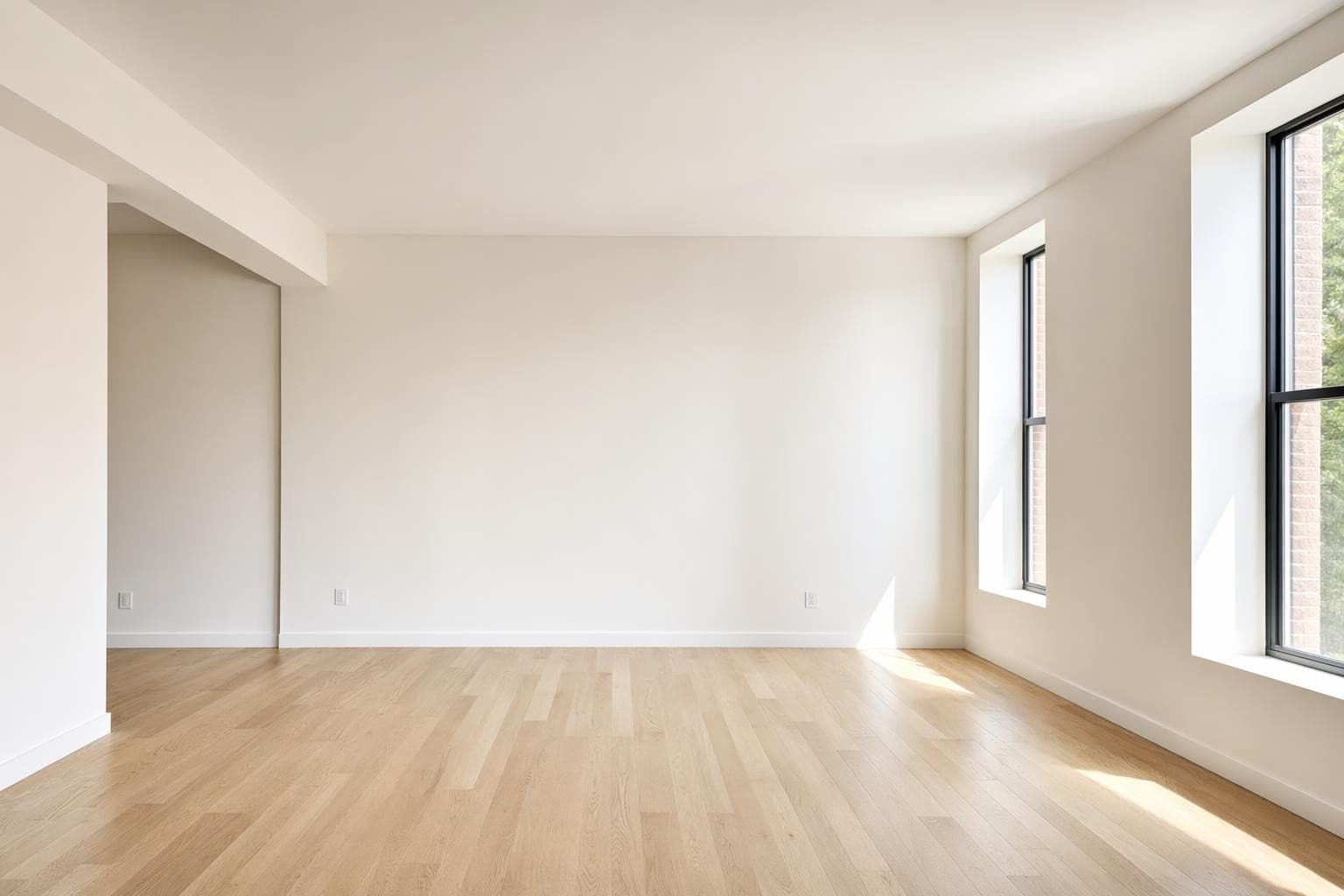
Creado para profesionales que se mueven rápido
Interiores Design Styles
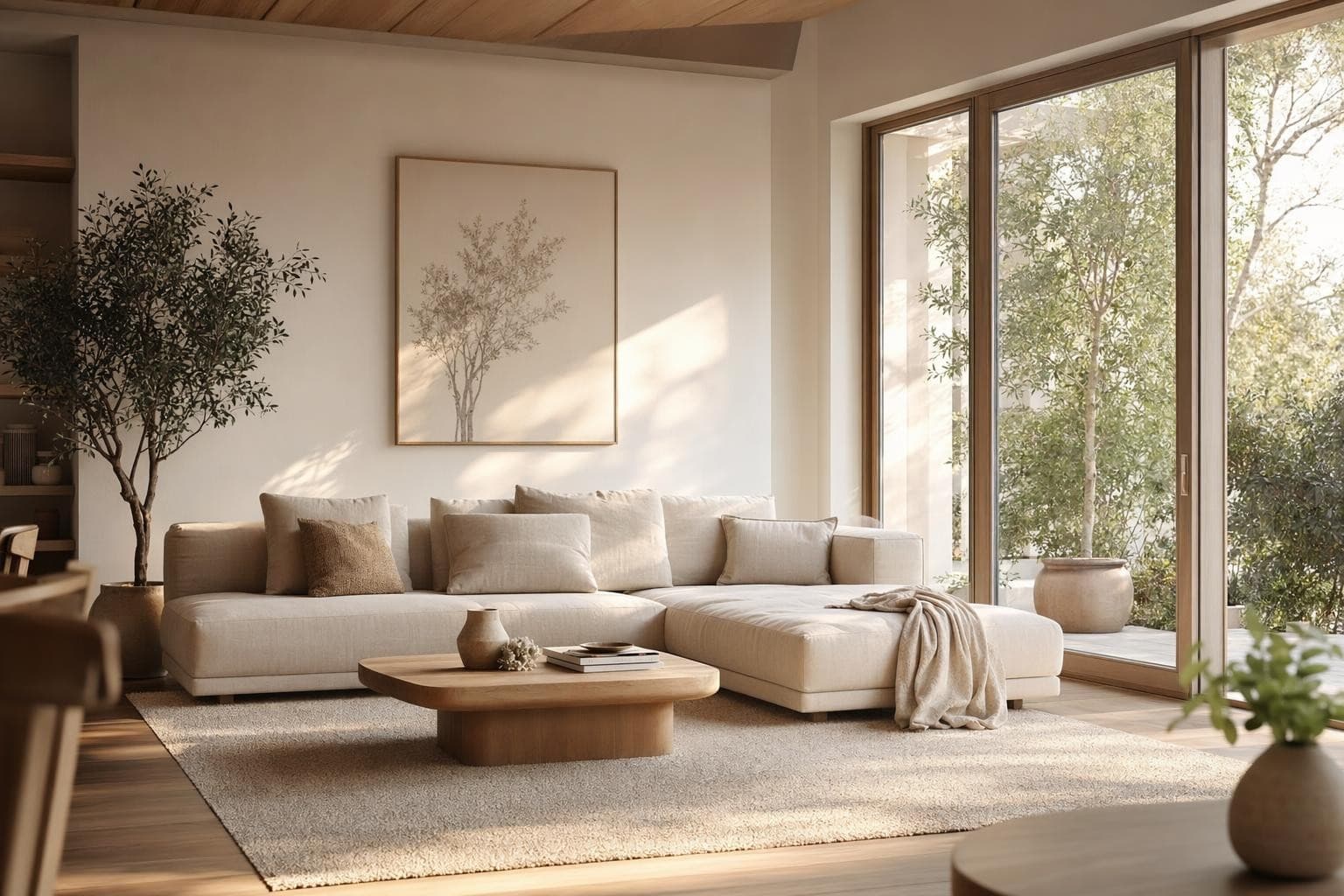
Modern
Líneas limpias, tonos neutros, cero exceso. Actual sin caer en modas pasajeras.
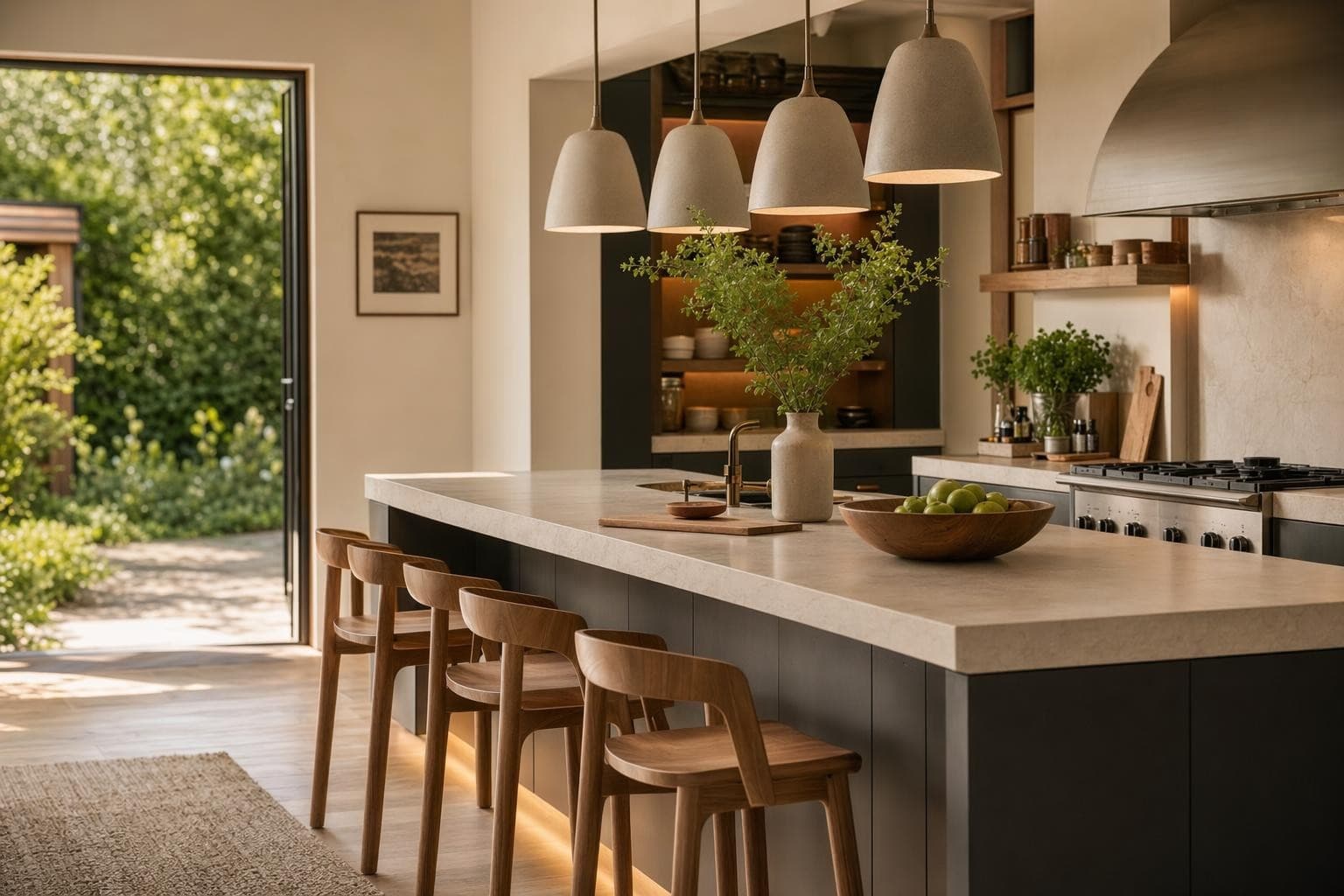
Scandinavian
Madera clara, muros blancos, funcional y simple. Luminoso y relajante.
Boho
Texturas mixtas, tonos tierra, plantas y fibras tejidas. Cálido y con personalidad.
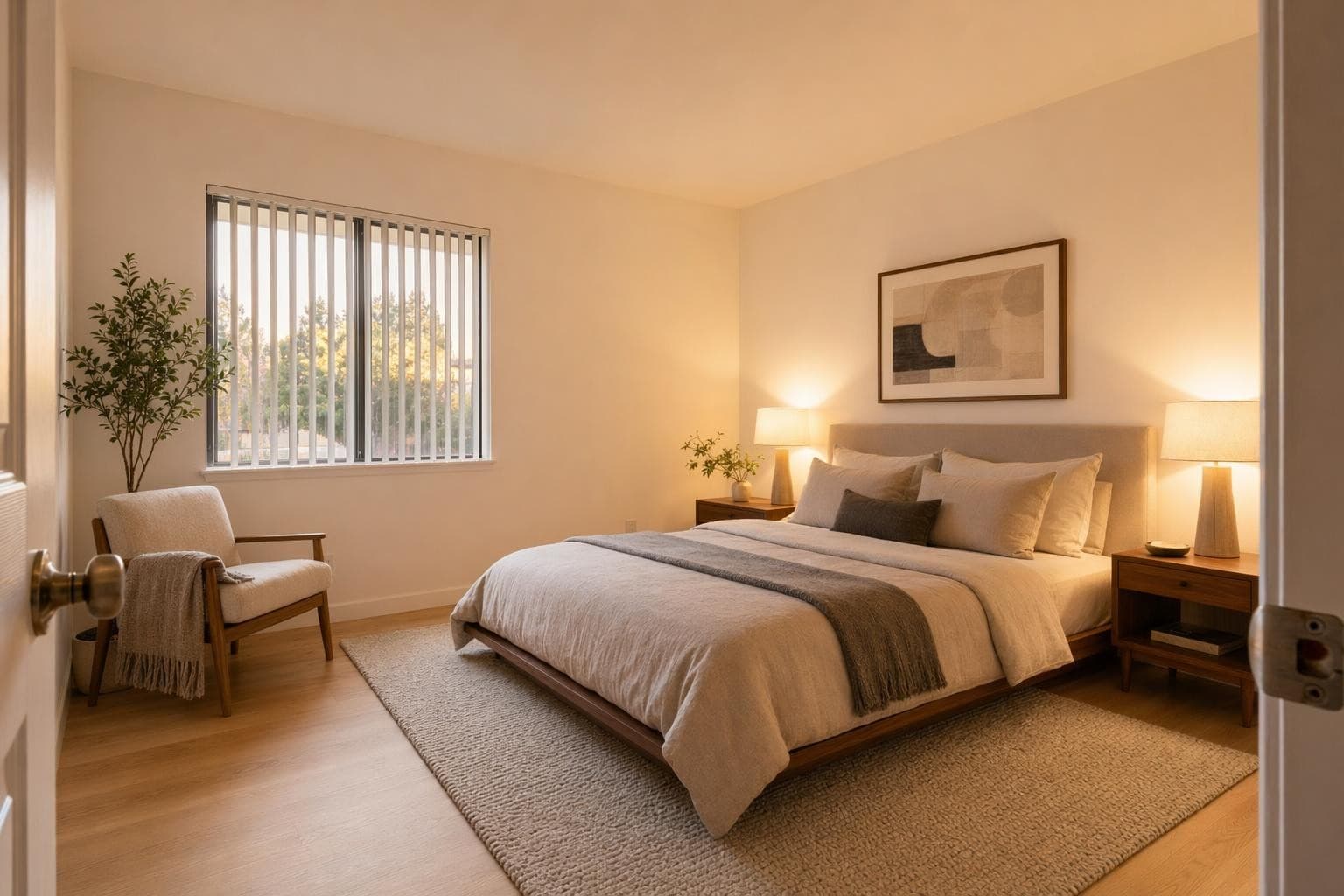
Minimalist
Solo lo necesario. Espacios abiertos, formas simples, paleta monocromática.
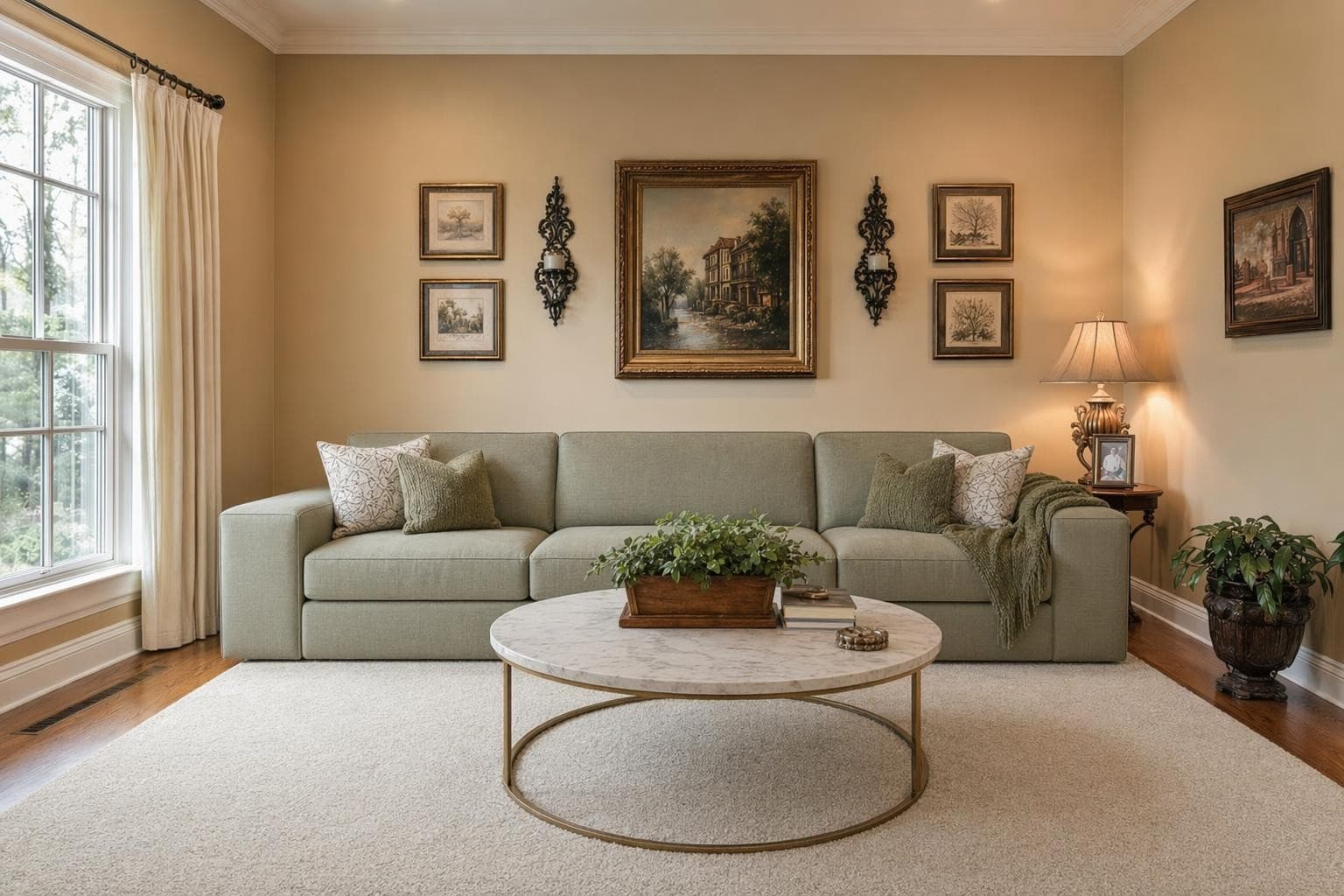
Traditional
Madera rica, patrones clásicos, tapicería cómoda. Atemporal y acogedor.
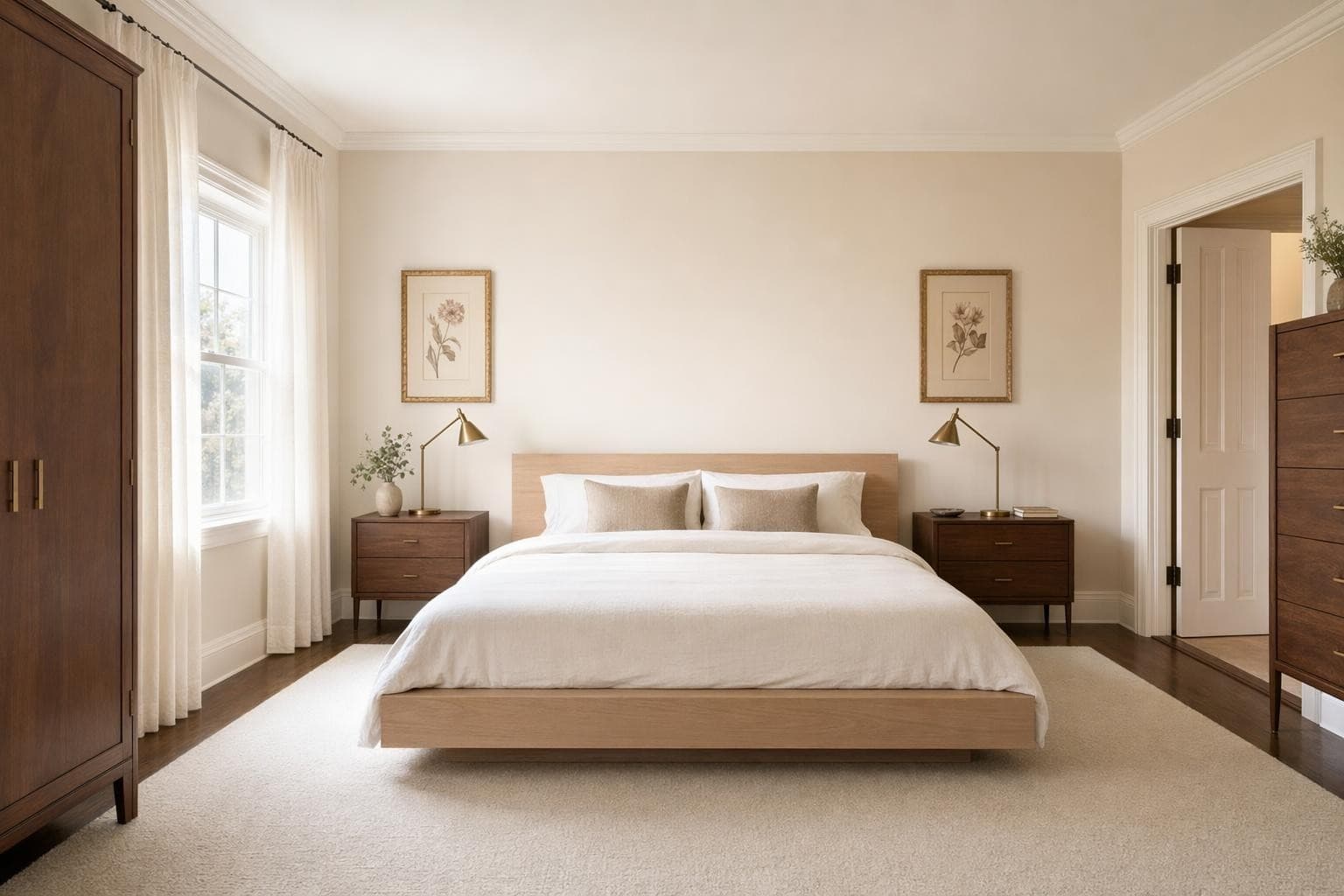
Mid-Century Modern
Formas orgánicas, patas cónicas, colores acento audaces. Encanto sesentero actualizado.
Why AI for Interiores Design?
Empieza gratis, sin tarjeta
Sign up and get 3 free renders immediately. No trial period. No card on file. No strings. Use them on any room you want. If you love it, credits start at $9 for 30 more. If not, you've lost nothing.
Funciona con cualquier cuarto y estilo
Kitchen, bathroom, bedroom, living room, office, nursery. Upload a photo of any interior space and redesign it in 100+ styles. The AI adapts to your room's shape, lighting, and proportions.
Resultados en 10 segundos, no en 10 días
Traditional interior design consultations take weeks and cost hundreds just for a concept board. Get a photorealistic render of your room in a new style in about 10 seconds. Don't like it? Try another style immediately.
De la idea a un render impresionante en 3 pasos simples
Subir
Sube una foto o plano de tu espacio.
Elegir y personalizar
Elige un estilo, define tus objetivos, y deja que la IA haga su magia.

Render y ajustes
Obtén resultados increíbles en segundos. Descargar, compartir o ajustar.
Interiores Design Tips
Empieza por el cuarto que más te desespera
You have 3 free renders. Don't waste them on a room you already like. Pick the room that makes you cringe every time you walk in. The one you apologize for when guests come over, or the one you avoid spending time in because it just feels wrong. That's where seeing the potential will have the biggest emotional impact. Upload it, try a style you've always liked but weren't sure would work, and see if it's actually possible in your space. You might be surprised how different it can look with just a style change.
Toma la foto desde la esquina para un mejor render
The AI works best when it can see the full room context. Stand in a corner and angle your phone to capture as much of the space as possible. Include the floor, at least two walls, and the ceiling if you can. Straight-on photos of a single wall give less context for the AI to work with, so it has to guess what the rest of the room looks like. The more of the room that's visible in your photo, the more complete and realistic your render will look. A wide-angle shot from a corner typically captures 60 to 70% of the room, which is ideal.
Prueba un estilo que nunca elegirías
Most people render their room in the style they already think they want. That's fine for validation, but your free renders are also a chance to experiment with zero risk. Try something unexpected. If you always go for neutral minimalism, render your room in boho or maximalist. If you lean traditional, try Japandi or industrial. You might discover a direction you never considered that actually fits your space better than what you had in mind. It costs you one render to find out, and discovery is worth more than confirmation.
Usa los renders para detectar el elemento clave a cambiar
Sometimes you don't need to redesign the whole room. You just need to figure out what single thing is throwing everything off. Render your room in a style you like, then compare it carefully to your current space. What's different? Maybe it's just the lighting temperature. Or the rug is the wrong scale. Or the wall color is fighting your furniture. Use the render as a diagnostic tool to identify the one or two changes that would make the biggest difference. Often a $200 fix is all that's standing between you and a room you actually enjoy.
Luz natural = mejores resultados
The AI reads your photo to understand the room's shape, proportions, and existing features. A dark, blurry photo taken at night with harsh flash gives the AI less information to work with, resulting in less accurate room dimensions and generic furniture placement. Take your photo during the day with curtains open and all lights turned on. You don't need professional lighting gear, just natural daylight and a steady hand. The clearer your original photo, the more detailed and accurate your render will be. Overcast days actually work great because the light is even without harsh shadows.
Frequently asked questions
Everything you need to know about Stable Render.
Still have questions?
Our team is here to help you get the most out of Stable Render.
Sí, gratis en serio. Recibes 3 renders al crear tu cuenta. No pedimos tarjeta. No hay prueba que te cobre 49 USD a los 7 días. Los 3 renders son tuyos para cualquier cuarto y estilo, sin trucos ni letra chiquita.
New to Stable Render? Start free and explore all features.
No credit card required • Free credits to get you started
¿Listo para dar vida a tus diseños?
Únete a miles de dueños de casa, diseñadores y agentes que ahorran tiempo, impresionan a sus clientes y hacen crecer su negocio con Stable Render.