Redesign Your Plano
in Seconds
Plano a 3D convierte cualquier dibujo plano en una visualización fotorrealista que entiendes al toque, sin saber arquitectura. Sube un croquis, blueprint o plano digital y la IA genera un render 3D del espacio con habitaciones, ubicación de muebles y acabados que vuelven vivo el layout. A casi todos se nos dificulta leer planos 2D porque líneas y medidas no muestran cómo se siente caminar por el lugar. Esto resuelve ese problema en unos 10 segundos. Perfecto para preconstrucción, presentar a clientes, preventa inmobiliaria de unidades sin construir y validar distribuciones antes de colar la cimentación. Tus primeros 3 renders son gratis, sin tarjeta.
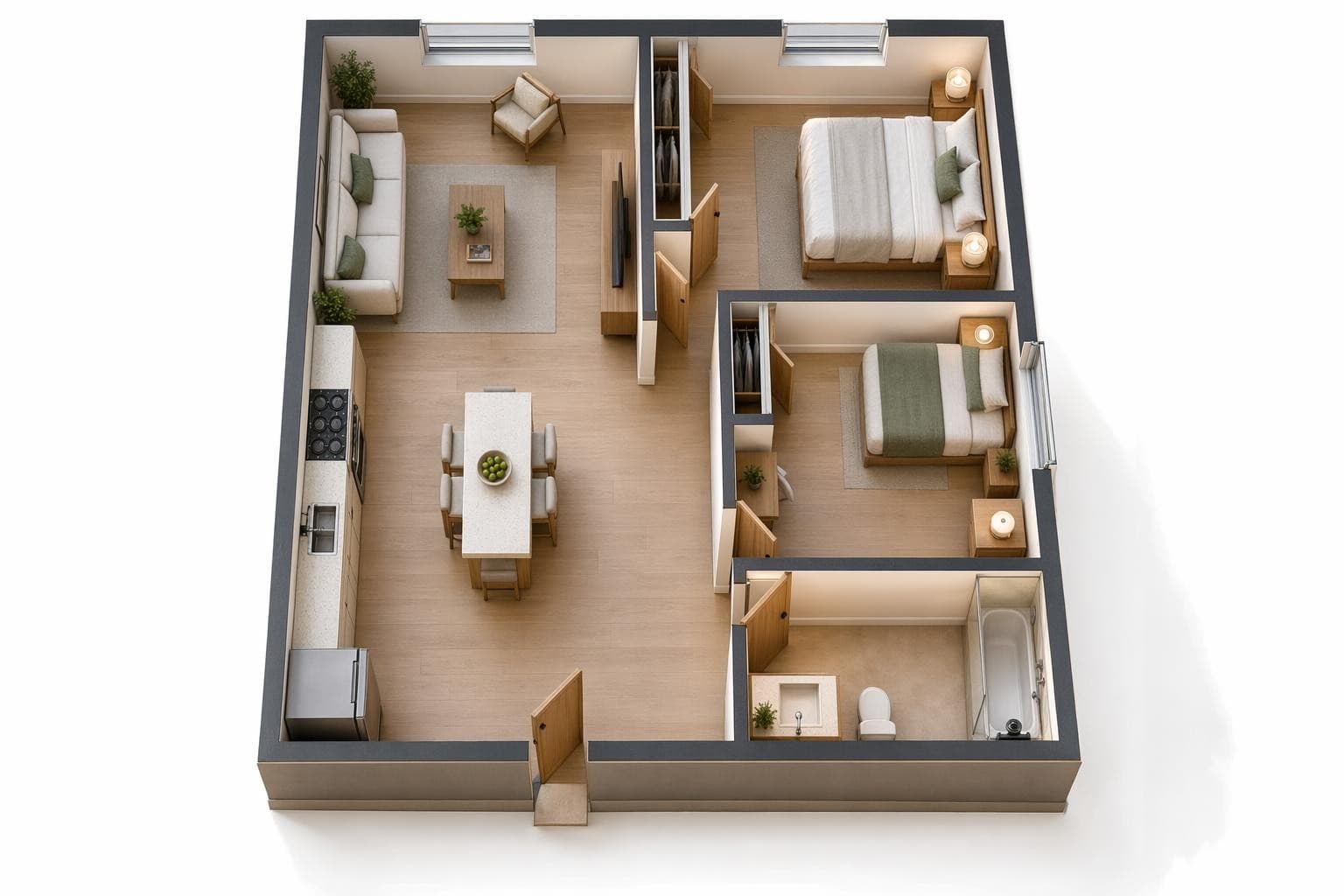
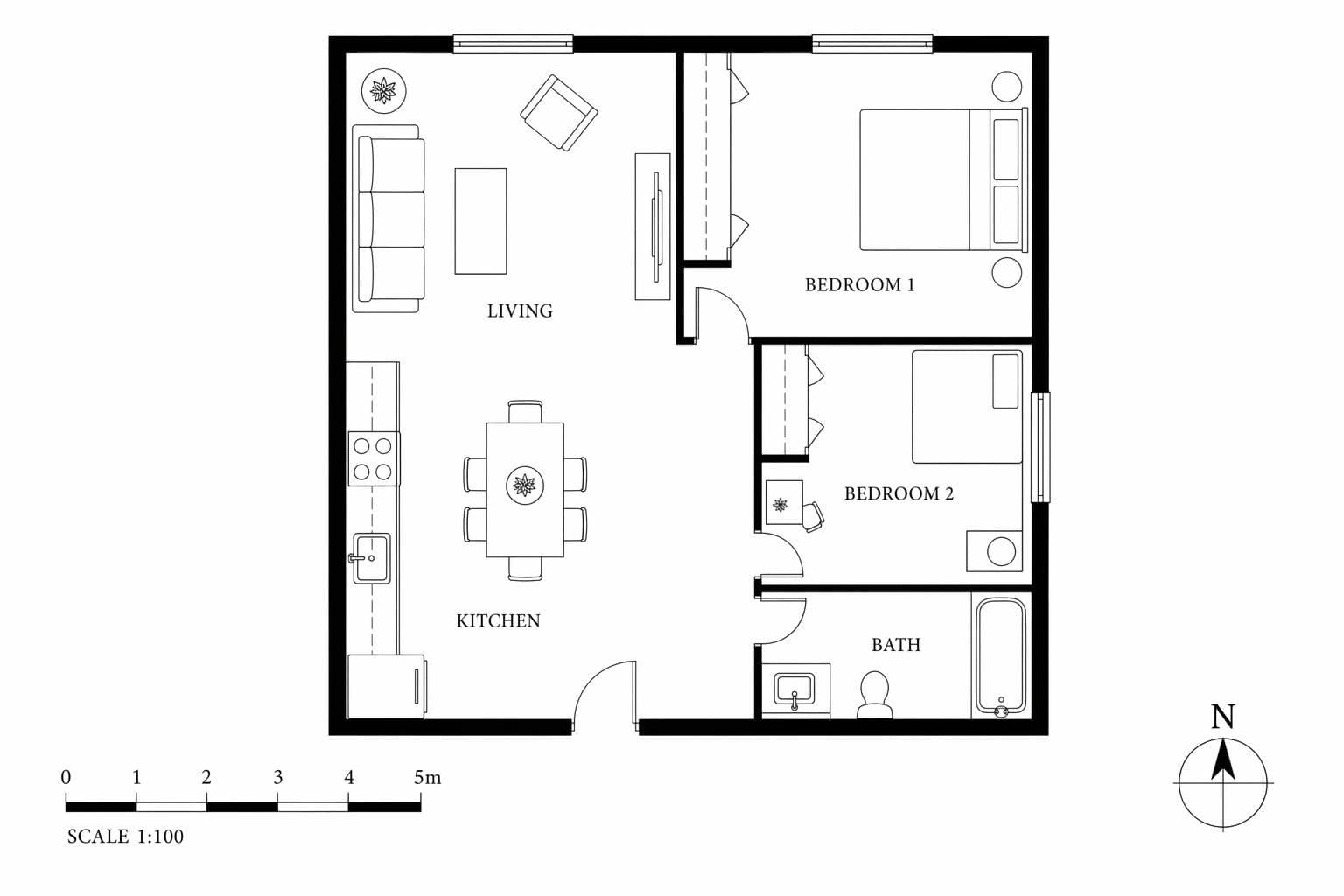
Creado para profesionales que se mueven rápido
Plano Design Styles
Furnished Render
Muebles, deco y materiales completos. Mira el espacio como si ya vivieras ahí.
Empty Shell
Solo muros, pisos y ventanas. Lienzo en blanco para tu imaginación.
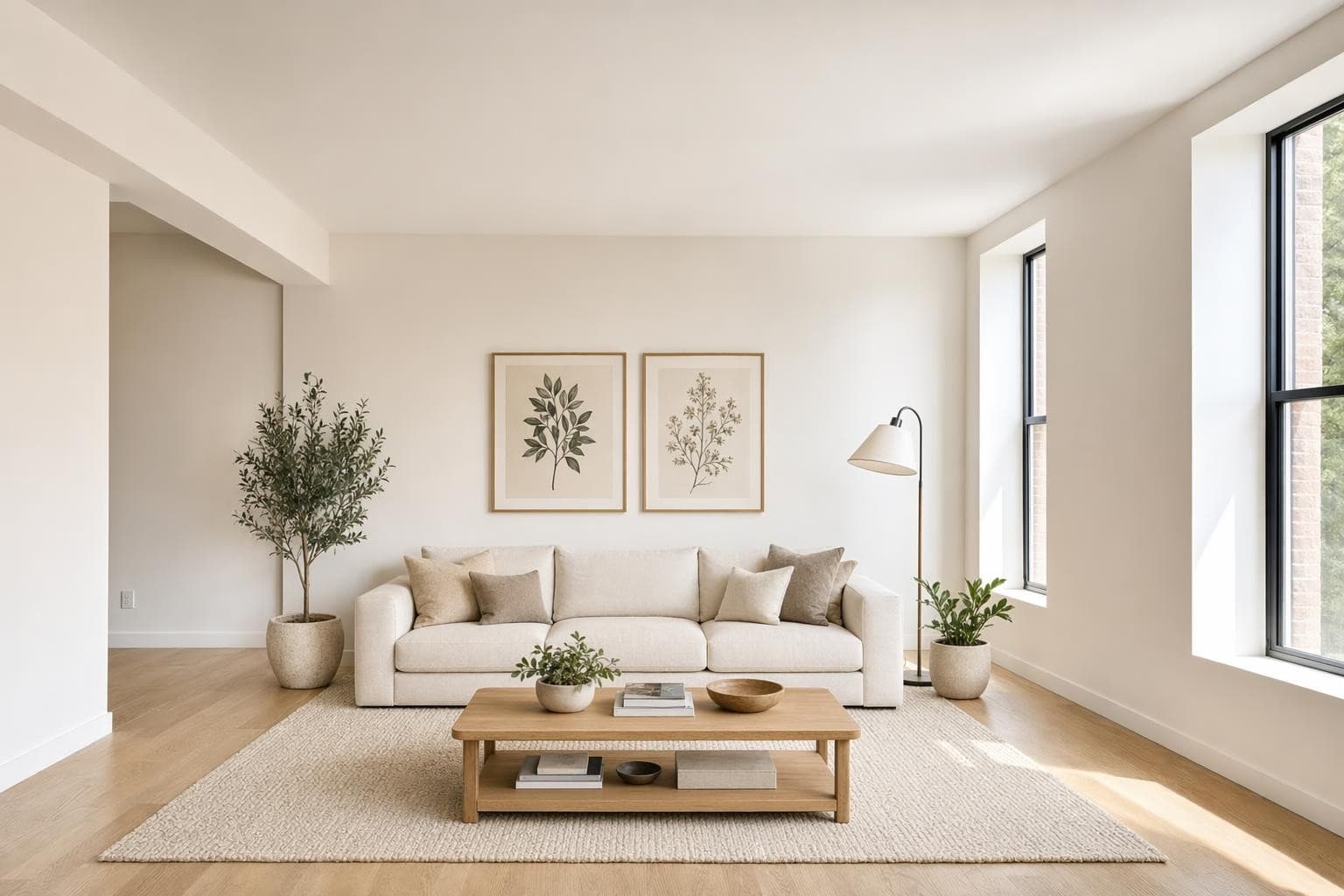
Architectural
Enfoque en la estructura. Materiales expuestos, luz natural y geometría limpia.
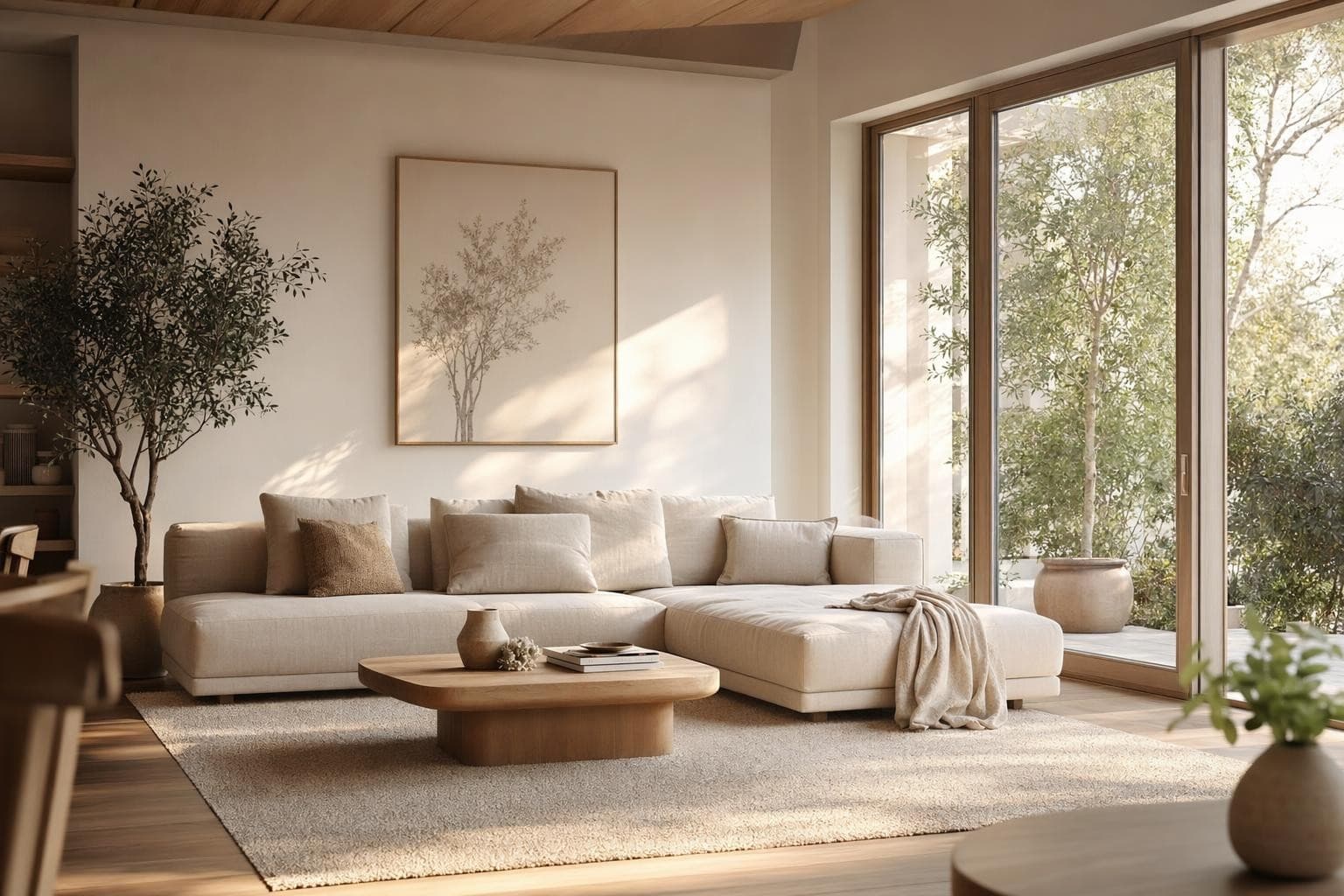
Modern Interior
Mobiliario y acabados contemporáneos aplicados a tu layout de plano.
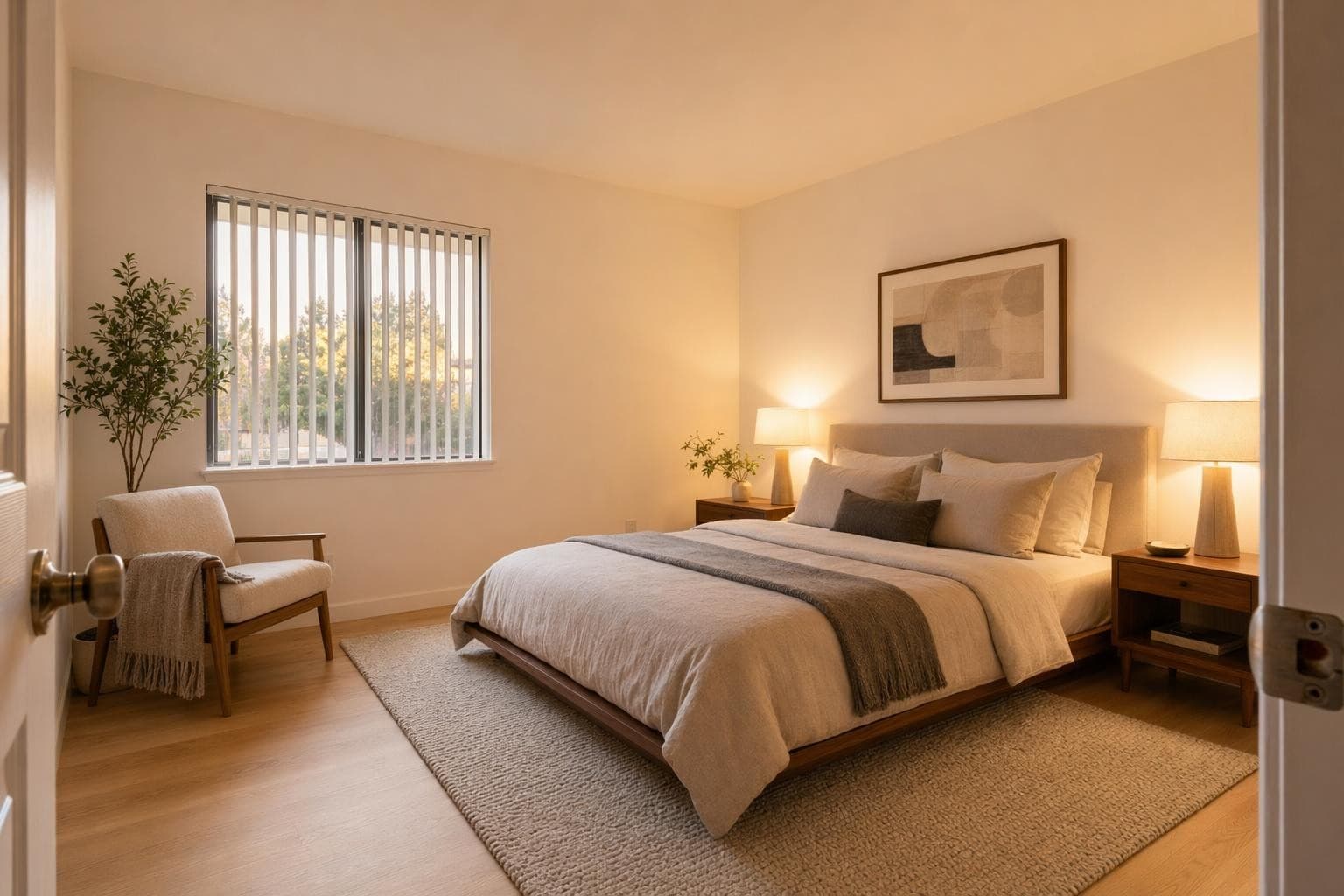
Warm Residential
Sensación acogedora y vivida con tonos cálidos y texturas.
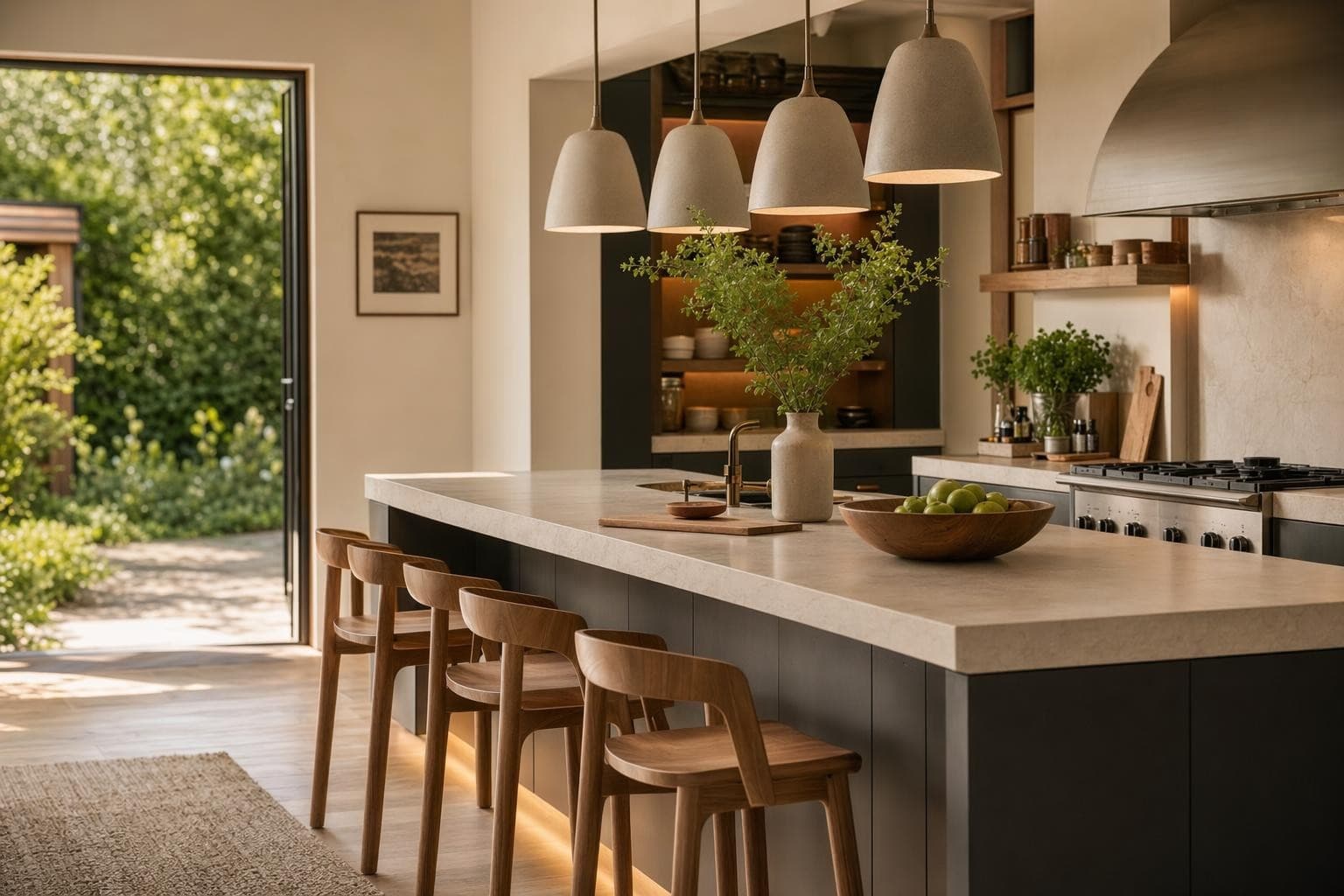
Commercial Office
Distribución de oficina con escritorios, salas de reunión y acabados profesionales.
Why AI for Plano Design?
Dale vida a planos planos
Most people can't read floor plans. They see lines and numbers, not rooms. Turn your 2D plan into a 3D render that anyone can understand. Clients, partners, and buyers immediately see what the space will feel like.
Olvida semanas de modelado 3D
Traditional 3D modeling from floor plans takes a professional days or weeks. The AI does it in seconds. It's not replacing your architect, but it gives you a fast visualization to validate ideas before investing in detailed CAD work.
Vende antes de construir
Developers and agents use floor plan renders to pre-sell units. Buyers who can visualize a space are more likely to commit. Turn every floor plan in your listing into a rendered interior that sells.
De la idea a un render impresionante en 3 pasos simples
Subir
Sube una foto o plano de tu espacio.
Elegir y personalizar
Elige un estilo, define tus objetivos, y deja que la IA haga su magia.

Render y ajustes
Obtén resultados increíbles en segundos. Descargar, compartir o ajustar.
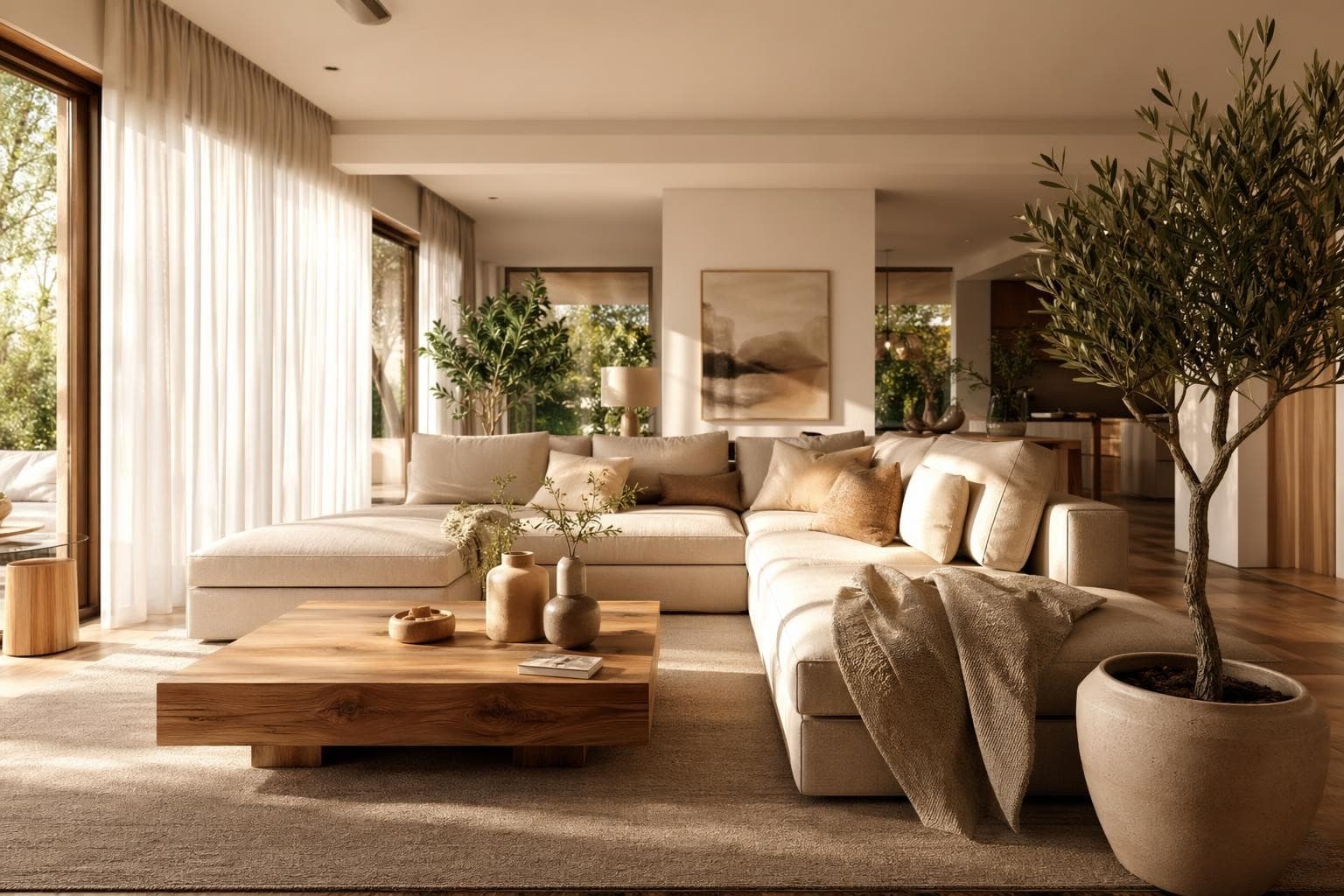
Plano Design Tips
Planos limpios dan mejores resultados
The AI reads the lines and labels in your floor plan to understand the layout. A cluttered plan with too many annotations, measurement callouts, electrical symbols, and engineering notes can confuse the interpretation. If your plan is busy, try creating a simplified version with just walls, doors, and windows marked clearly. Remove furniture symbols and dimension strings if possible. Hand-drawn sketches work too, as long as the walls are clear straight lines and room boundaries are obvious. A clean input gives you a clean, accurate 3D output every time.
Agrega etiquetas de habitaciones
If your floor plan says 'Kitchen' or 'Bedroom,' the AI uses that context to place appropriate furniture and finishes in each space. An unlabeled rectangle could be rendered as any room type, giving you random results. Writing room names in the plan, even by hand with a marker, helps the AI understand what belongs where. You'll get a kitchen with counters, appliances, and a dining nook instead of a random living room setup. Labels like 'Master BR' or 'Office' work great. Even abbreviations help the AI make better decisions about furniture selection and scale.
Úsalo para presentaciones, no para obra
Floor plan to 3D renders are visualization tools, not architectural drawings with exact measurements. They show the feeling, style, and spatial relationships of a space, not precise dimensions or structural details you'd need for permitting. Use them to get client buy-in on a concept, help buyers visualize pre-construction units in sales centers, or test interior style directions for a new build before committing. Don't use them as substitutes for proper architectural renderings when dimensional precision matters for construction or engineering purposes.
Fotografía croquis a mano con buena luz
You don't need a digital floor plan or CAD software to use this feature. A hand-drawn sketch on paper works perfectly fine. But photograph it with even lighting and no shadows falling across the drawing. Place it flat on a table, use natural light from a window, and make sure the whole page is visible in frame. Avoid angles that distort the proportions of the rooms. A straight-down shot with your phone held parallel to the paper gives the best results. Wrinkled paper, pencil shadows, or partial views are harder for the AI to interpret accurately.
Prueba varios estilos en el mismo plano
One floor plan, five completely different interiors. Render the same layout as modern, Scandinavian, industrial, traditional, and minimalist to see how style changes the feeling of identical square footage. This is perfect for developers deciding on a model unit direction, real estate agents showing buyers multiple possibilities, or homeowners building new who want to see how different furniture styles feel in their actual floor plan before the drywall goes up. The layout stays the same but the vibe changes completely with each render.
More AI Design Tools
Frequently asked questions
Everything you need to know about Stable Render.
Still have questions?
Our team is here to help you get the most out of Stable Render.
Blueprints digitales, dibujos arquitectónicos, exportaciones CAD, croquis a mano en papel e incluso bocetos rápidos en servilleta. La IA necesita ver líneas de muros y límites de habitaciones claros para interpretar bien el layout. Mientras más limpio y legible sea el plano con separaciones definidas, mejor y más preciso será el 3D. Hasta dibujos a lápiz sencillos dan resultados útiles.
New to Stable Render? Start free and explore all features.
No credit card required • Free credits to get you started
¿Listo para dar vida a tus diseños?
Únete a miles de dueños de casa, diseñadores y agentes que ahorran tiempo, impresionan a sus clientes y hacen crecer su negocio con Stable Render.