Redesign Your Inpainting
in Seconds
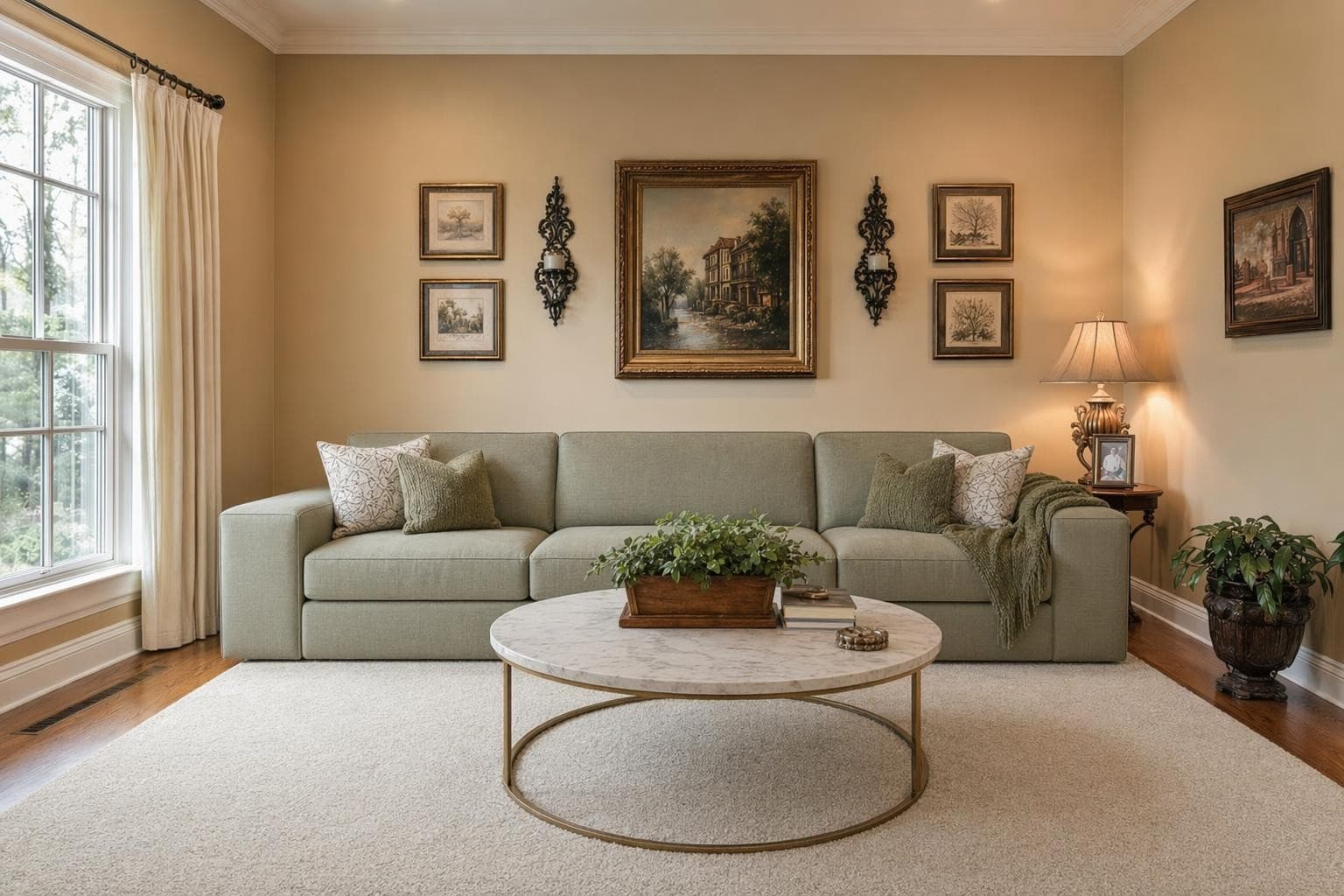
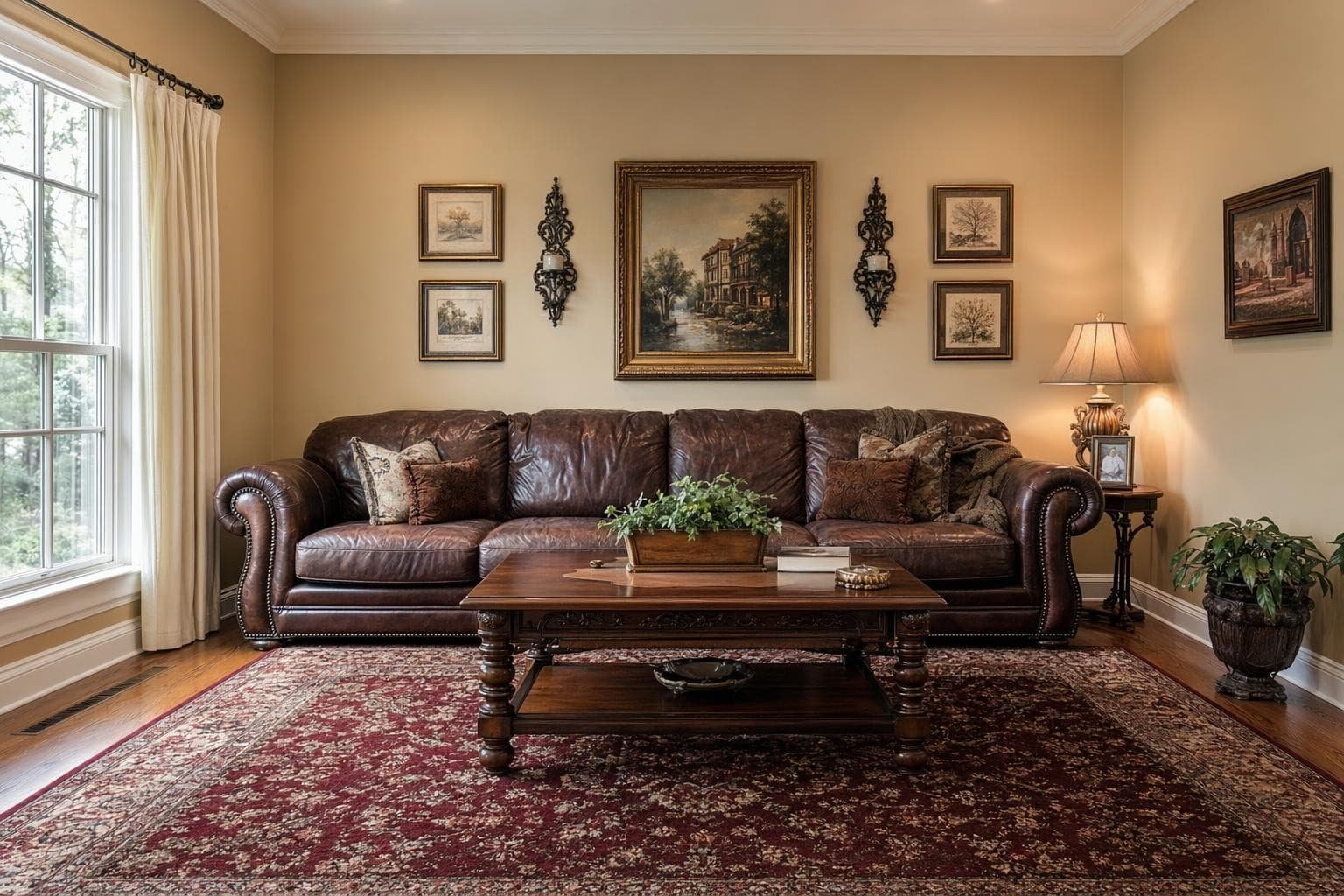
El AI inpainting te deja cambiar solo partes de un espacio sin rehacer todo. Tal vez te encanta la distribución de tu sala pero odias el sofá. O el color de la pared no va con tu vibe aunque lo demás esté perfecto. Selecciona el área a cambiar, describe lo que quieres y la IA lo rellena con detalle fotorrealista que se mezcla con el entorno. Conserva tu sofá pero cambia la alfombra. Mantén la distribución y prueba otro color de pared. Reemplaza una lámpara pasada de moda sin tocar nada más en la foto. Es edición de precisión para decisiones de interiorismo. Cada cambio tarda como 10 segundos. Más rápido y barato que comprar algo, arrepentirte y devolverlo. Las primeras 3 ediciones son gratis, sin tarjeta. Tú decides qué se cambia y qué se queda. El resto de la foto no se toca, así el resultado se ve natural y con intención.
Creado para profesionales que se mueven rápido
Inpainting Design Styles
Intercambio de muebles
Selecciona una pieza y cámbiala por algo nuevo. Mismo lugar, look renovado.
Cambio de color de pared
Pinta virtualmente en cualquier color sin comprar muestras. Vista previa al instante.
Reemplazo de piso
Prueba madera, porcelanato o alfombra en tu espacio. Testea antes de comprar.
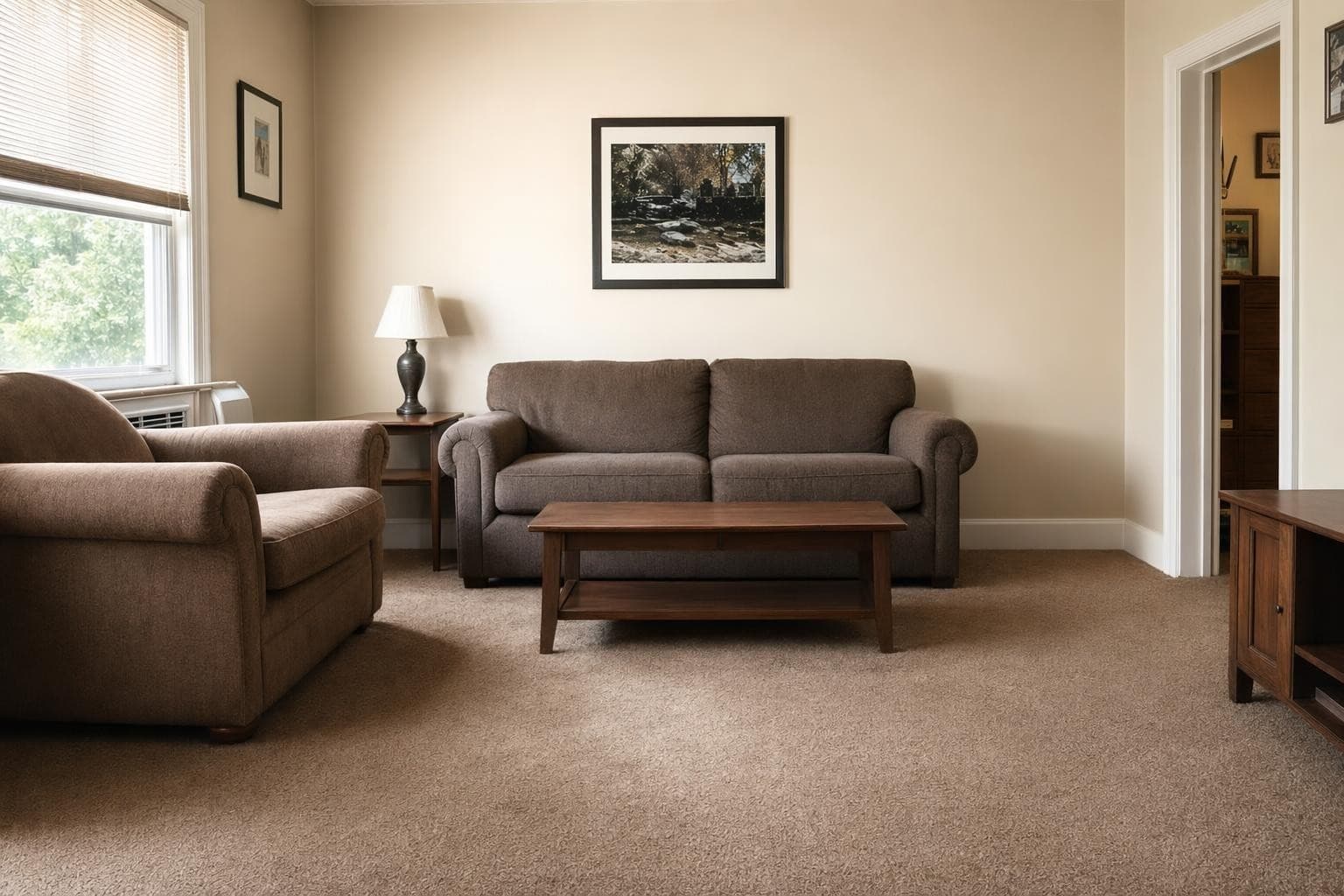
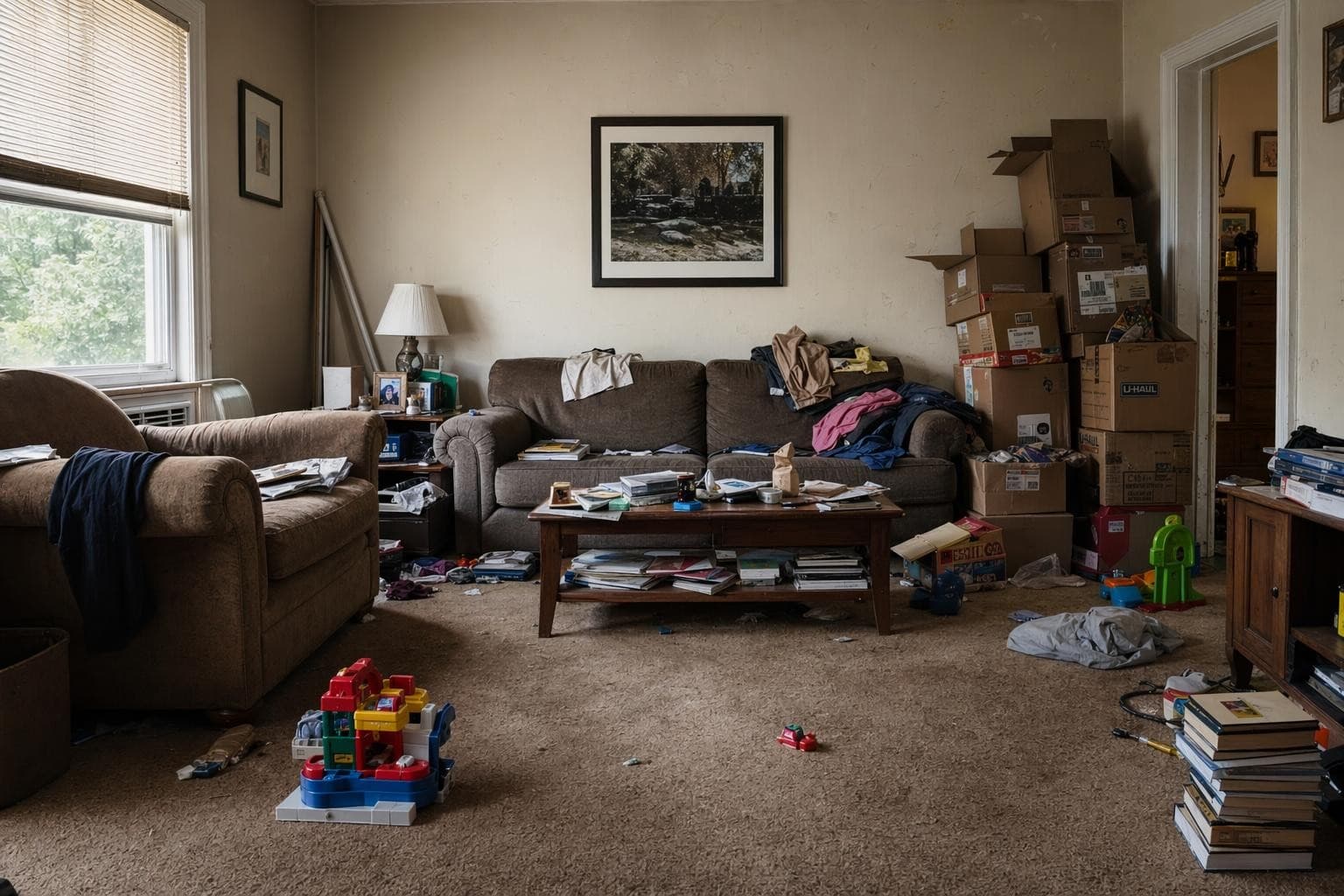
Eliminación de objetos
Quita cables, desorden o accesorios viejos. Borra lo que sobra.
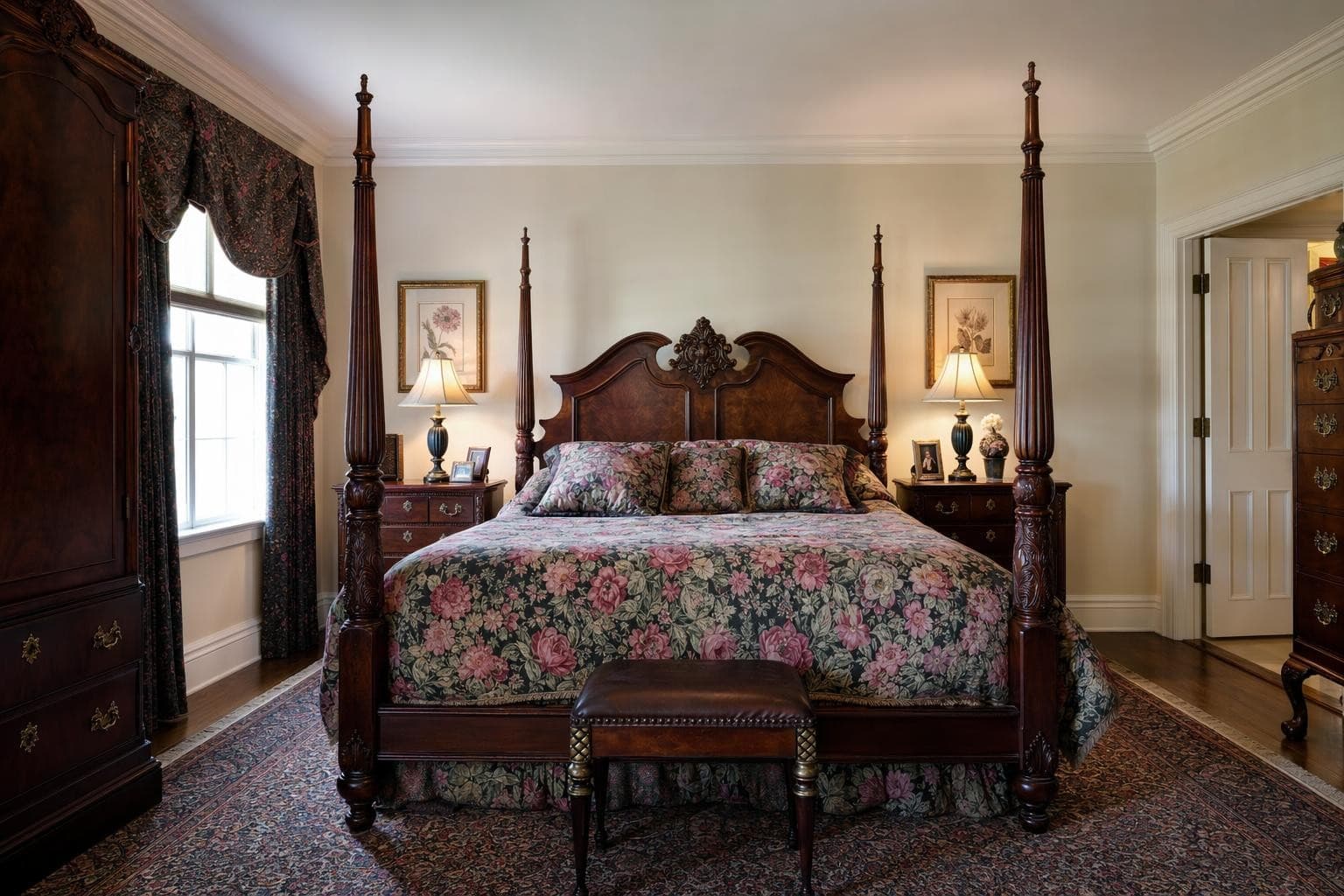
Actualización de herrajes y luminarias
Nuevas lámparas, grifería o tiradores. Cambios pequeños con gran impacto.
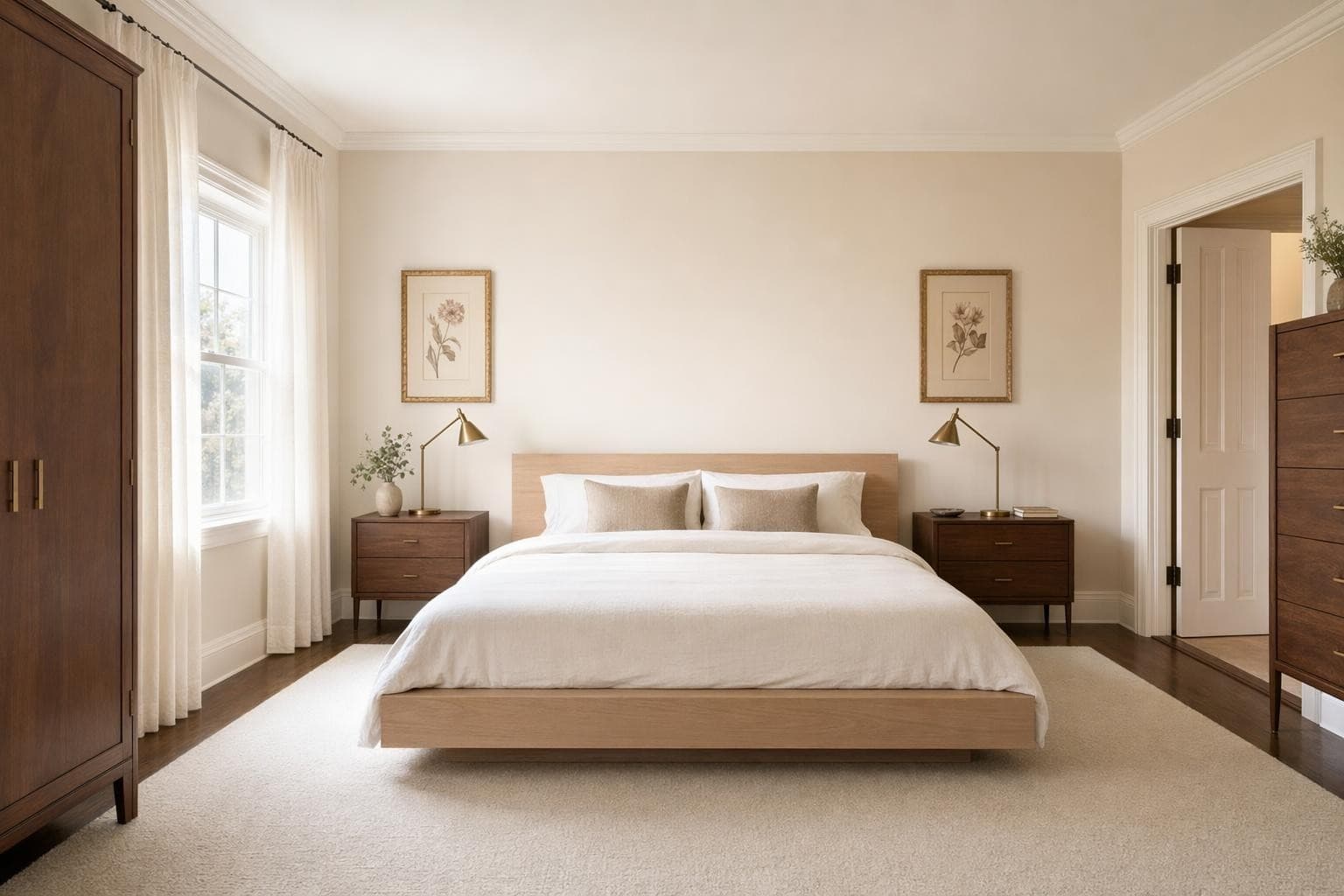
Tratamiento de ventanas
Prueba cortinas, persianas o shutters. Mira cómo enmarcan tus ventanas.
Why AI for Inpainting Design?
Cambia una cosa sin mover todo
Full room renders are great for exploring new styles. But sometimes you love your room and just want to swap one piece. Inpainting lets you replace a single item while keeping everything else exactly as it is.
Control preciso de la edición
Draw a selection around exactly what you want to replace. The AI only modifies what's inside your selection. Everything outside stays untouched. Perfect for testing individual furniture pieces, paint colors, or flooring options.
Itera rápido una decisión
Can't decide between three rugs? Inpaint just the floor area three times and compare. Much faster than rendering the entire room over and over. Focus your credits on the specific decision you're trying to make.
De la idea a un render impresionante en 3 pasos simples
Subir
Sube una foto o plano de tu espacio.
Elegir y personalizar
Elige un estilo, define tus objetivos, y deja que la IA haga su magia.

Render y ajustes
Obtén resultados increíbles en segundos. Descargar, compartir o ajustar.
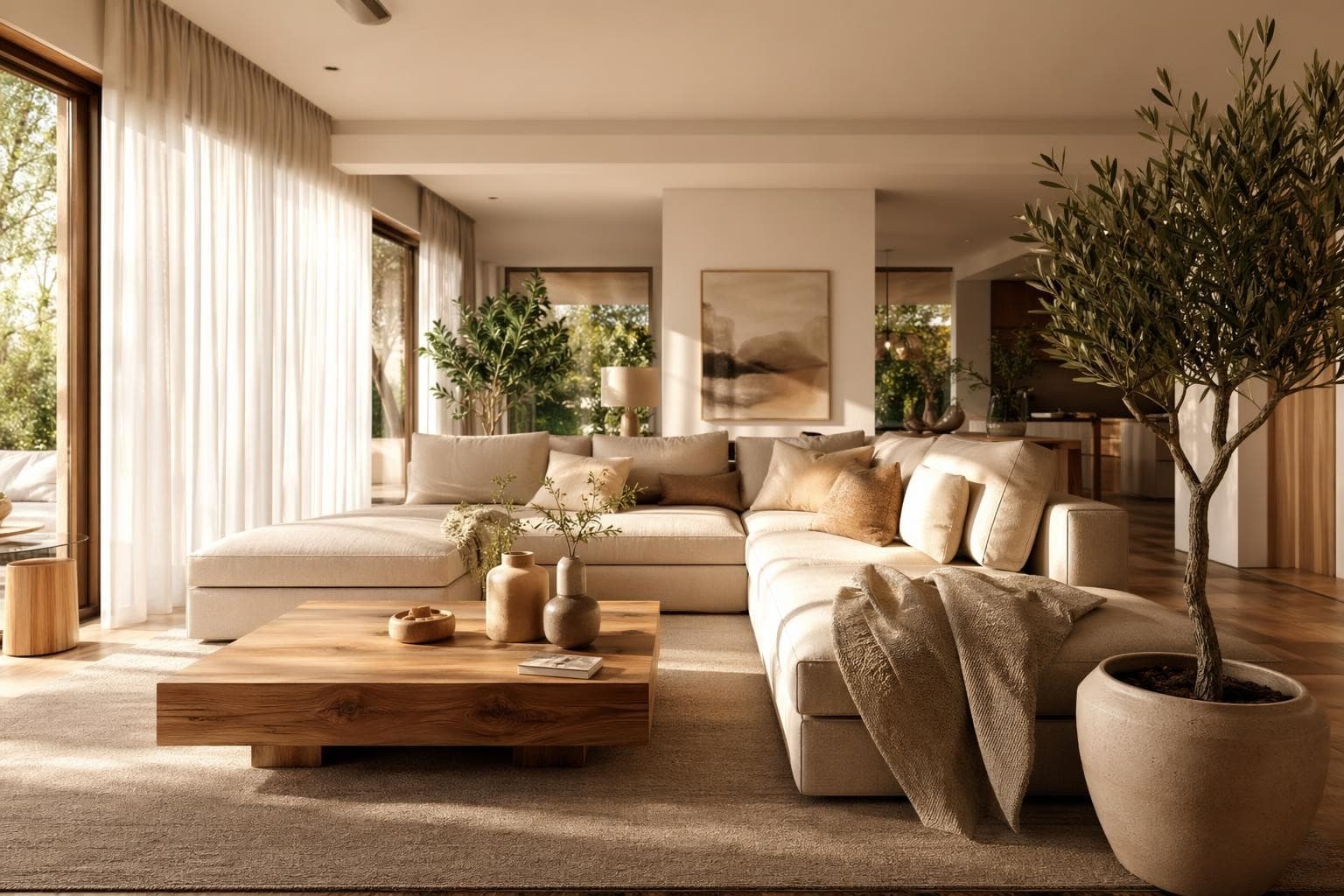
Inpainting Design Tips
Selecciona un poco más grande que el objeto
When you draw your selection for inpainting, include a small margin around the object, about 10 to 20 pixels of surrounding area. If you're replacing a lamp, select a few inches of wall behind it too. This gives the AI room to blend the new object naturally with its surroundings and match the lighting. Tight selections sometimes leave visible edges or color mismatches where the old and new pixels meet. A generous selection with some background context produces cleaner, more natural-looking results every time. Think of it like masking tape when painting: a little extra coverage prevents messy edges. Most people are surprised how precise it is once they try it on their own photos.
Sé específico en tu prompt
Saying 'a chair' gives the AI too much freedom and you'll get something random. Saying 'a mid-century walnut armchair with cream linen cushions' tells it exactly what you want. The more specific your description, the closer the result to what you had in mind. Include material, color, style, and approximate size if possible. Compare 'a rug' to 'a 5x7 navy blue Persian rug with gold geometric accents.' The second prompt gives you something specific and useful every time. You can always regenerate with a different description if the first result isn't quite right.
Haz virtual staging por partes
Have an empty room? Instead of rendering the whole space at once with a full redesign, you can use inpainting to add furniture piece by piece. Start with the largest item (sofa or bed), then add side tables, then lighting, then decor. This gives you much more control over each individual piece and lets you build the room exactly how you want it rather than accepting whatever the AI decides. It uses more credits per room, but the precision is worth it if you're staging a real estate listing where every detail matters.
Para borrar objetos, describe el fondo
Want to remove something from a photo entirely? Select the object and describe what should be behind it. If there's a lamp in front of a white wall, select the lamp and type 'plain white wall with subtle texture.' The AI fills the area with a natural continuation of the background. This works great for decluttering photos before listing them on real estate sites, or for removing personal items like family photos from rooms you want to share publicly. The AI handles shadows and reflections automatically in most cases.
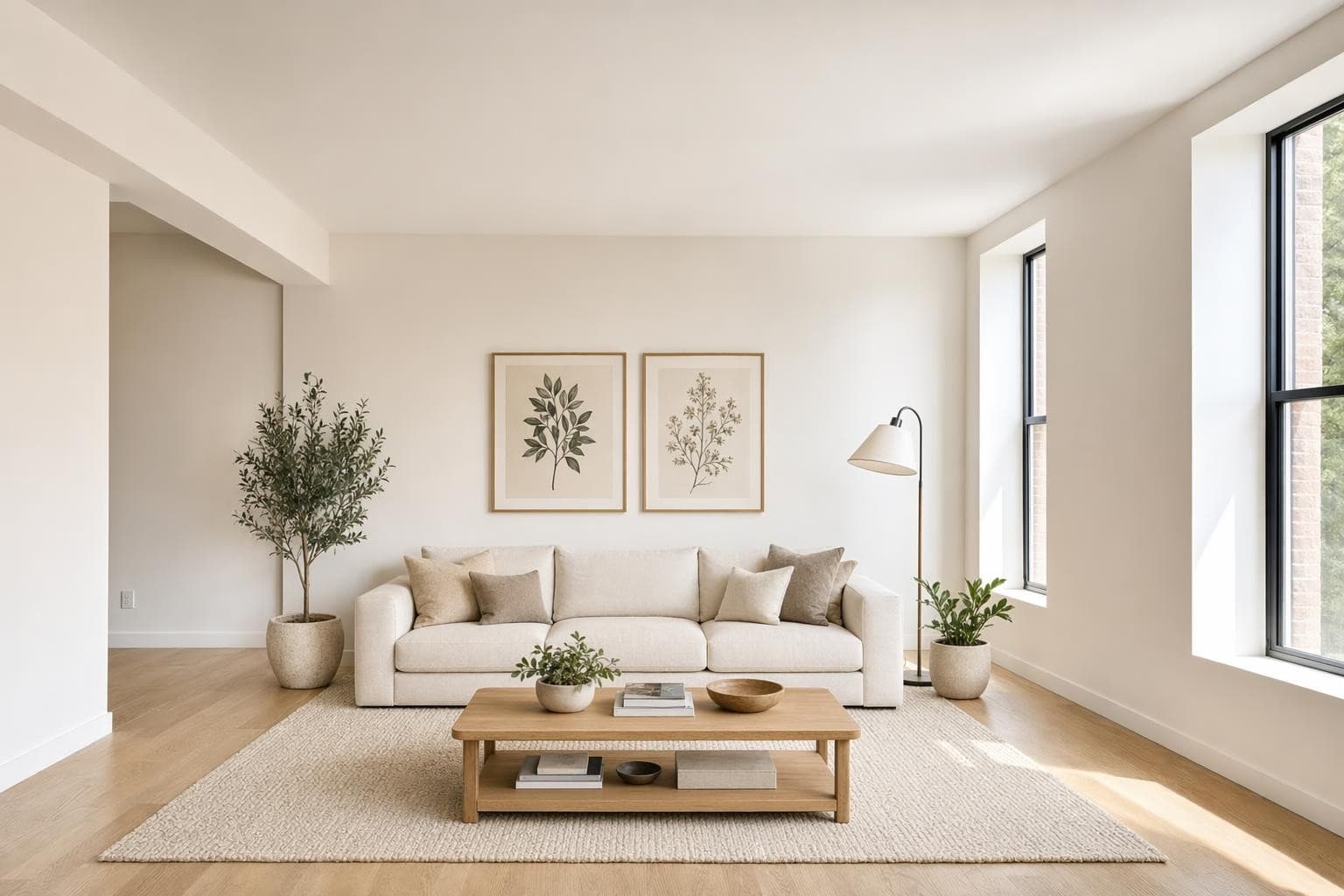
Cuida la dirección de la luz
Look at where the light is coming from in your photo. If sunlight streams in from the left side, any object you add should have highlights on its left and shadows on its right. You can help the AI by mentioning lighting in your prompt: 'a green velvet sofa, lit from the left with warm natural light.' The AI usually handles this automatically when the light source is obvious, but adding a lighting note produces more consistent results in rooms with strong directional light from windows. Mismatched lighting is the fastest way to make a swap look fake.
More AI Design Tools
Frequently asked questions
Everything you need to know about Stable Render.
Still have questions?
Our team is here to help you get the most out of Stable Render.
Un render completo rediseña todo el espacio con un estilo nuevo y cambia todo lo visible. El inpainting te deja seleccionar un área específica y modificar solo esa parte. Todo fuera de tu selección queda igual. Es para ediciones de precisión en elementos puntuales, no para rediseños totales.
New to Stable Render? Start free and explore all features.
No credit card required • Free credits to get you started
¿Listo para dar vida a tus diseños?
Únete a miles de dueños de casa, diseñadores y agentes que ahorran tiempo, impresionan a sus clientes y hacen crecer su negocio con Stable Render.